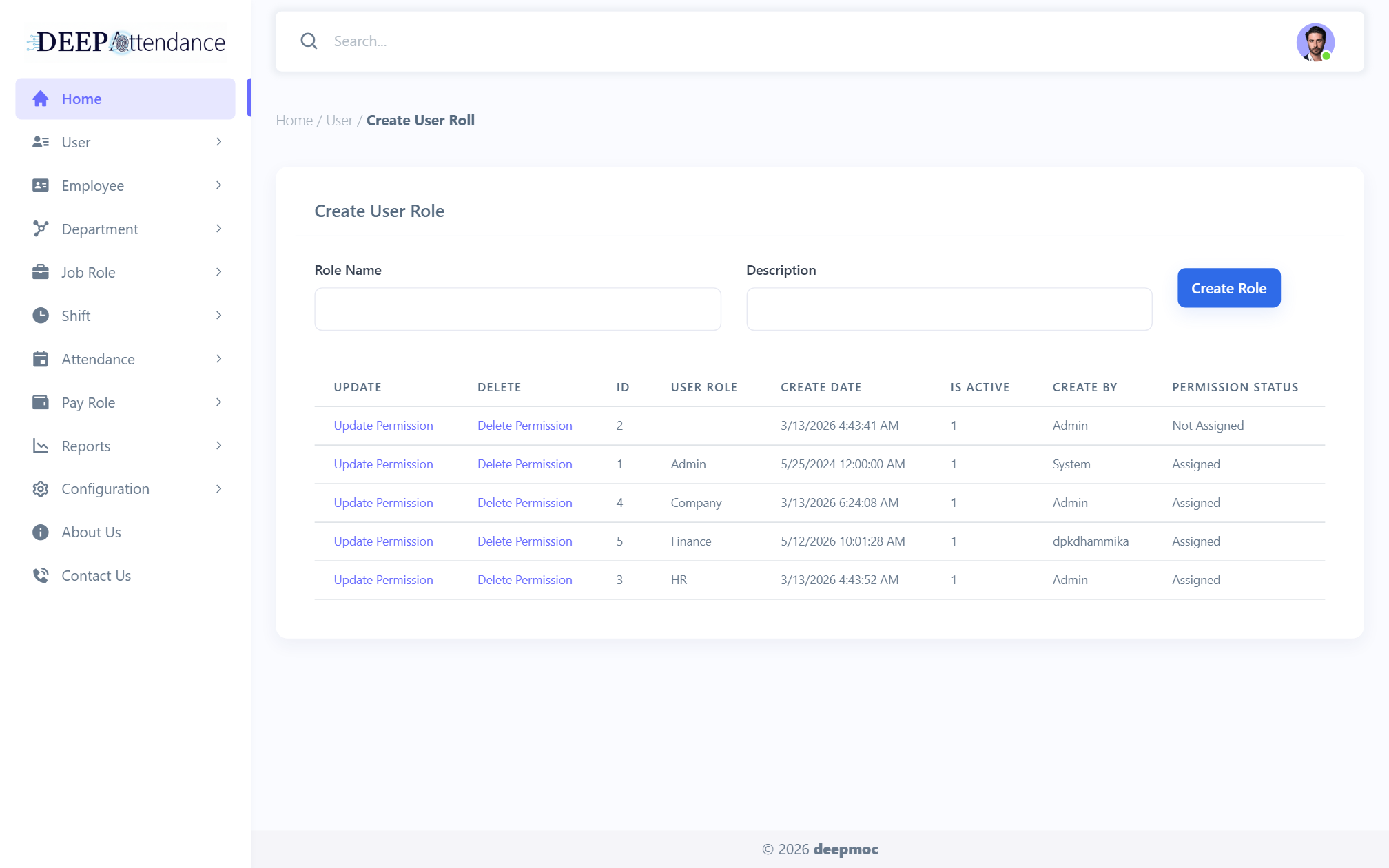
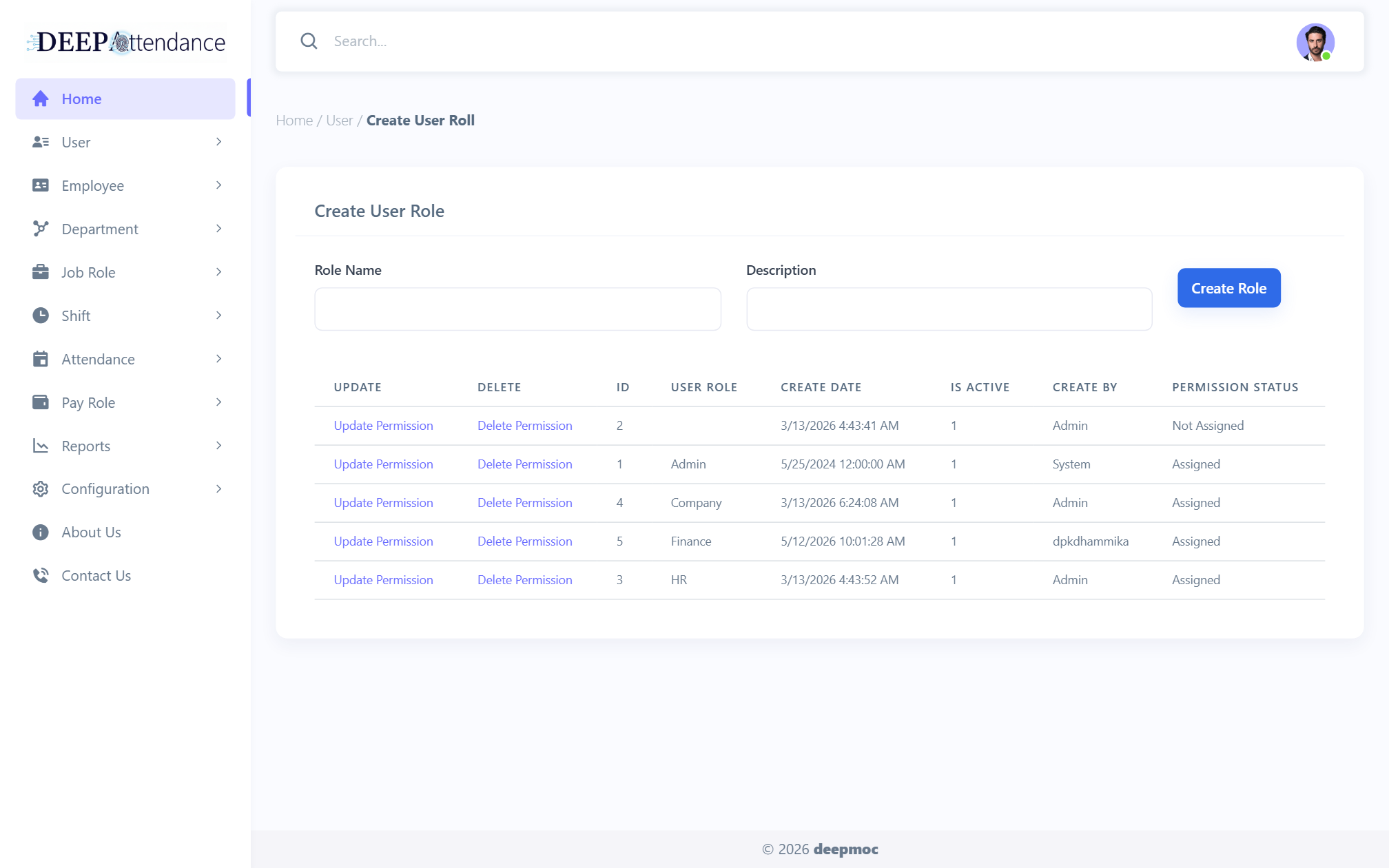
User
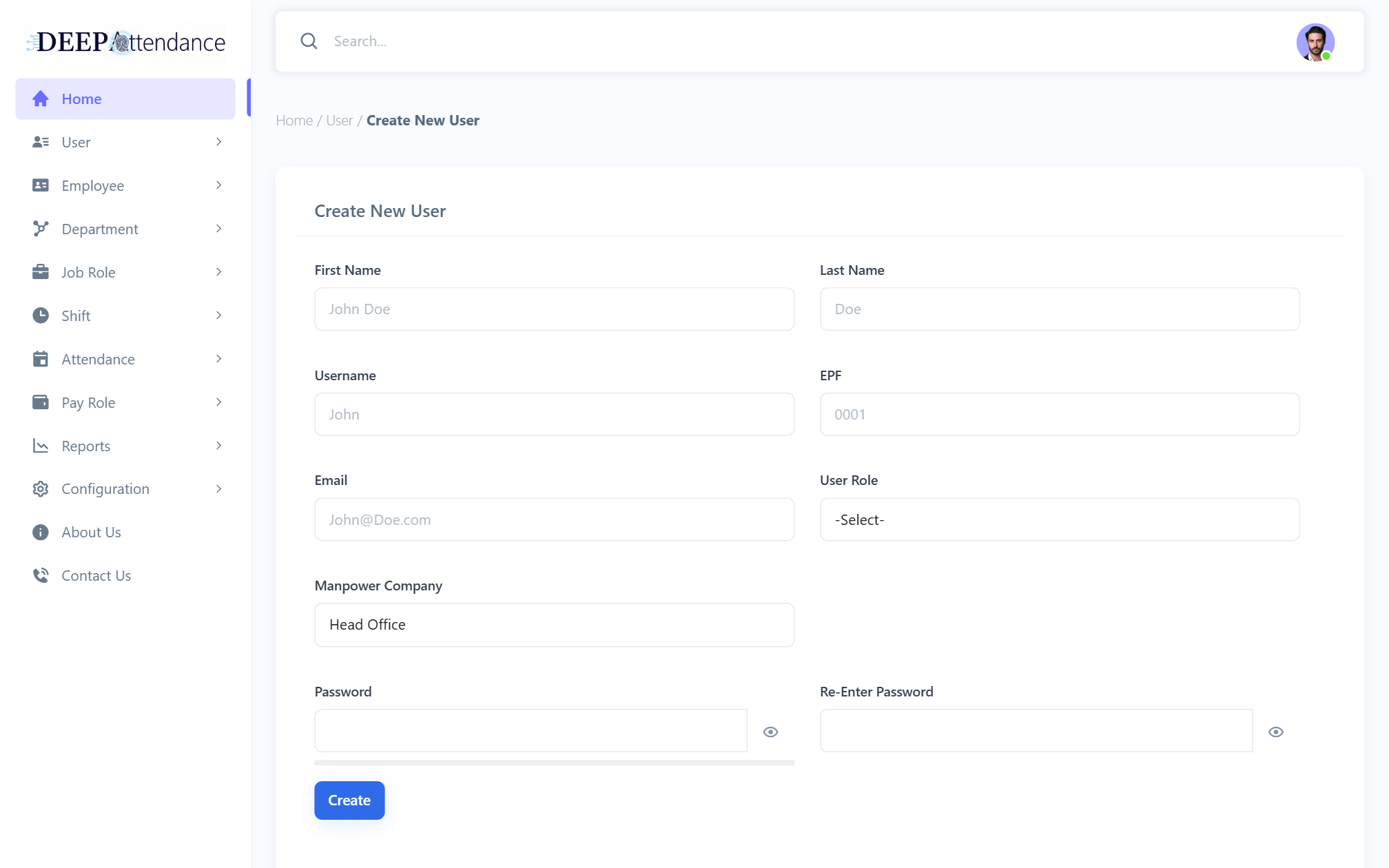
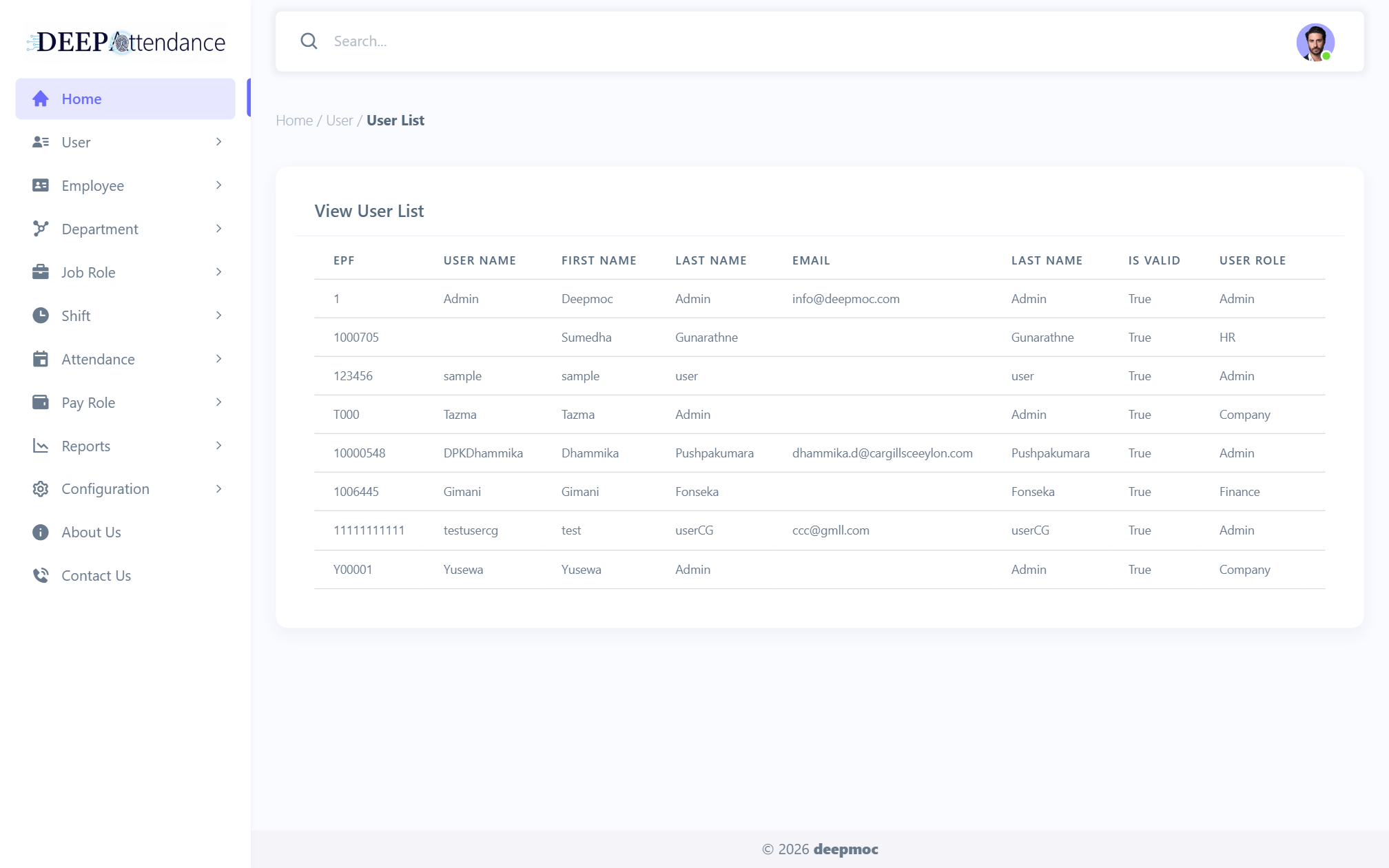
User Creations, Manage User, Manage Roles with page permissions.

Back-office control for shift-basis manpower attendance — import punches, confirm day and night shifts, calculate salary, and produce invoice-ready reports.
One signed-in portal with role-gated menus — Head Office or manpower-company scope.
Role-based sidebar for users, organisation setup, employees, shifts, attendance confirmation, salary calculation, invoice settings, and operational reports. No separate sales or customer portals.
Mapped from the live admin menu — day & night manpower attendance through payroll and invoices.
User Creations, Manage User, Manage Roles with page permissions.
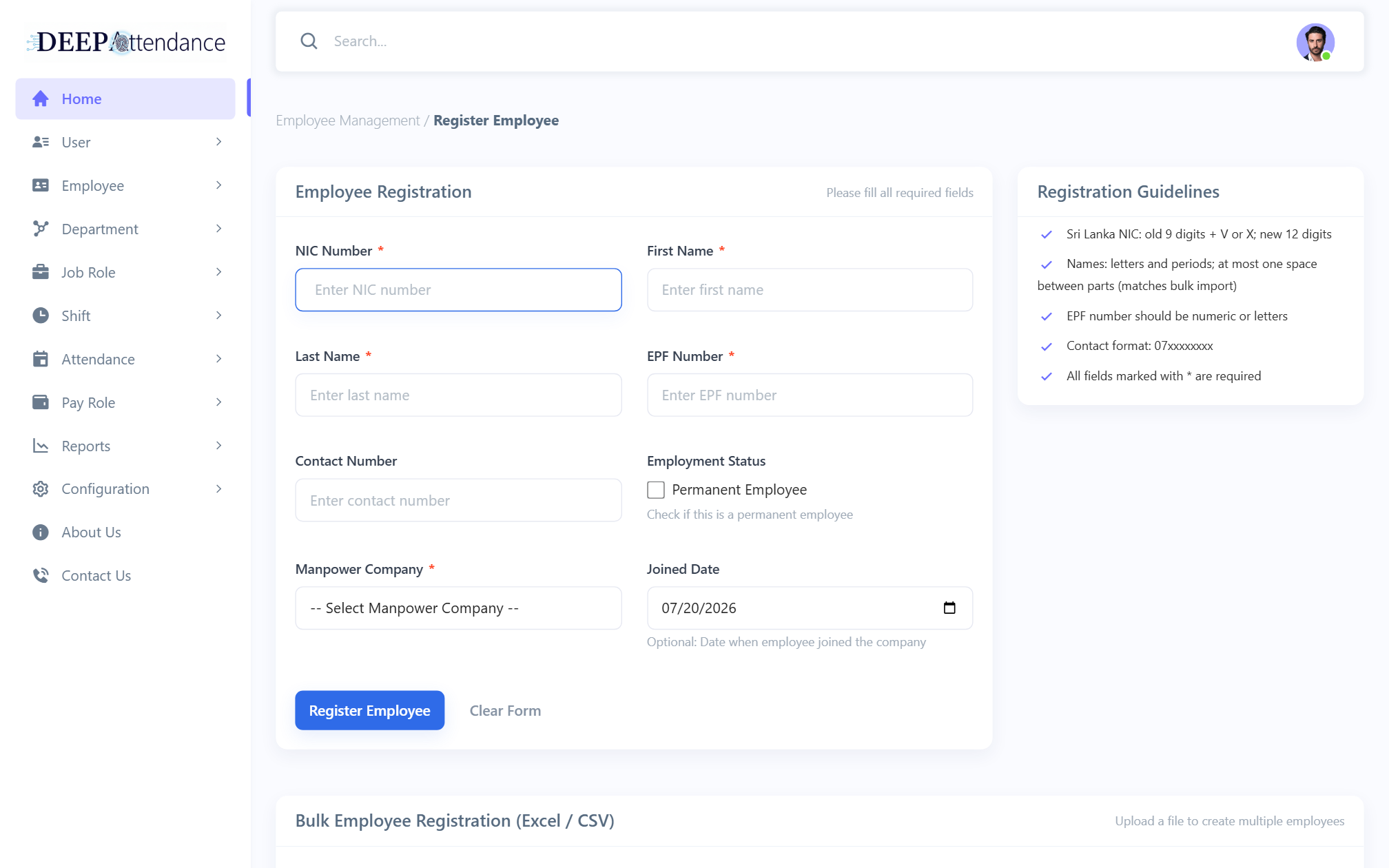
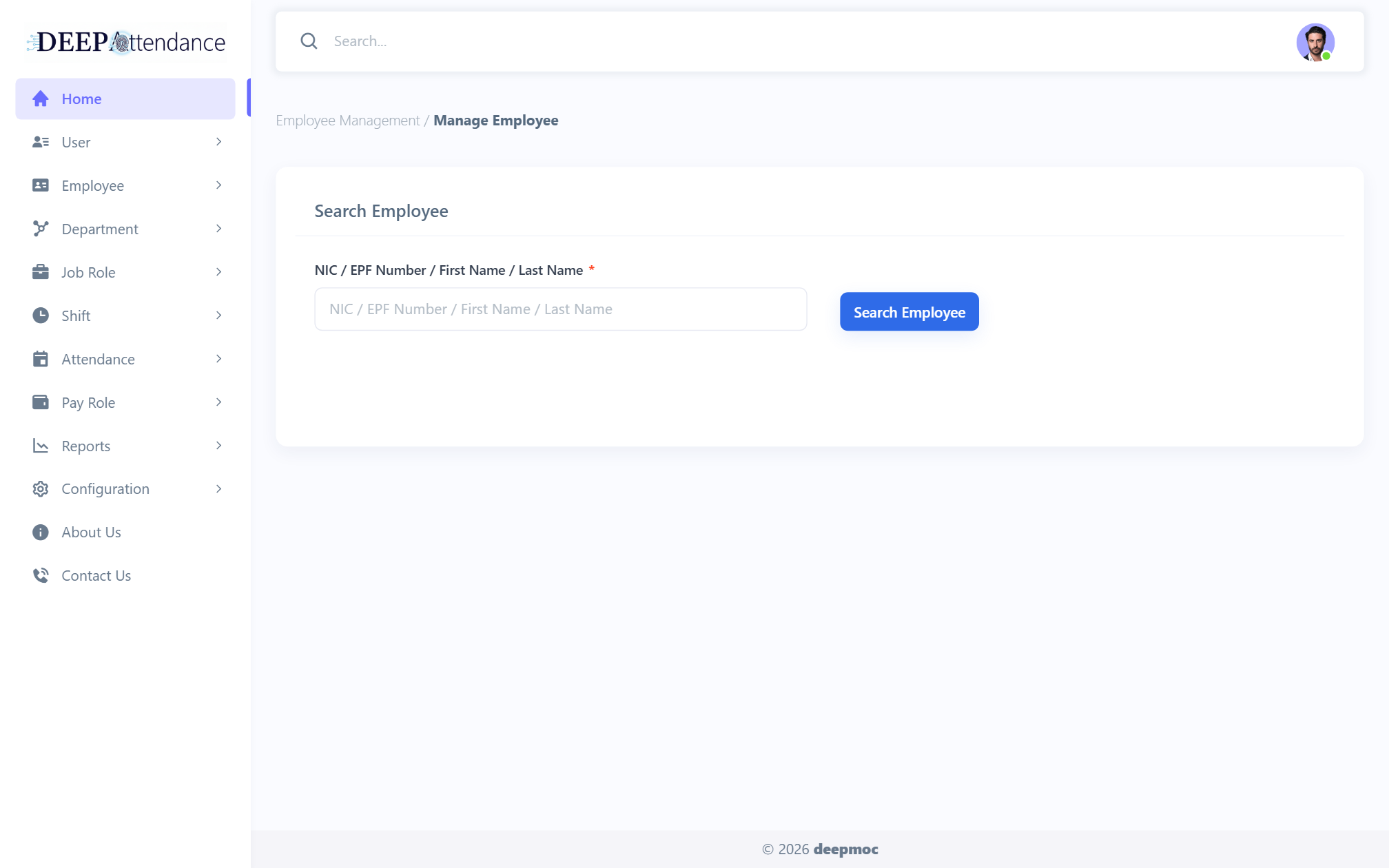
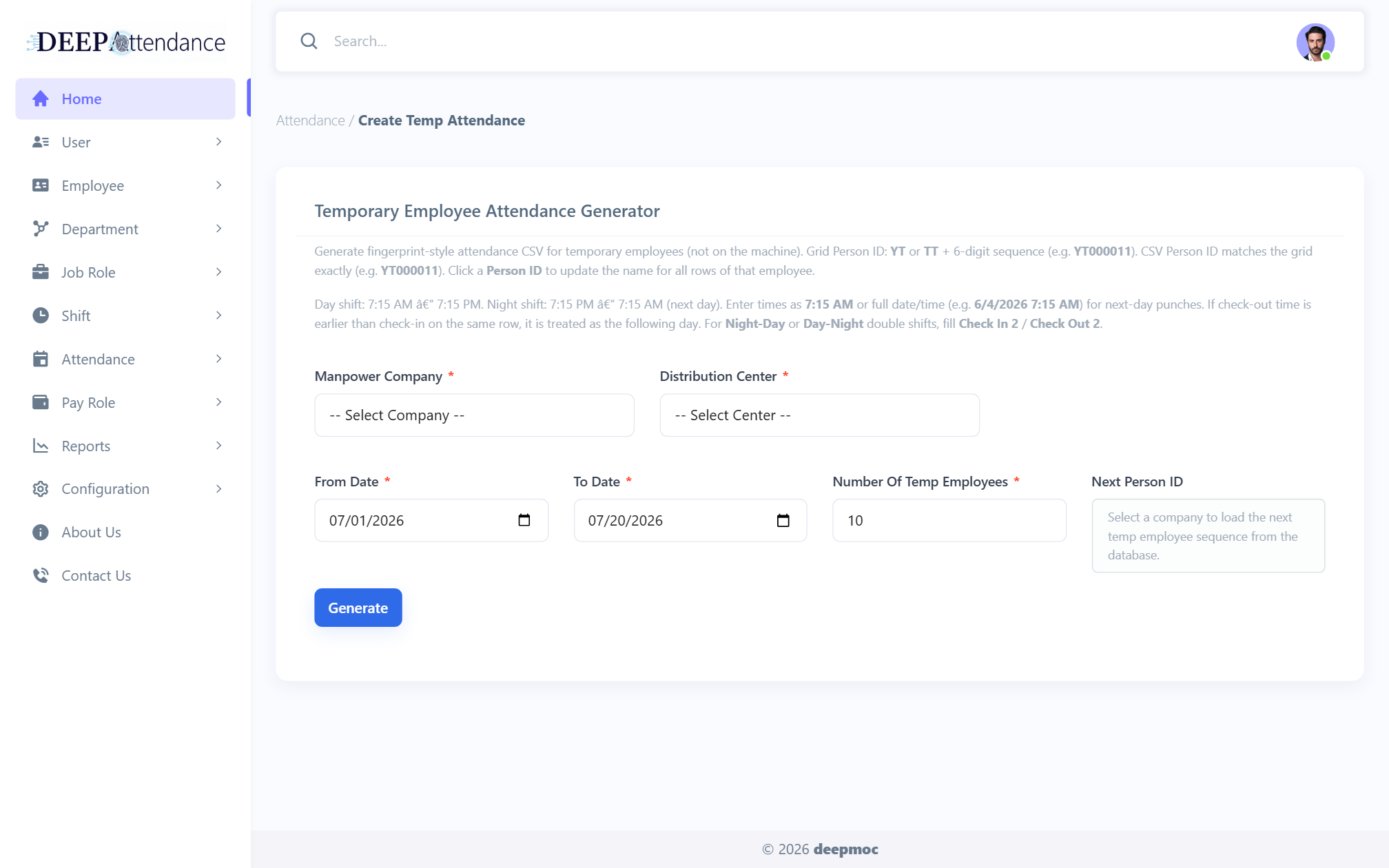
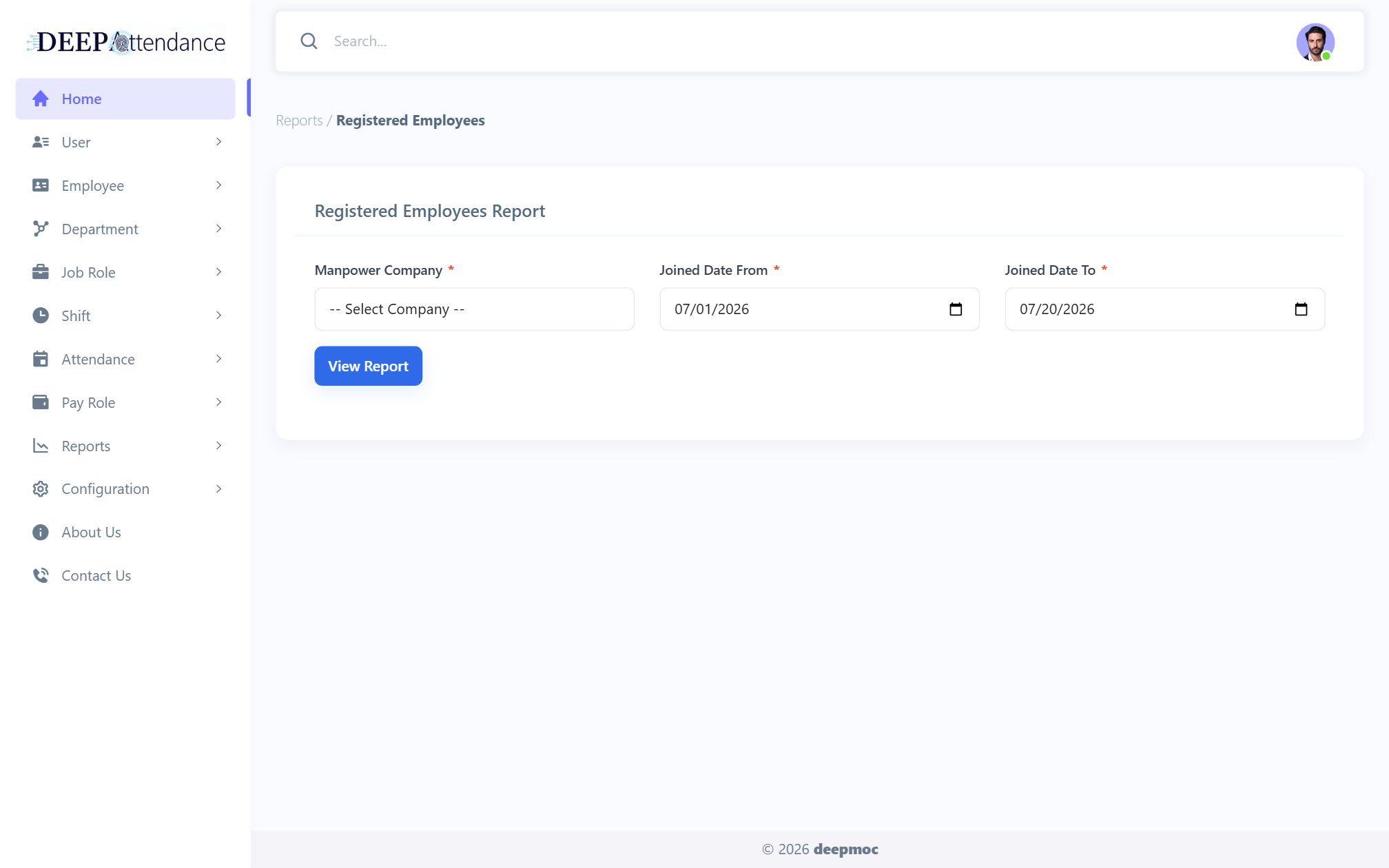
Register (single/bulk), Manage Employee, Temp Attendance generator.
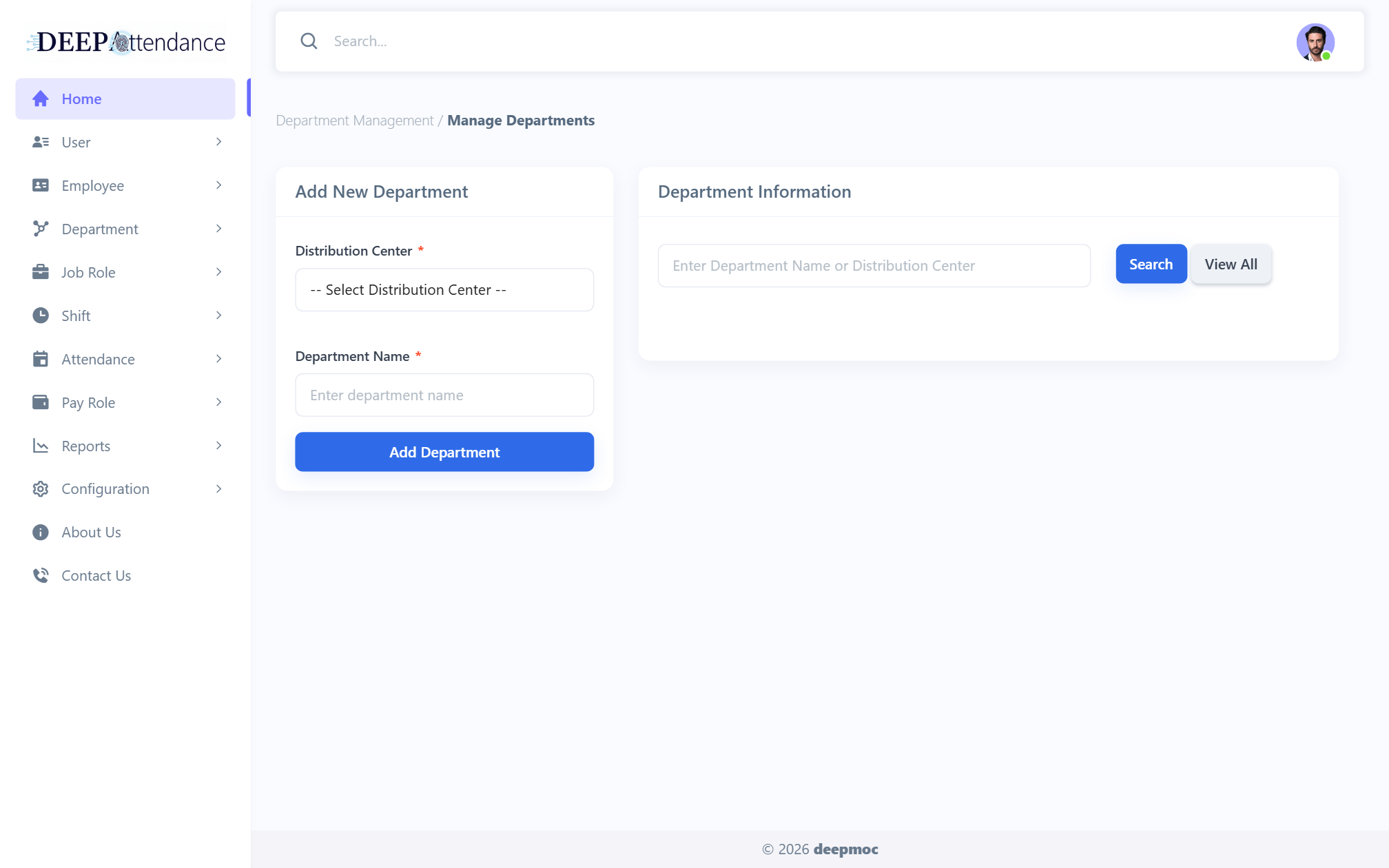
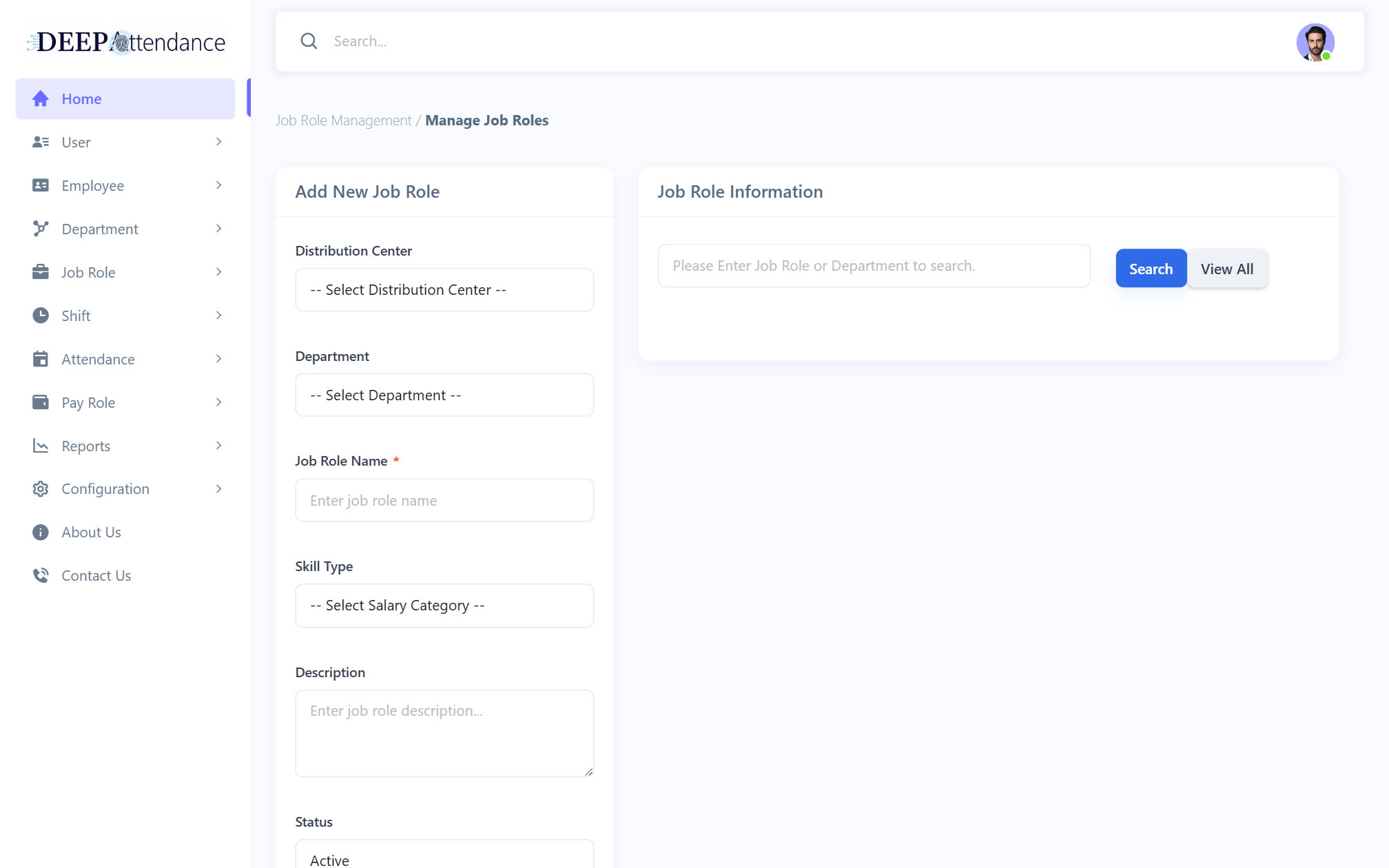
Manage departments and job roles that drive roster and invoice fees.
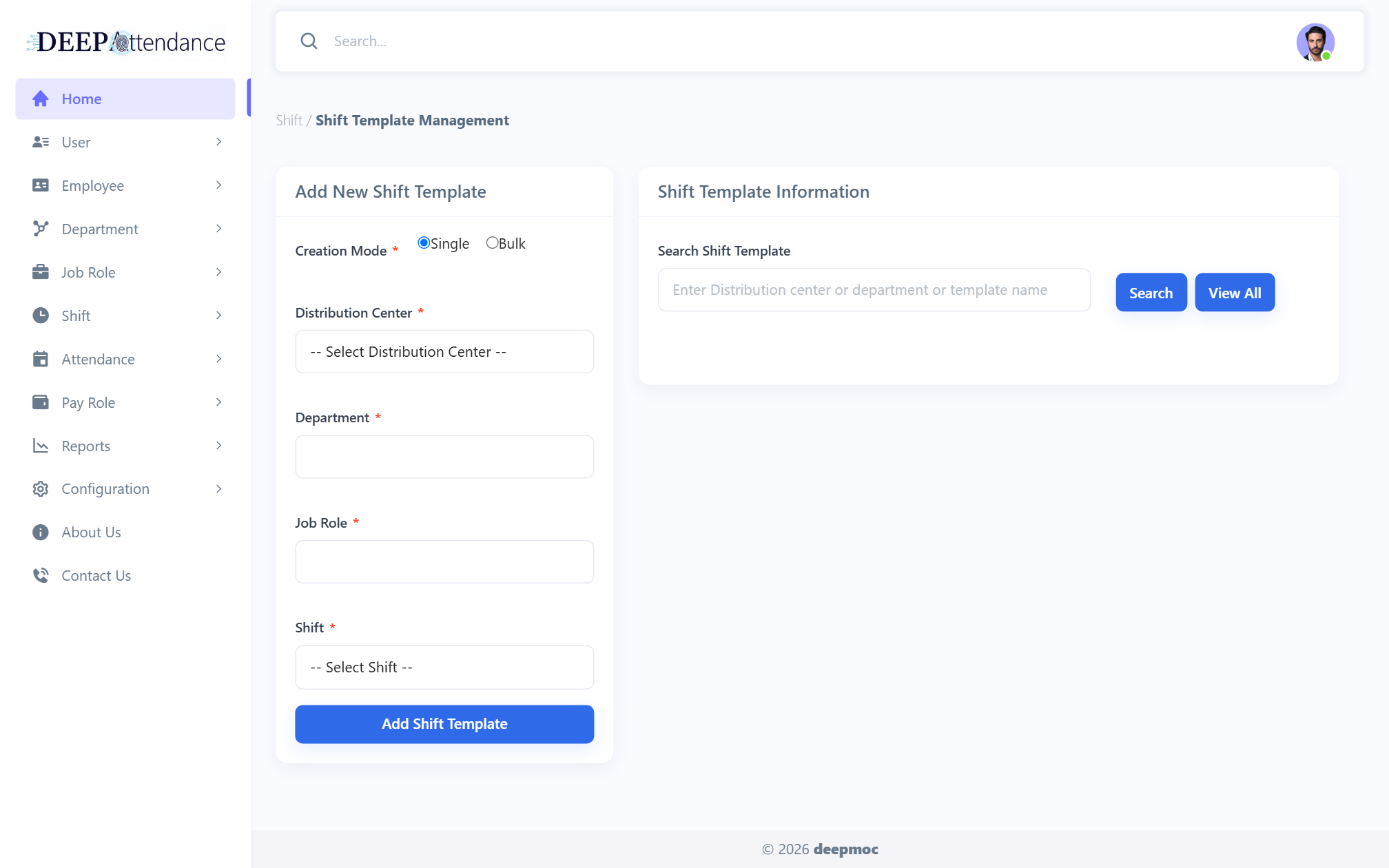
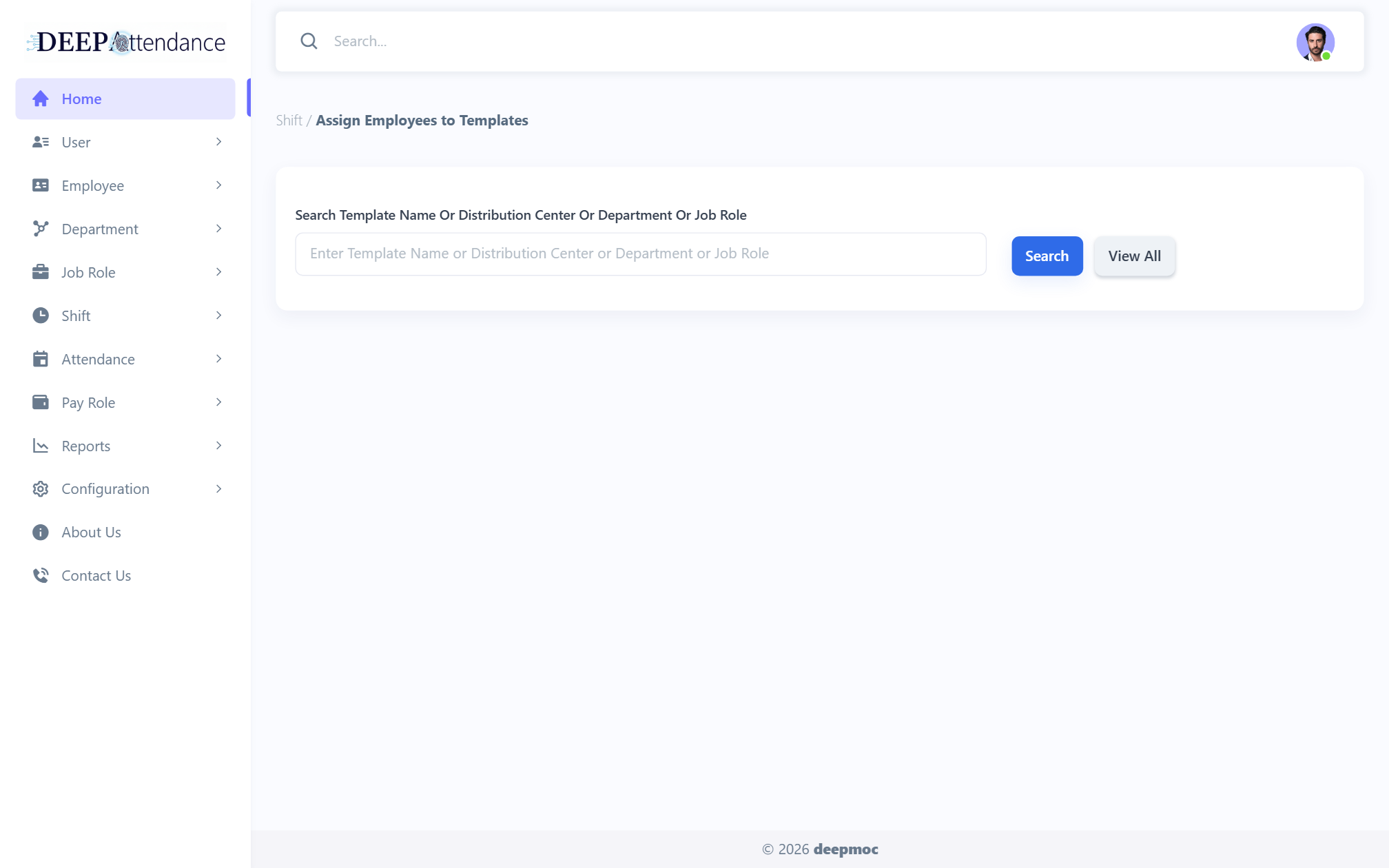
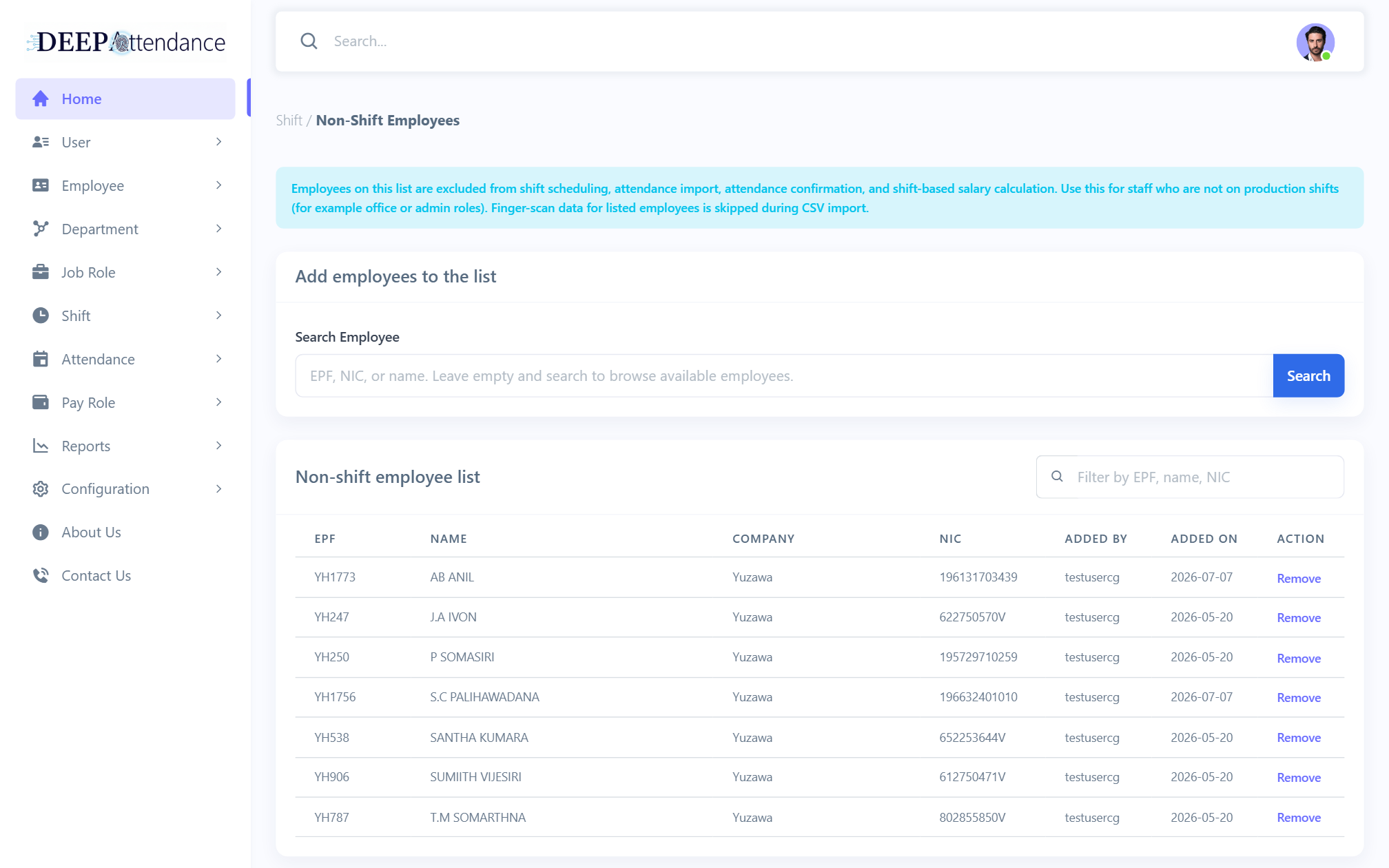
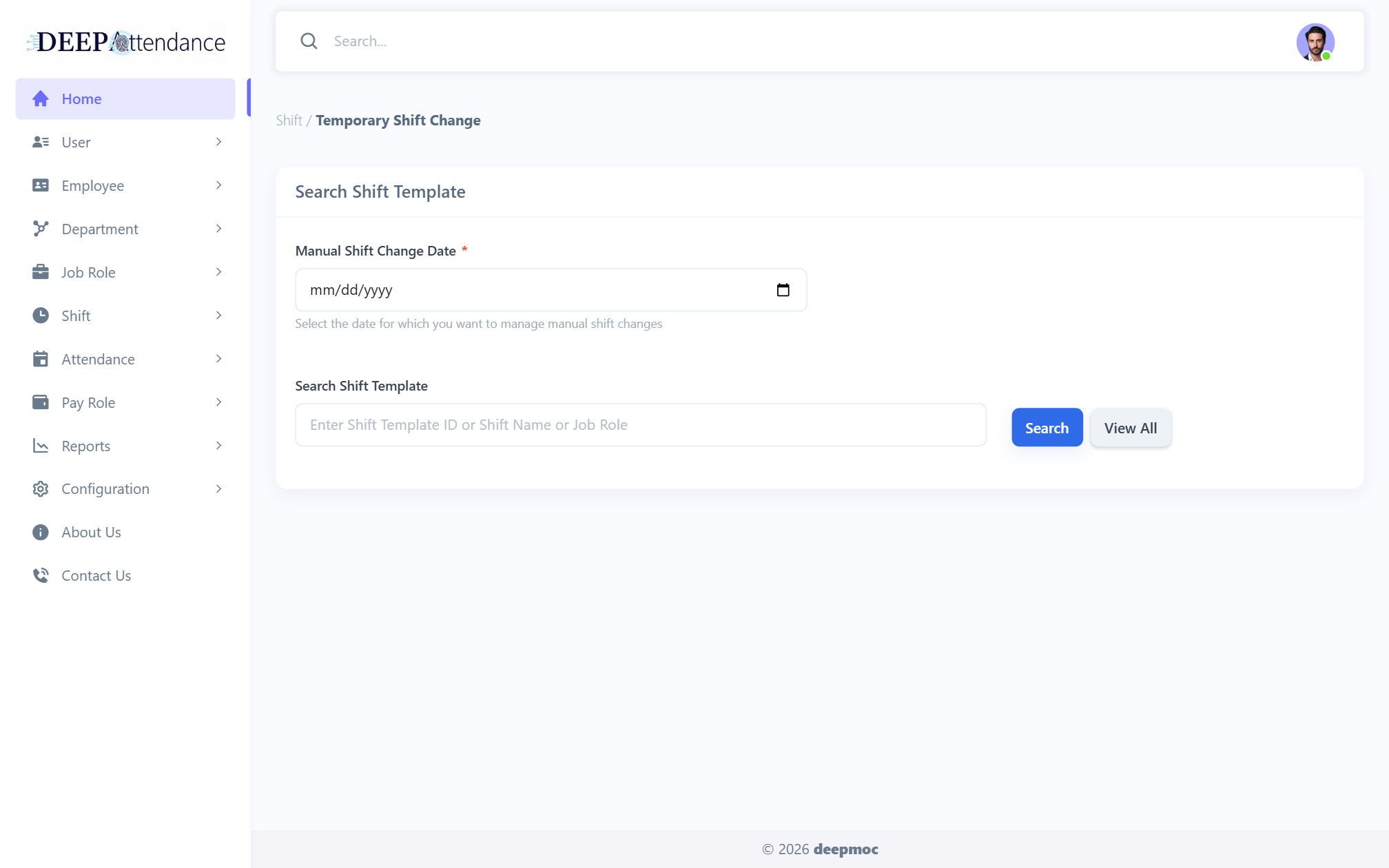
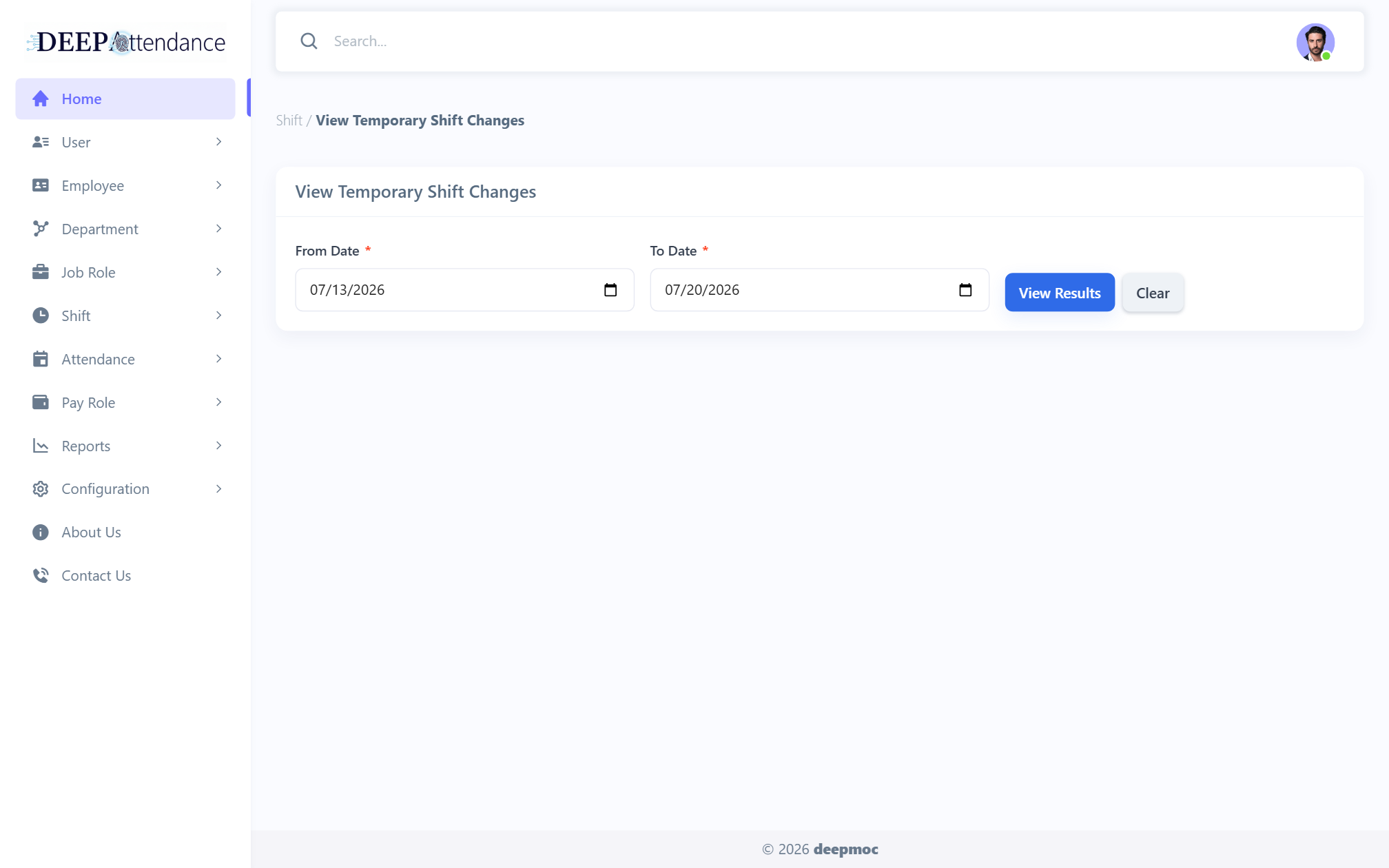
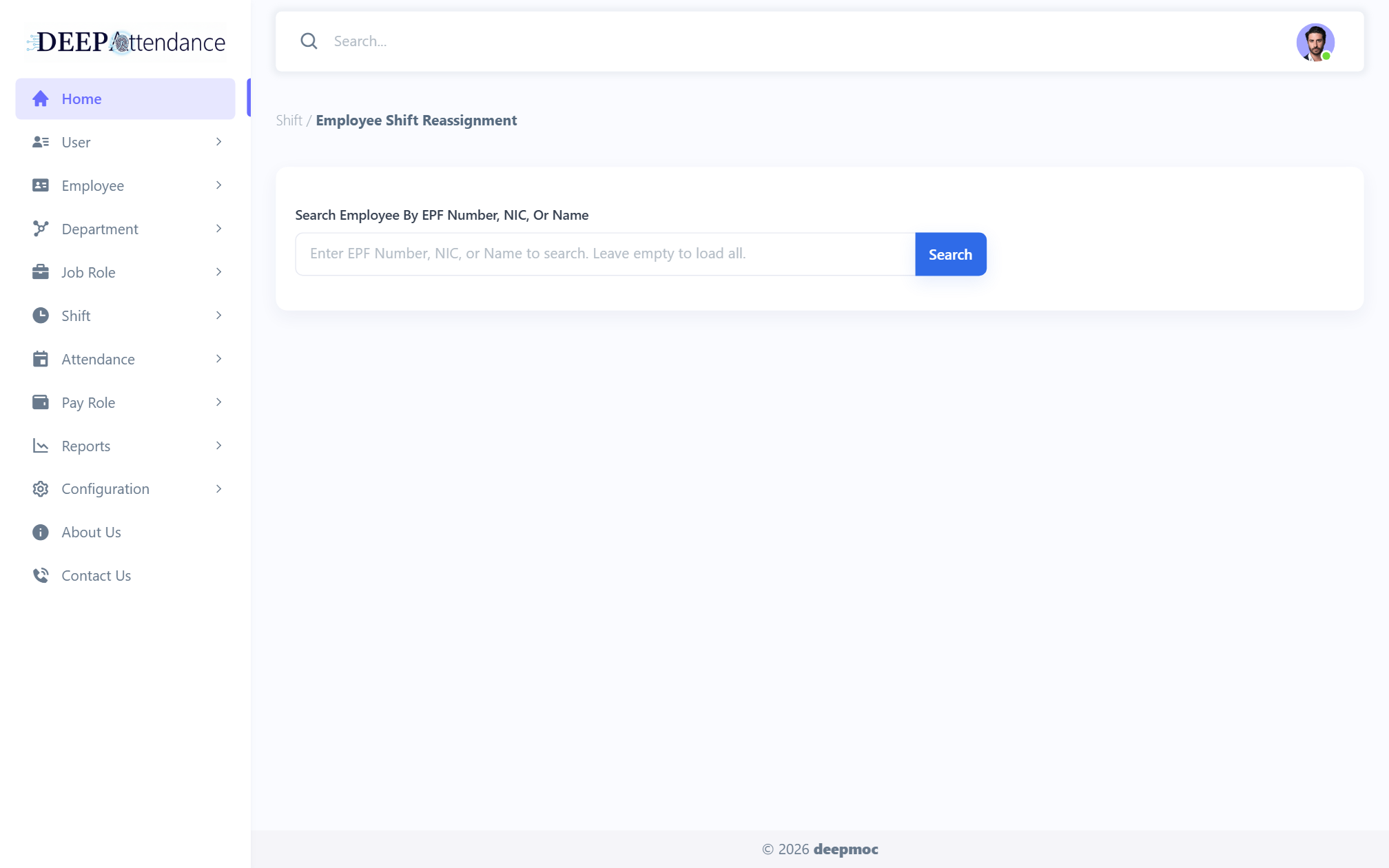
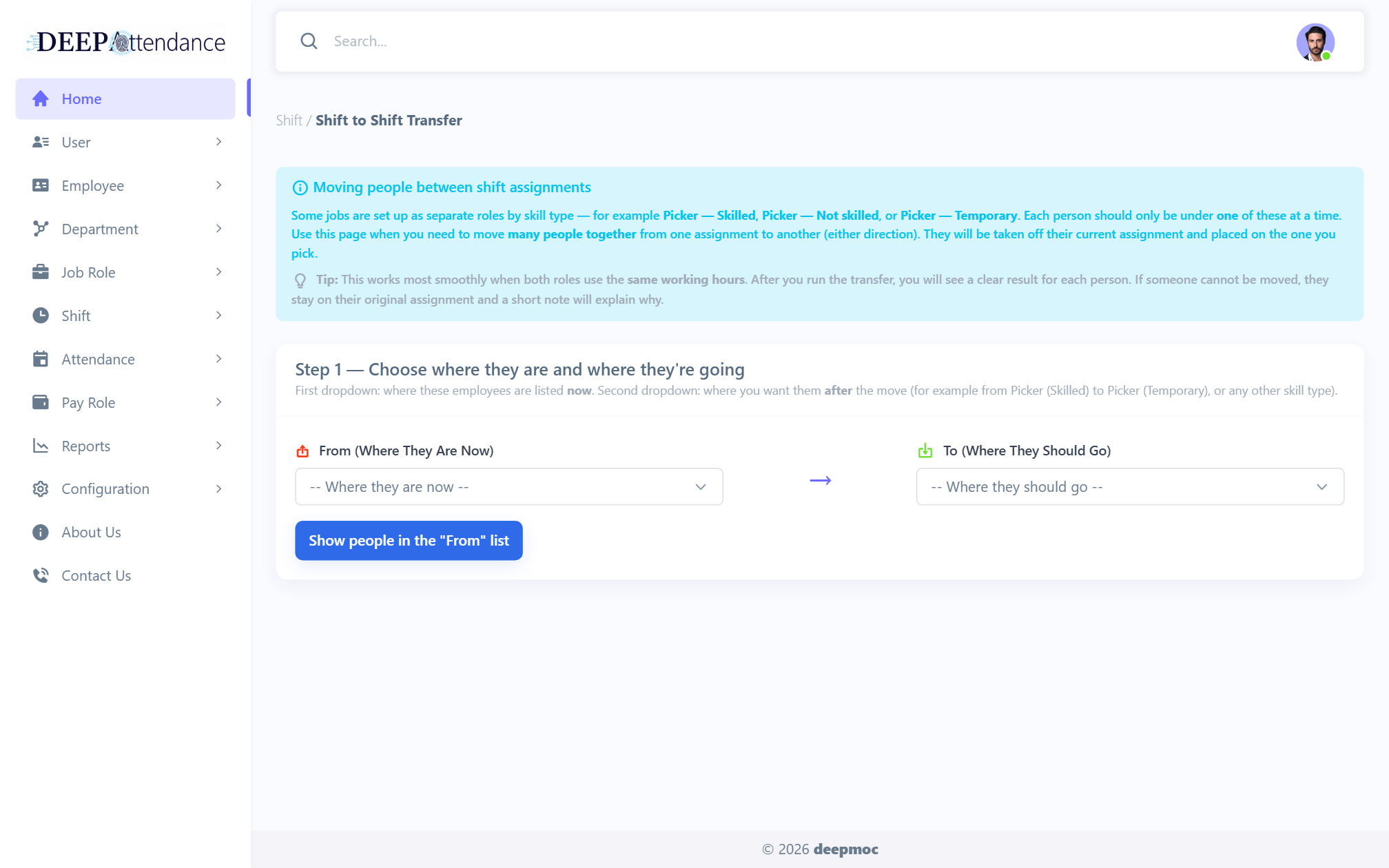
Templates, assign staff, temporary changes, reassignment, shift-to-shift transfer, temp-change history, non-shift list.
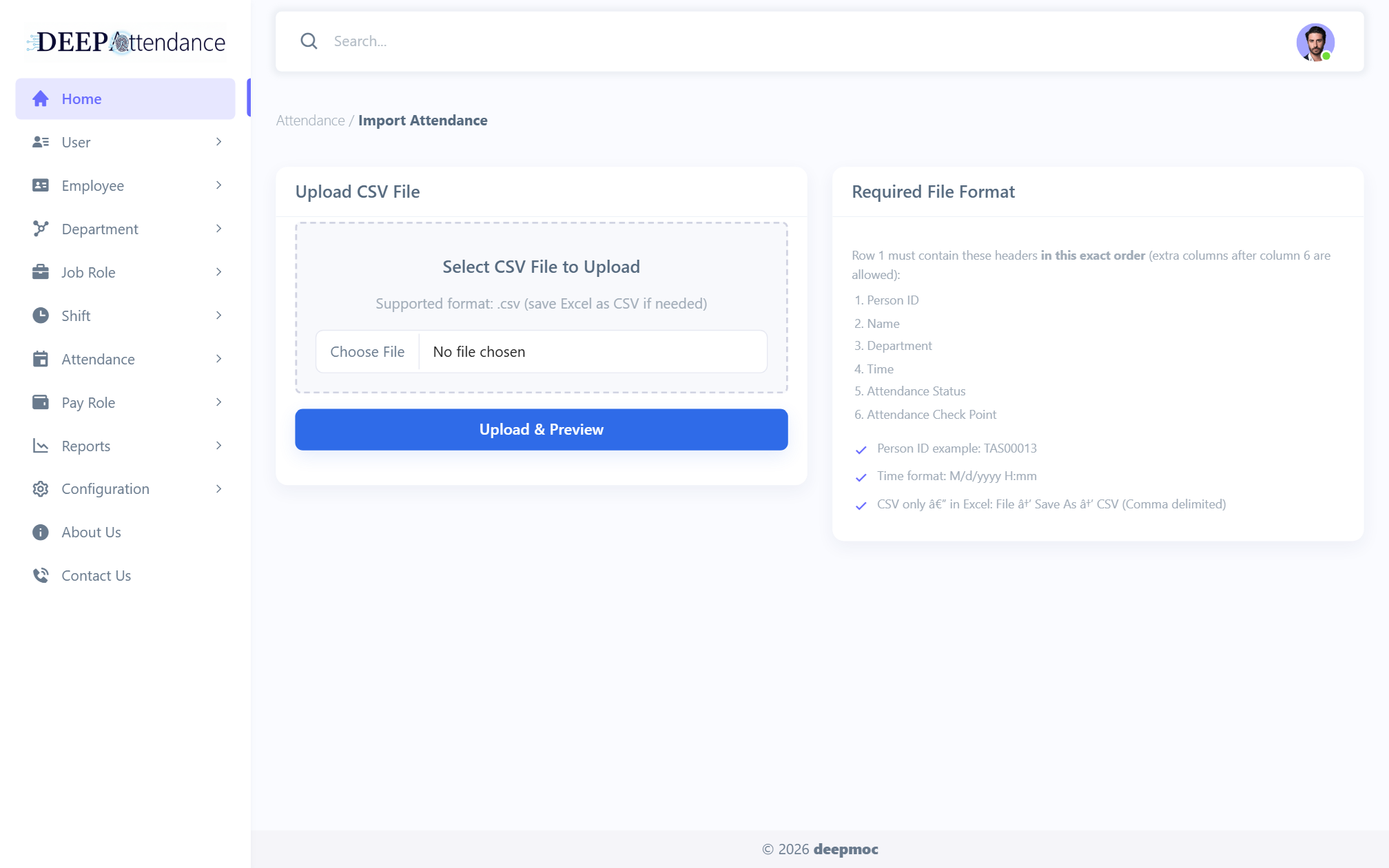
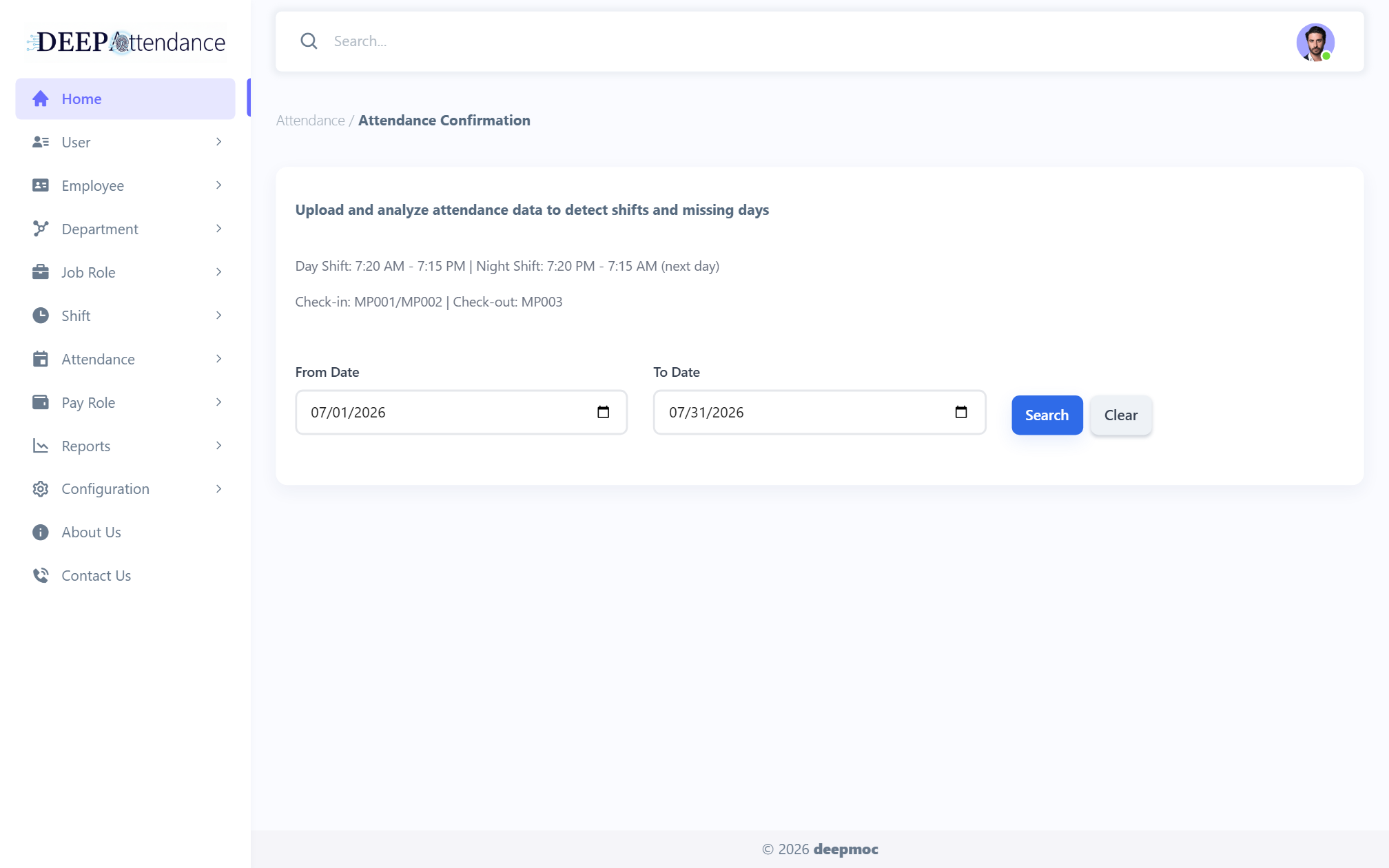
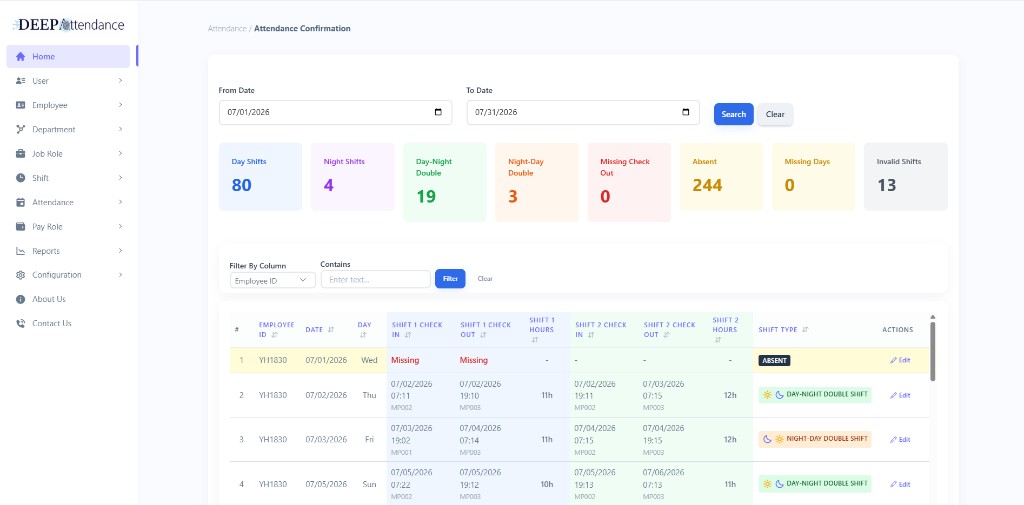
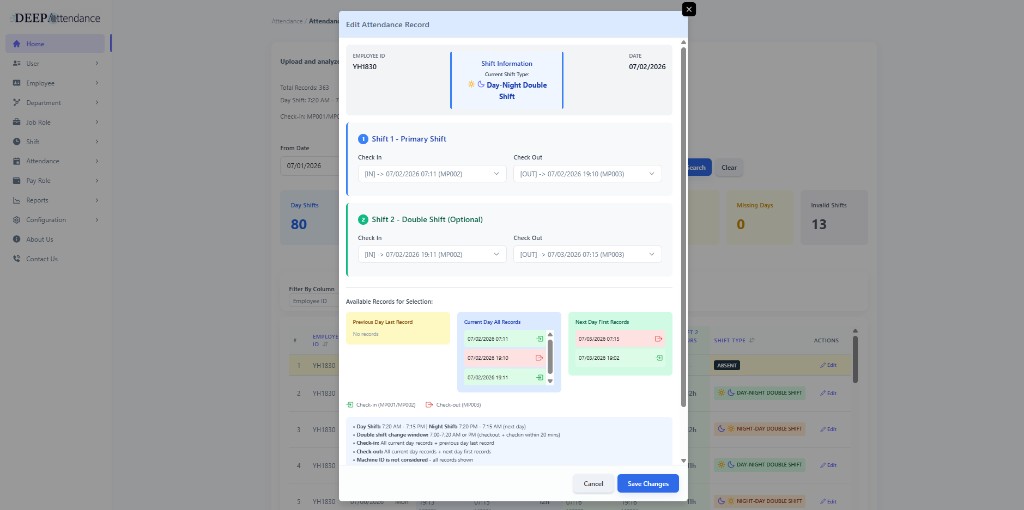
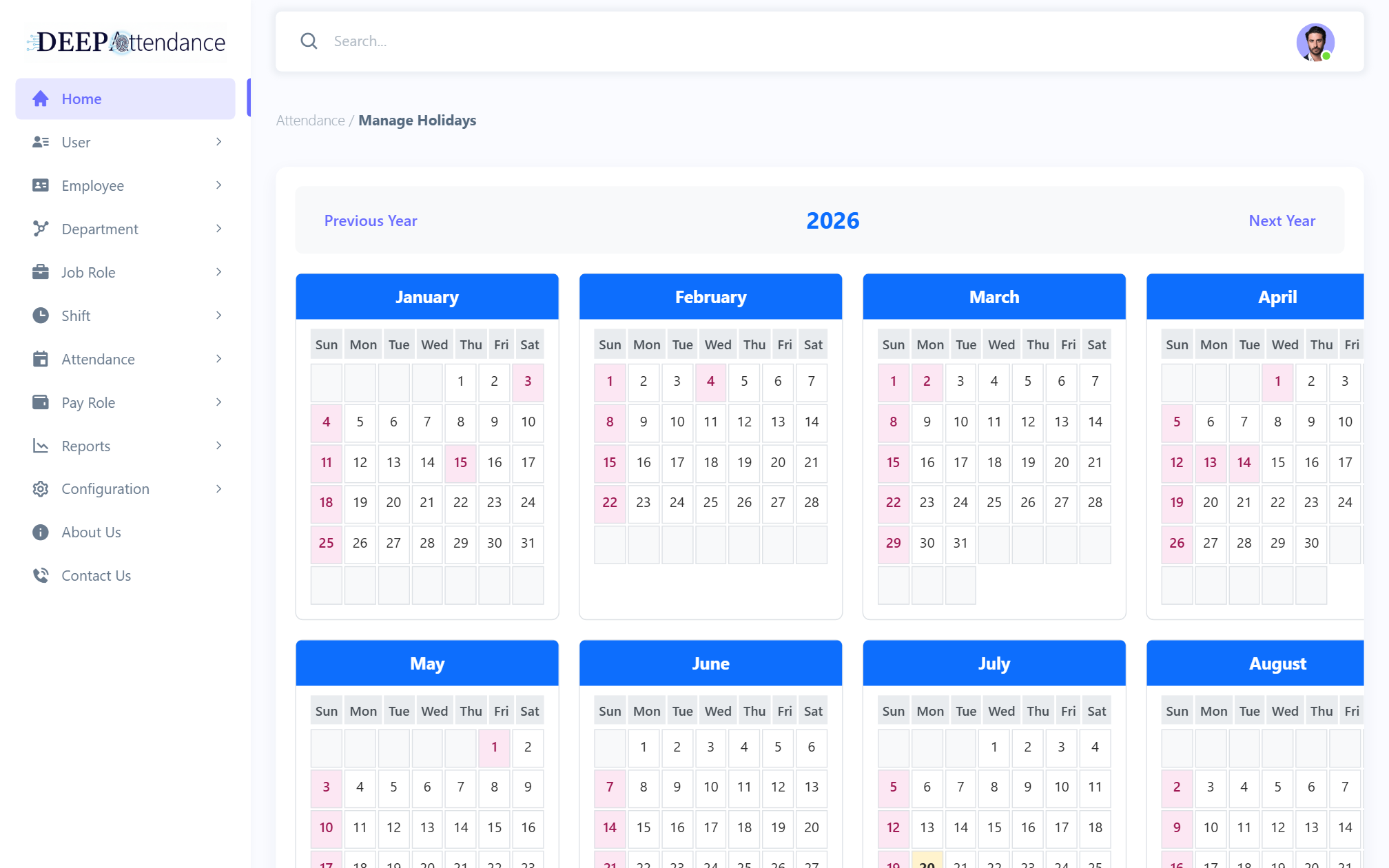
Import punches; confirm Day / Night / Double / Invalid / Missing; holiday calendar; Excel export.
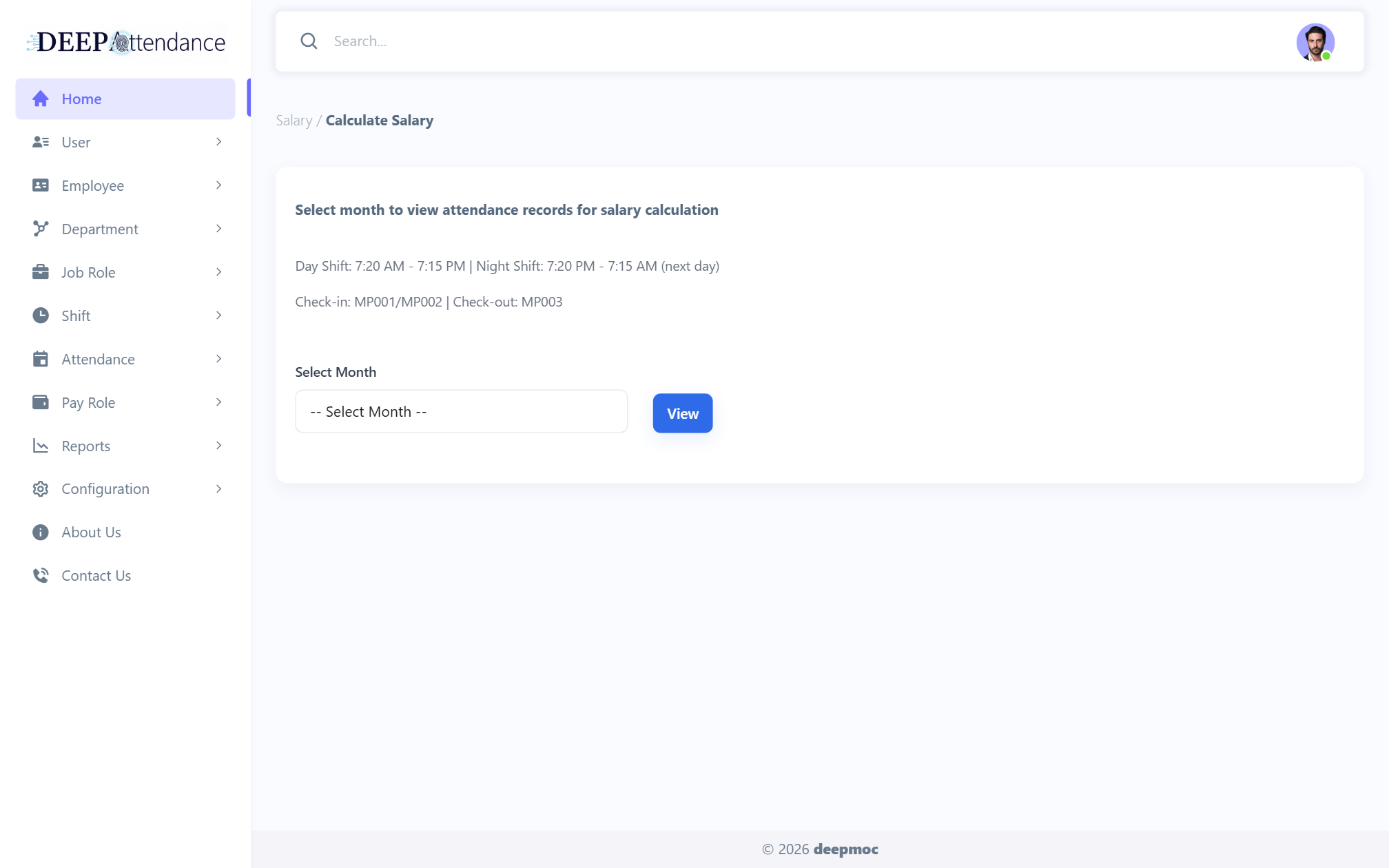
Calculate Salary from confirmed attendance; WebJob computes regular, OT, night allowance.
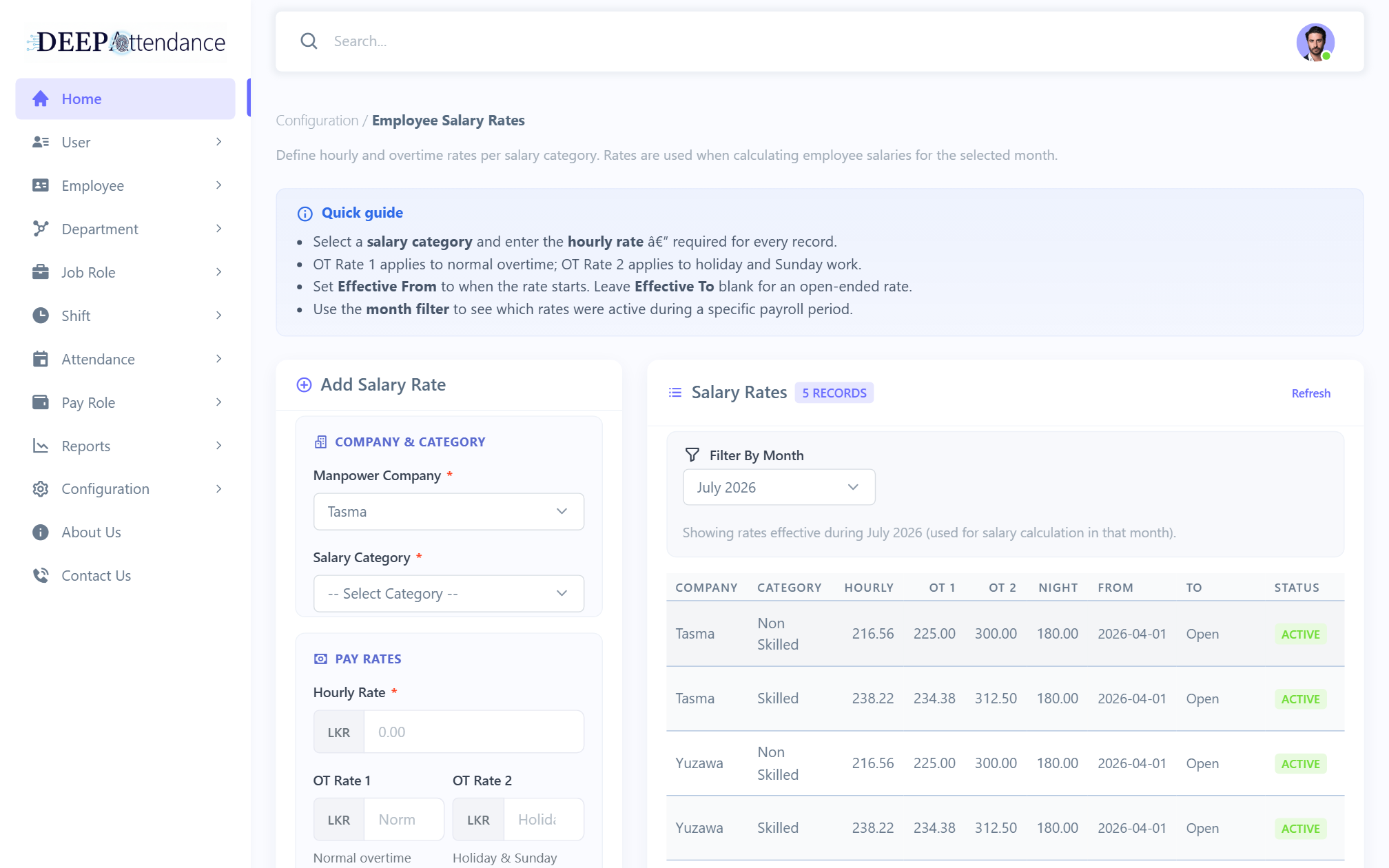
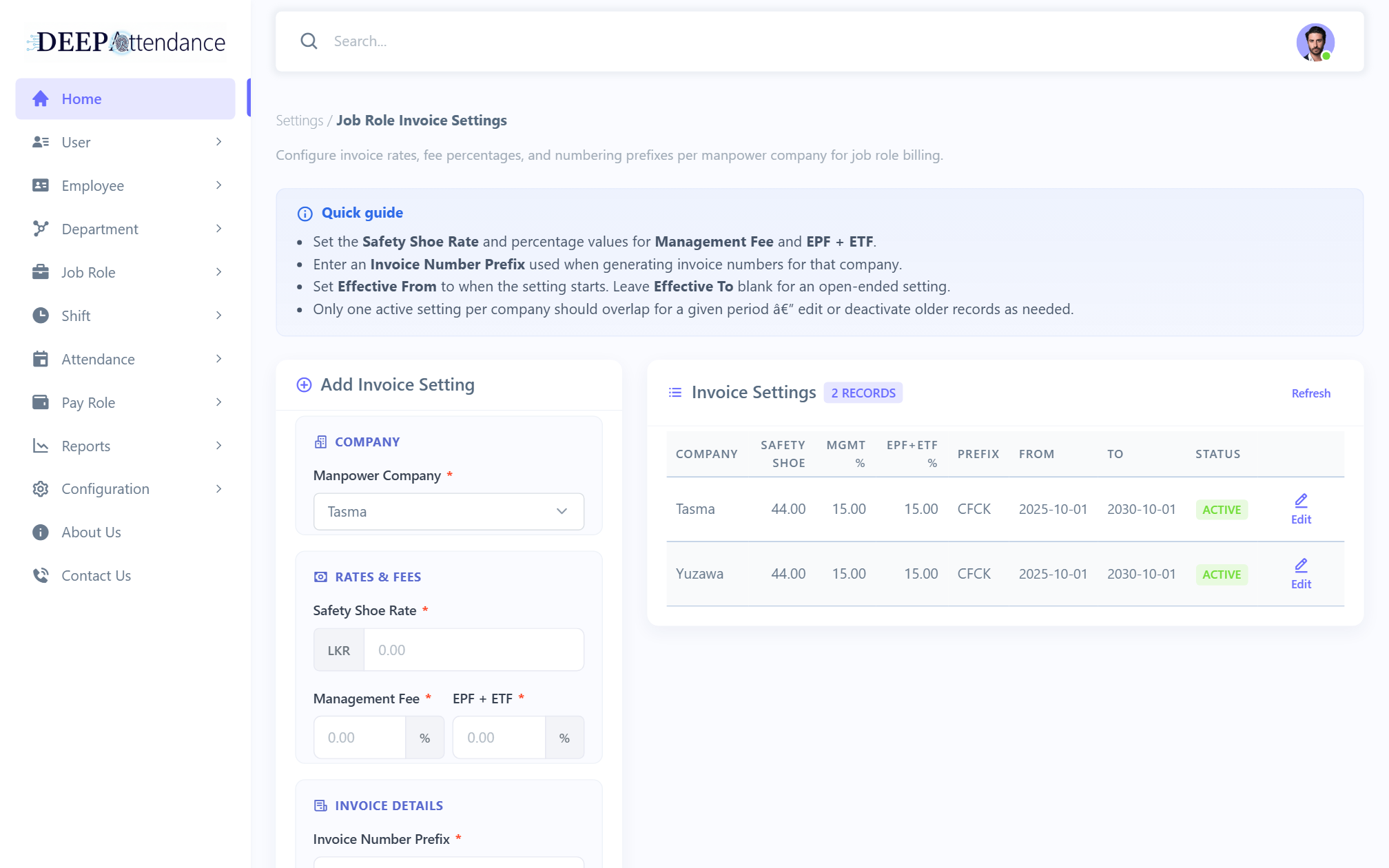
Employee salary rates and job-role invoice fee settings.
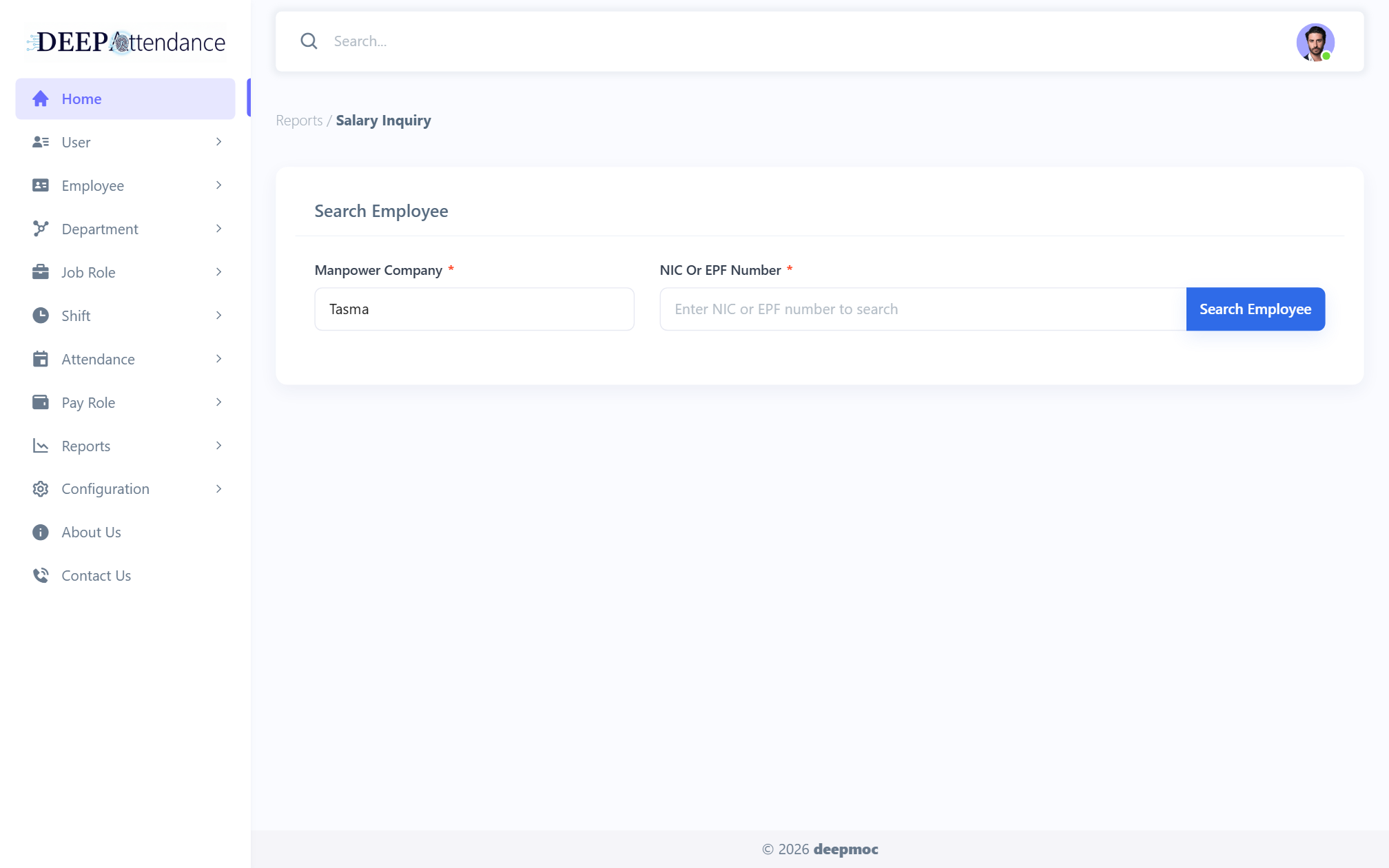
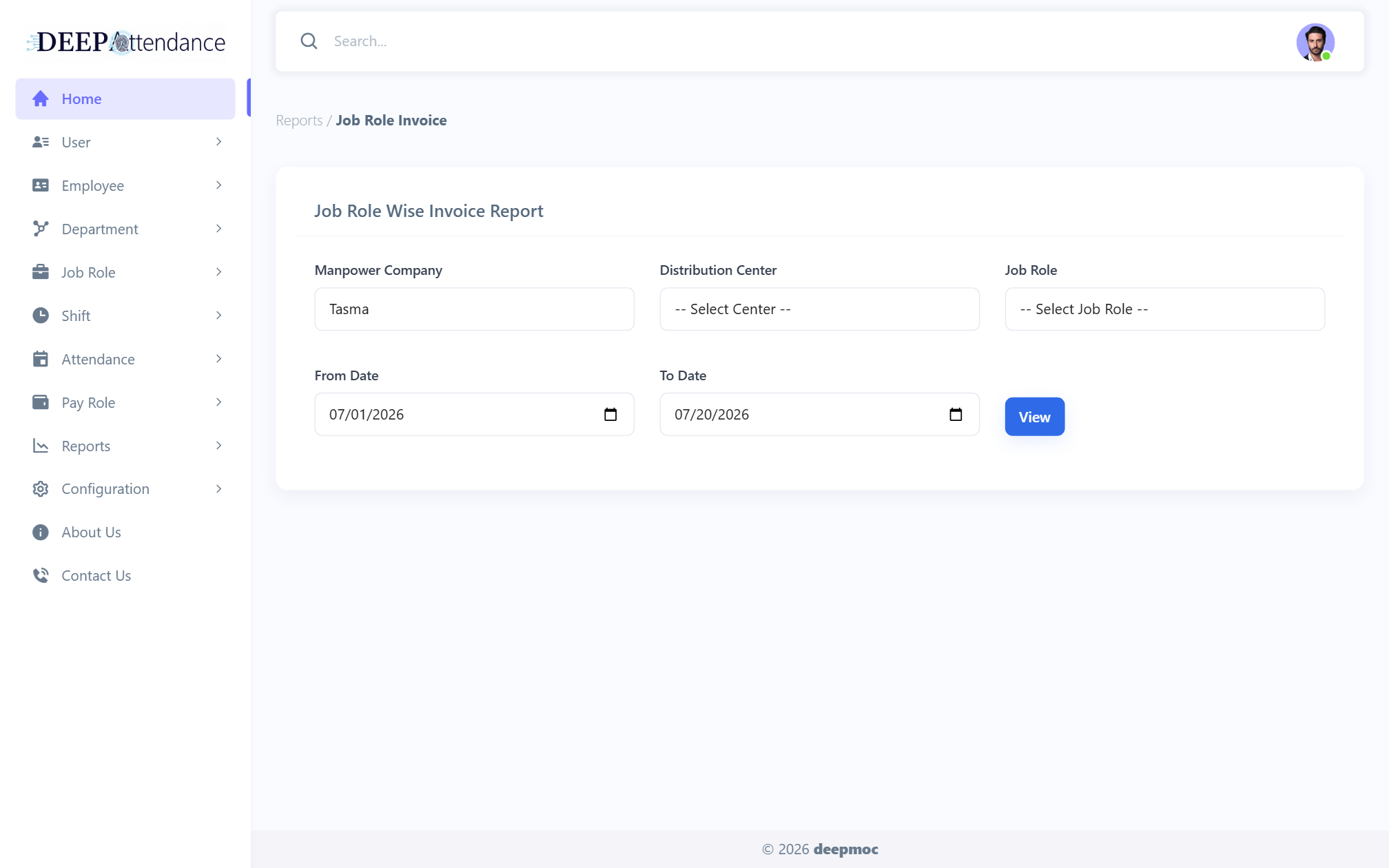
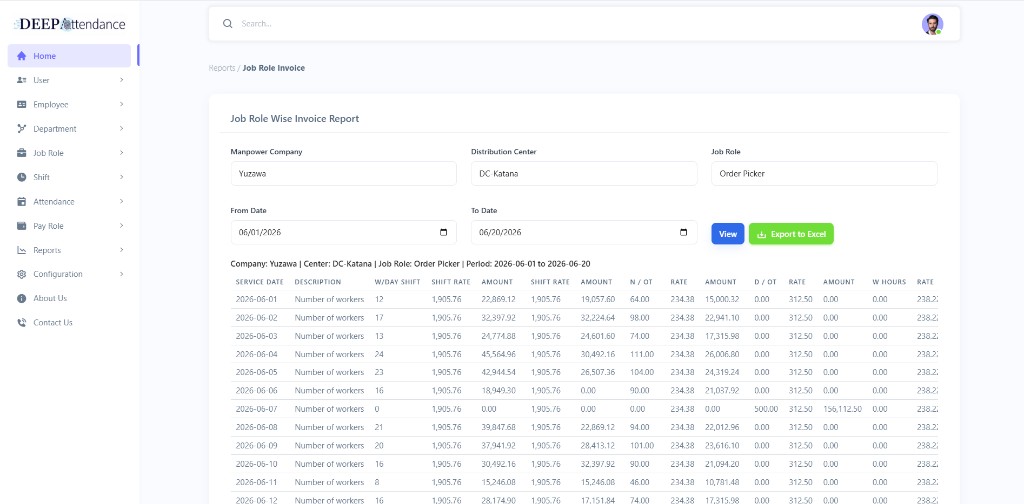
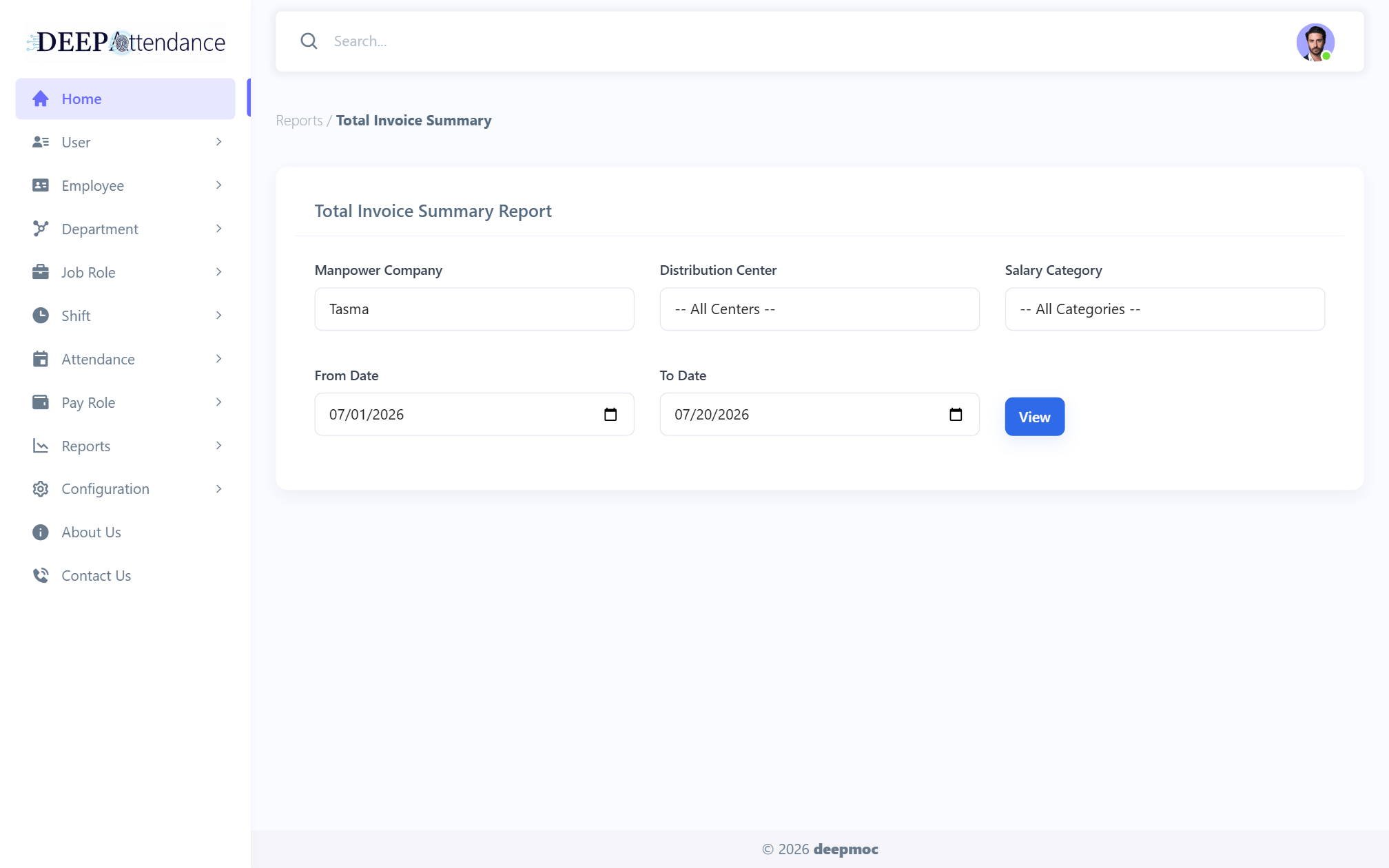
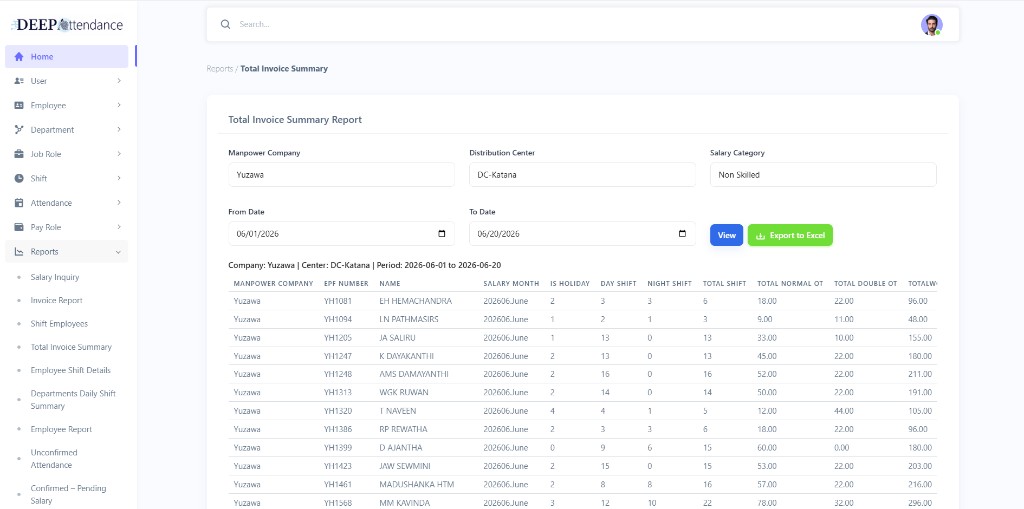
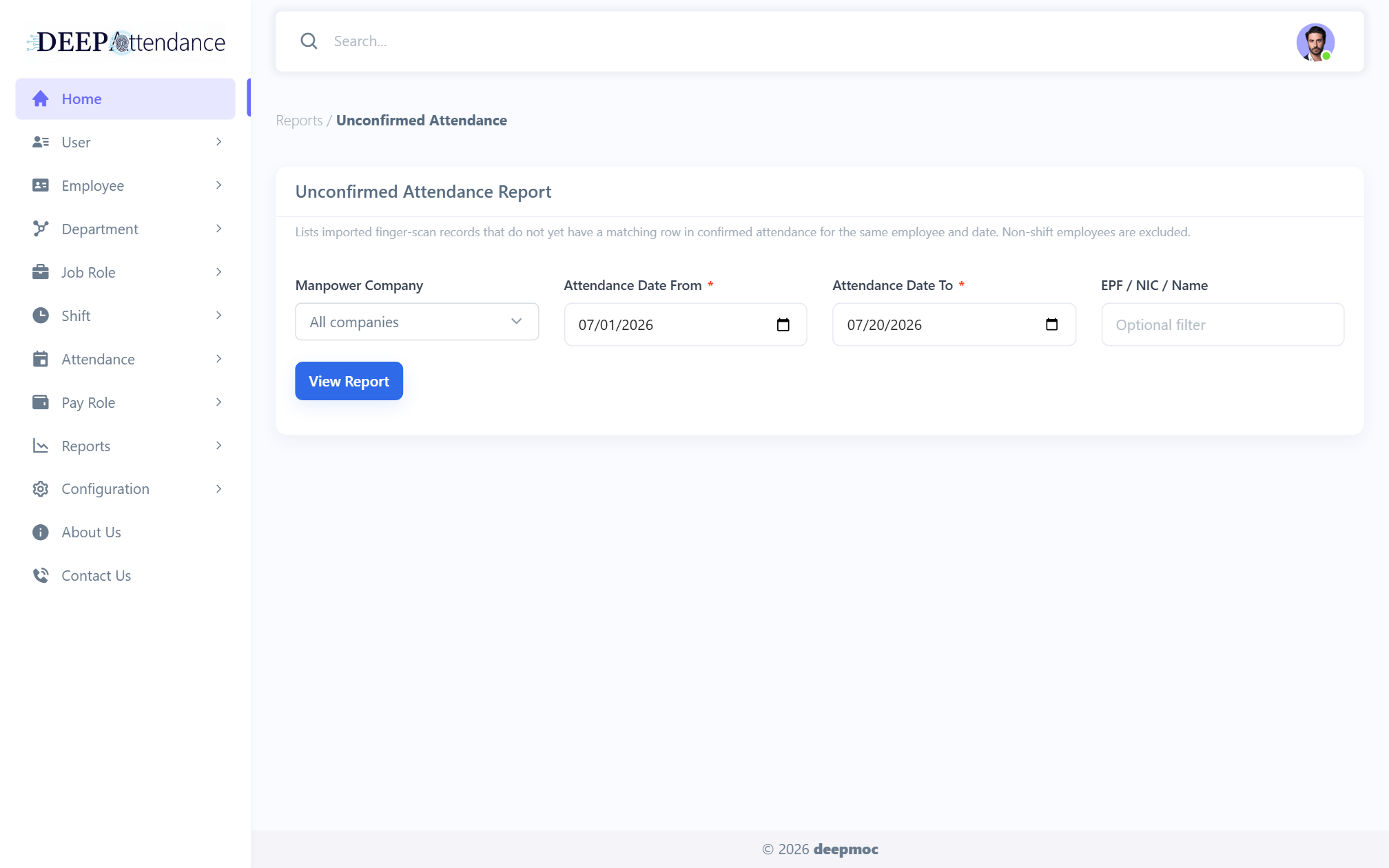
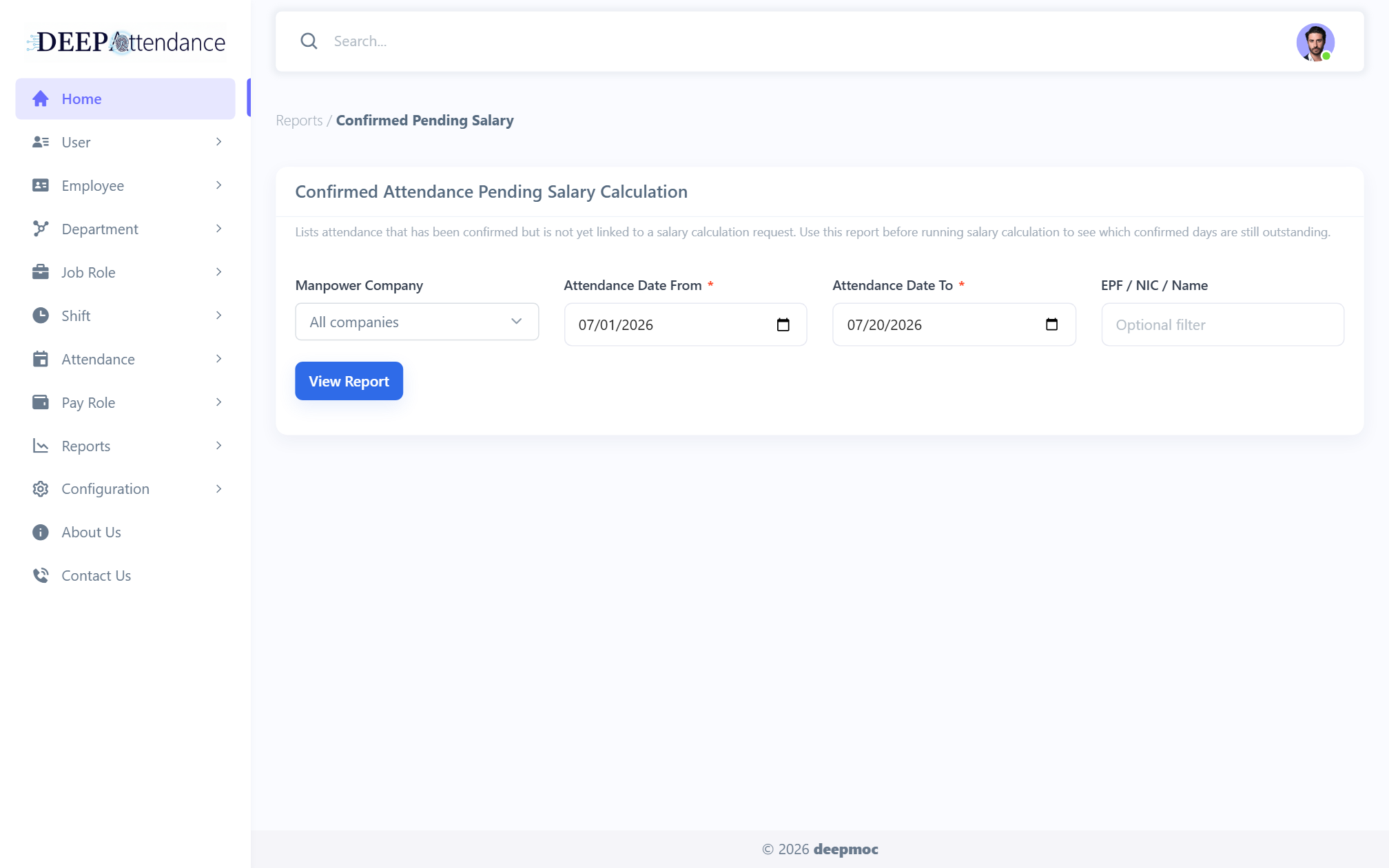
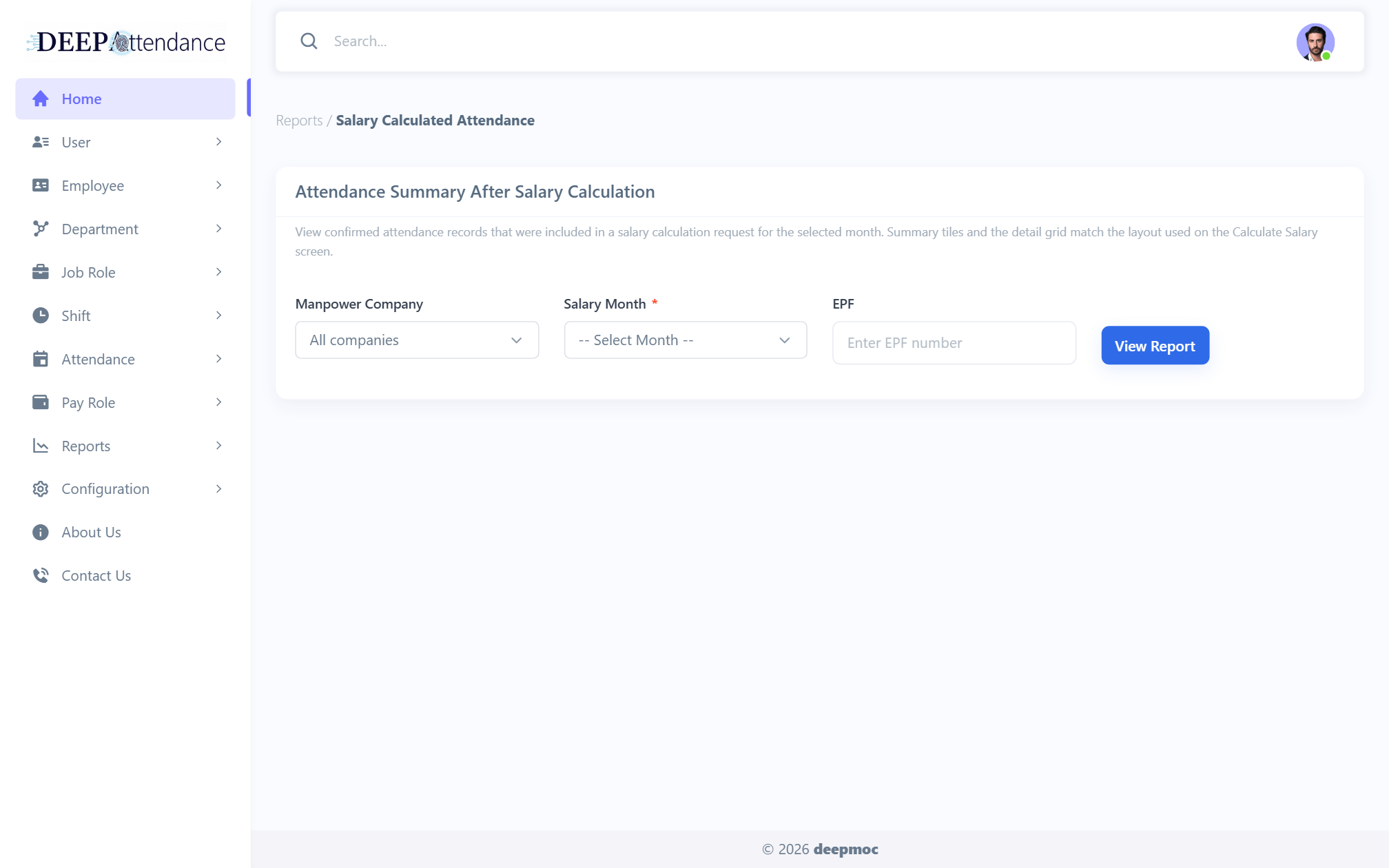
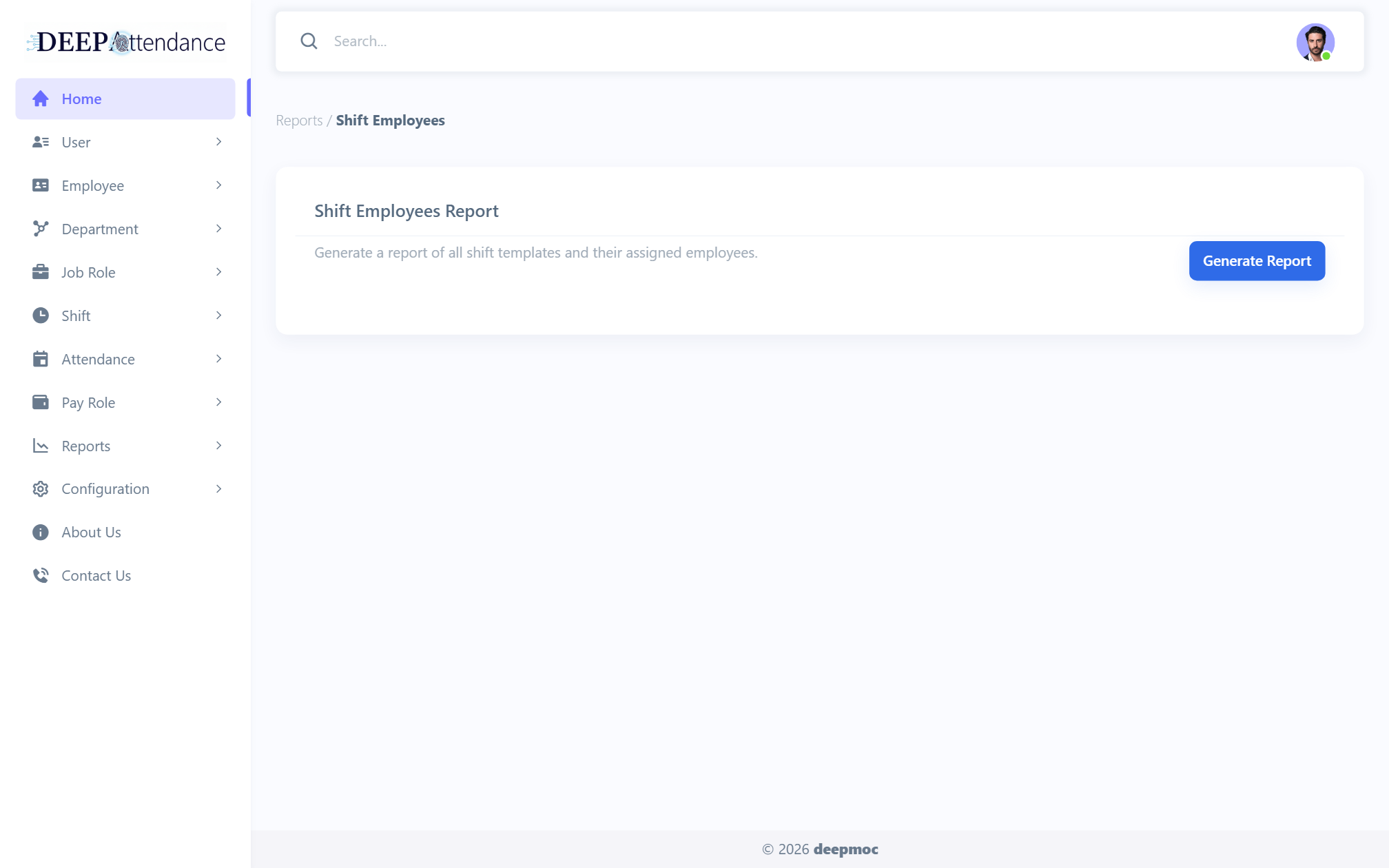
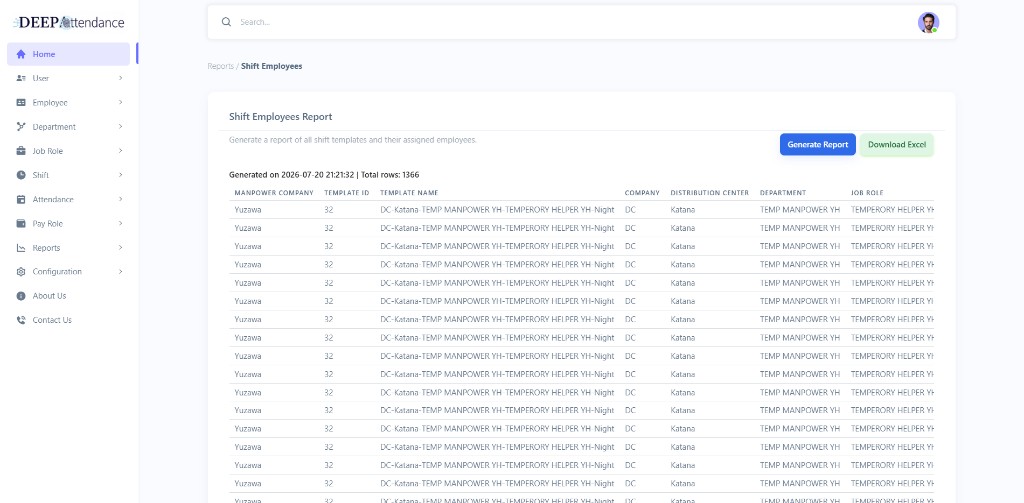
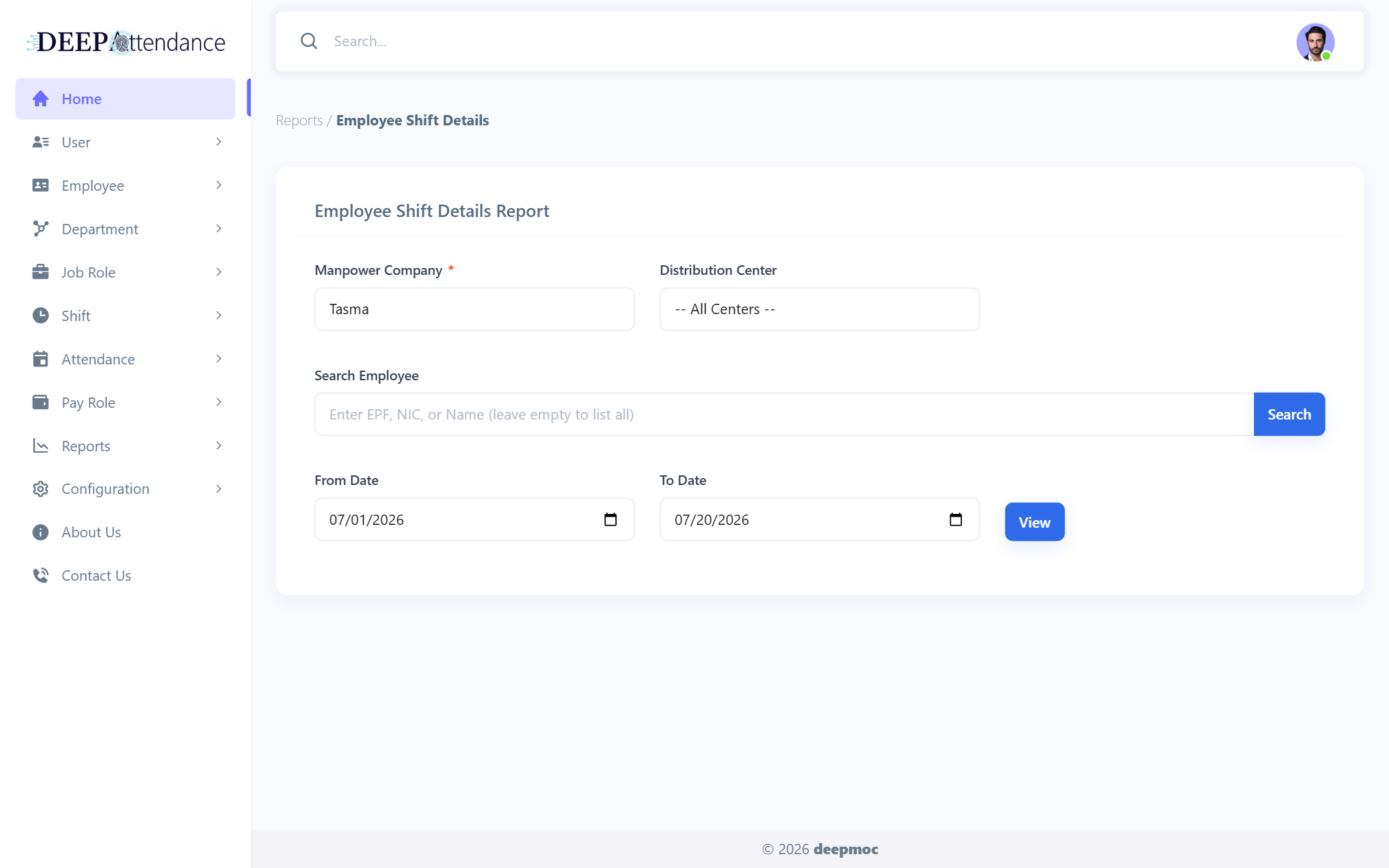
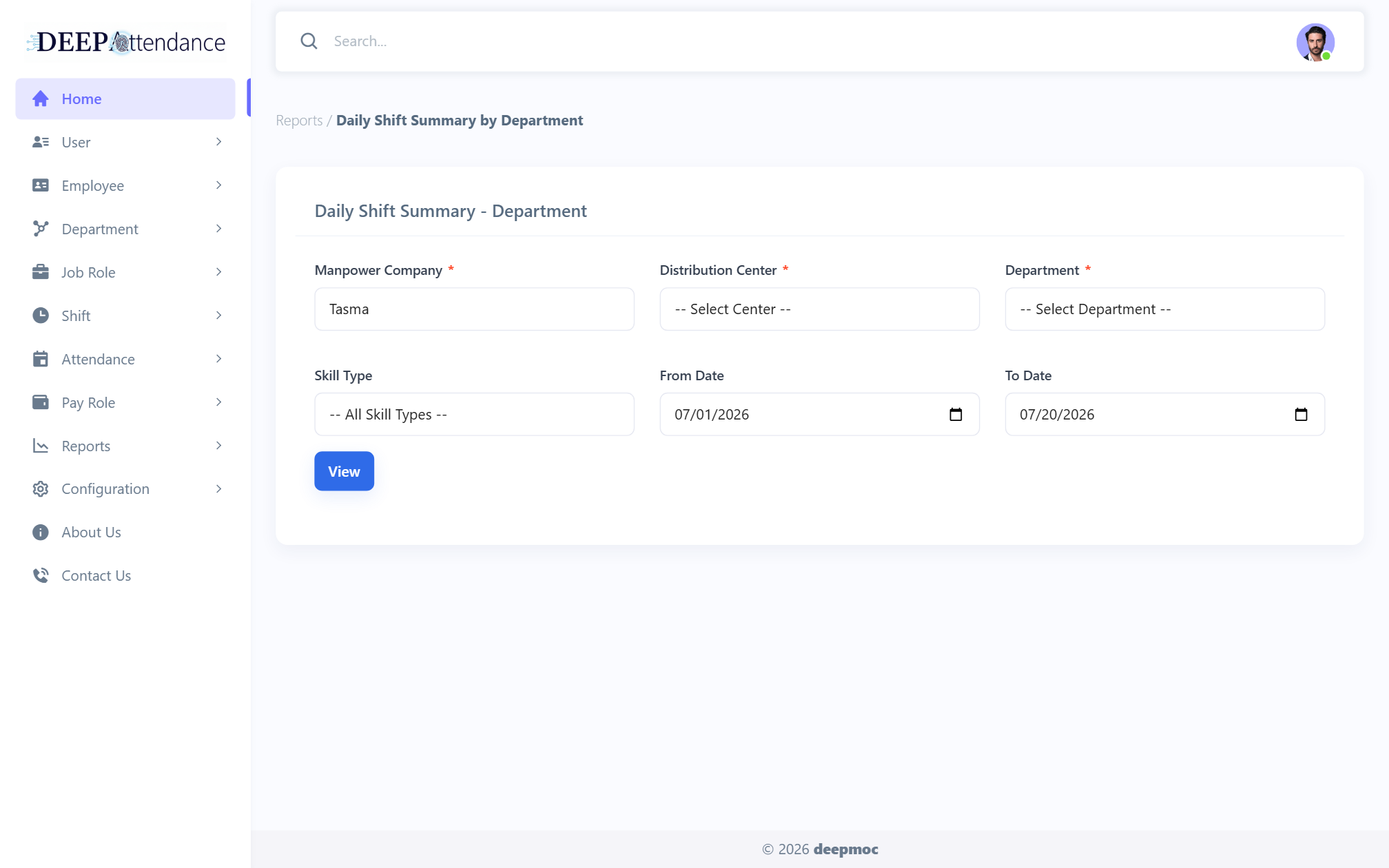
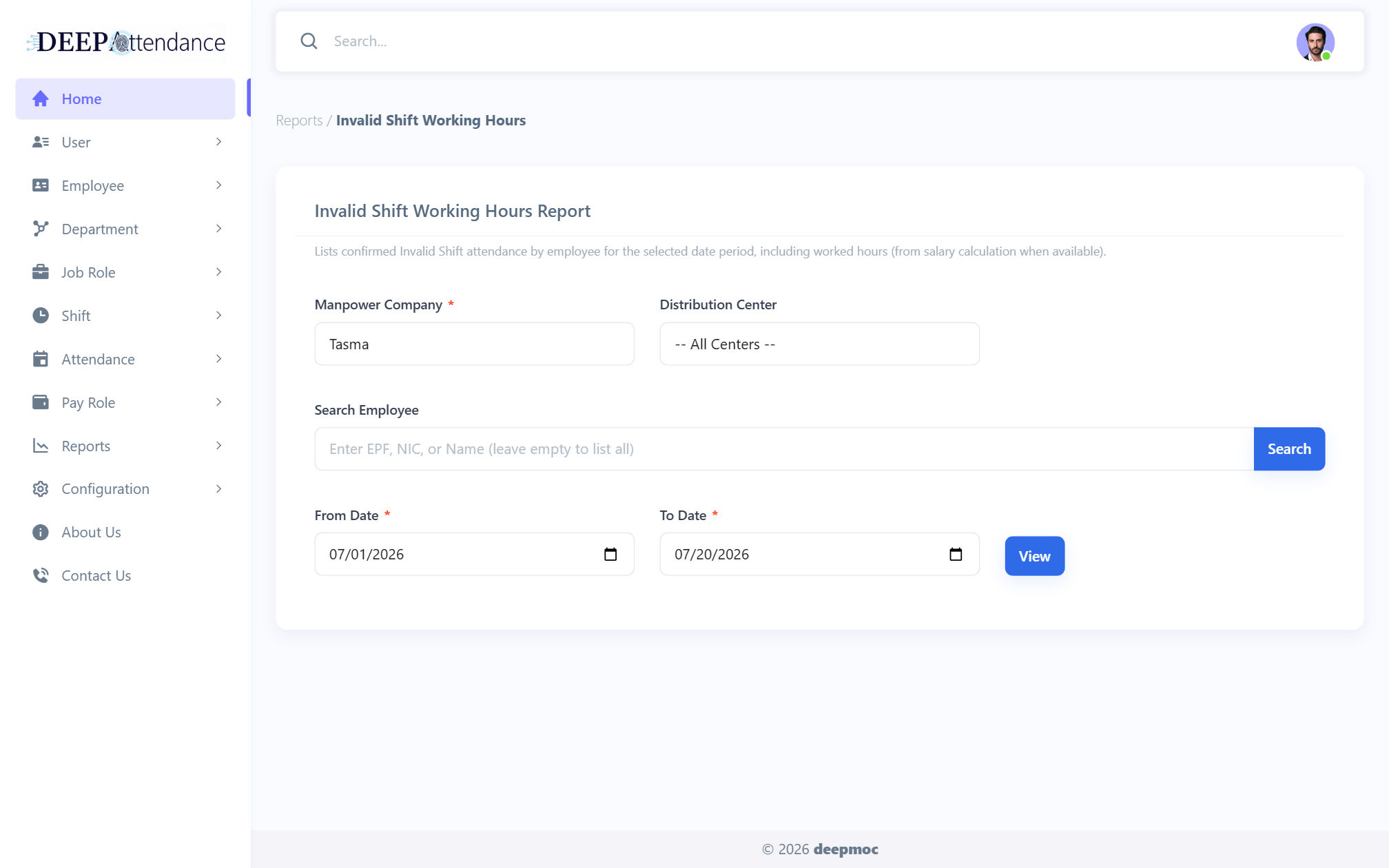
Salary inquiry, invoice & total invoice summary, shift employees/details, daily department summary, employee report, unconfirmed / pending / calculated attendance, invalid shift hours — with Excel download.
Only modules that exist in DEEPAttendance — import, confirm, pay, report.
Distribution centers, departments, and job roles frame where people work and how invoice fees attach.
Register employees (manual or bulk file), assign shift templates, reassign or transfer when rosters change.
Import CSV/Excel, review Day/Night/Double/Invalid/Missing, edit punches, save the confirmed list.
Rates by category, calculation request + WebJob, salary inquiry, and job-role invoice exports.
Switch through Present capabilities only.
From setup to invoice-ready numbers.
Roles, holidays, departments, job roles, shift templates, salary rates, invoice fees.
Register employees and assign them to day/night templates (or non-shift).
Load punches, confirm shift types, fix edge cases, export or save confirmed attendance.
Submit a period request; WebJob processes eligible shift types into salary results.
Salary inquiry and job-role / total invoice reports with Excel download.
Familiar Microsoft stack for on-prem or cloud-hosted BackOffice.
Grounded in day/night manpower reality — not generic HR buzzwords.
Day, night, and double shifts are first-class — not bolted onto a 9–5 timesheet.
Invalid and missing states stay visible until attendance is fit for salary.
Head Office overview or manpower-company filters keep data boundaries clear.
Session login with menu-level permission checks on every secured page.
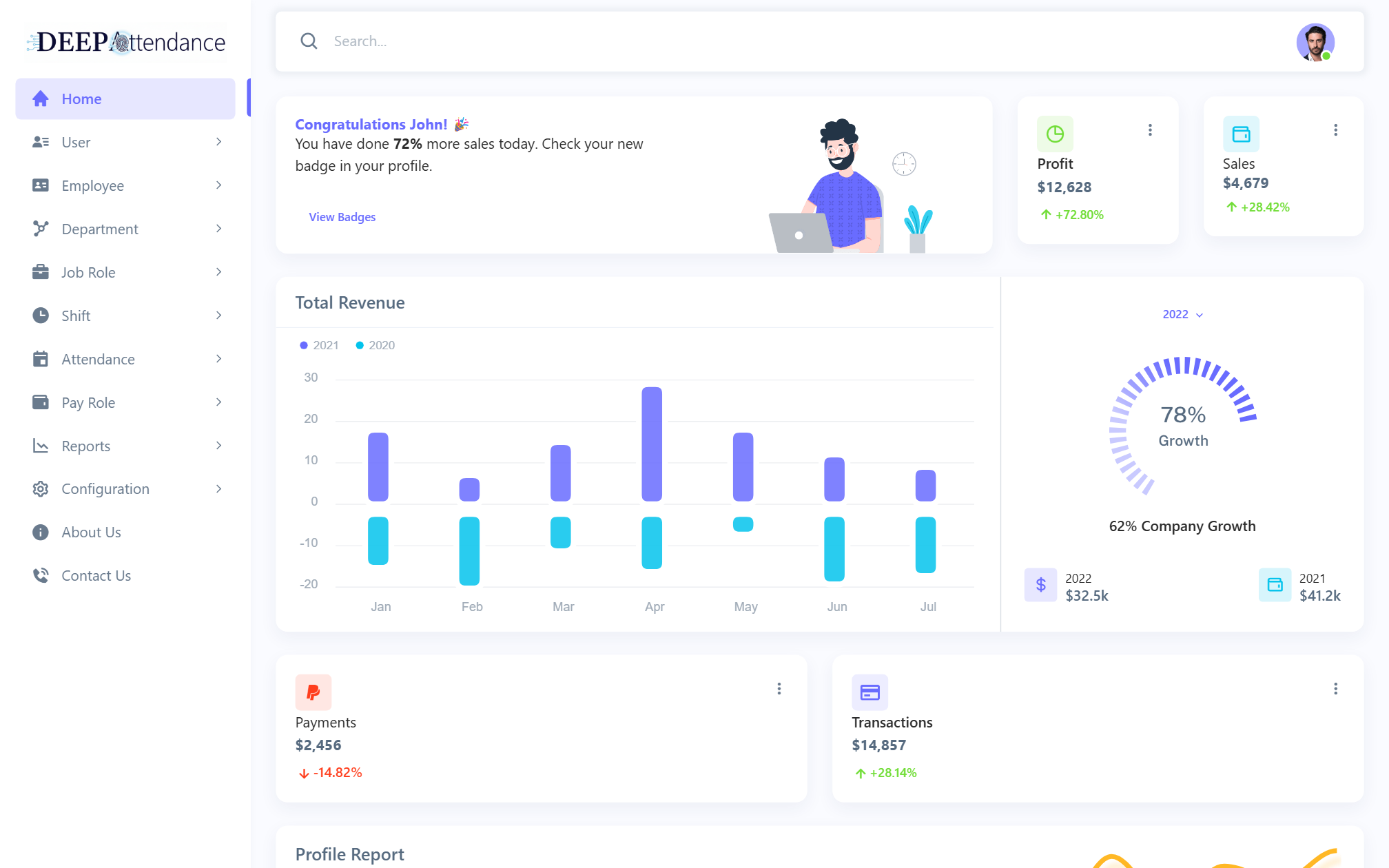
Every BackOffice page captured from the live app. Filter by area; click any shot for lightbox.
Book a walkthrough of import → confirm → salary → invoice for your manpower operation.
Request demoLeave a note — this form is a local stub (no server post).