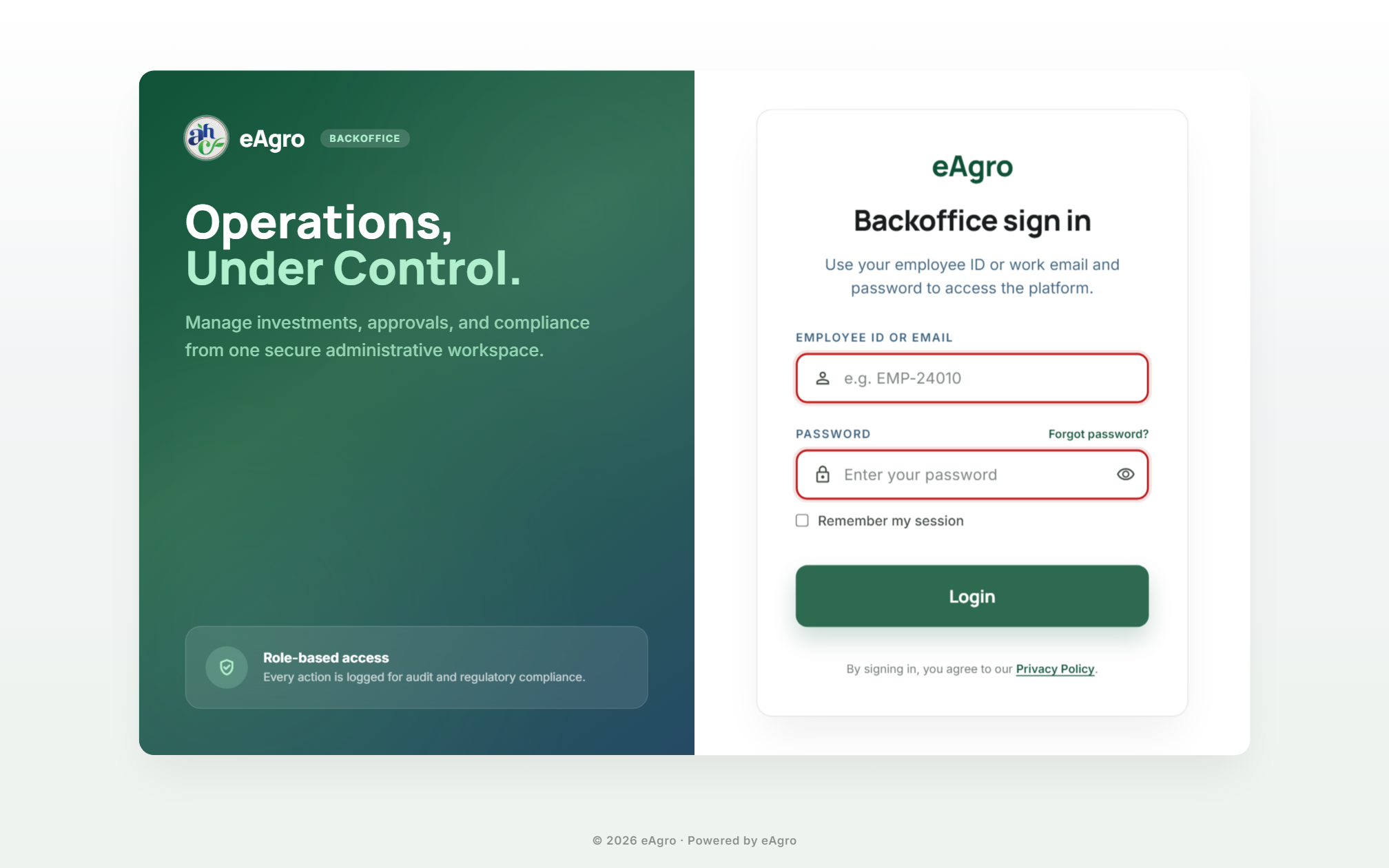
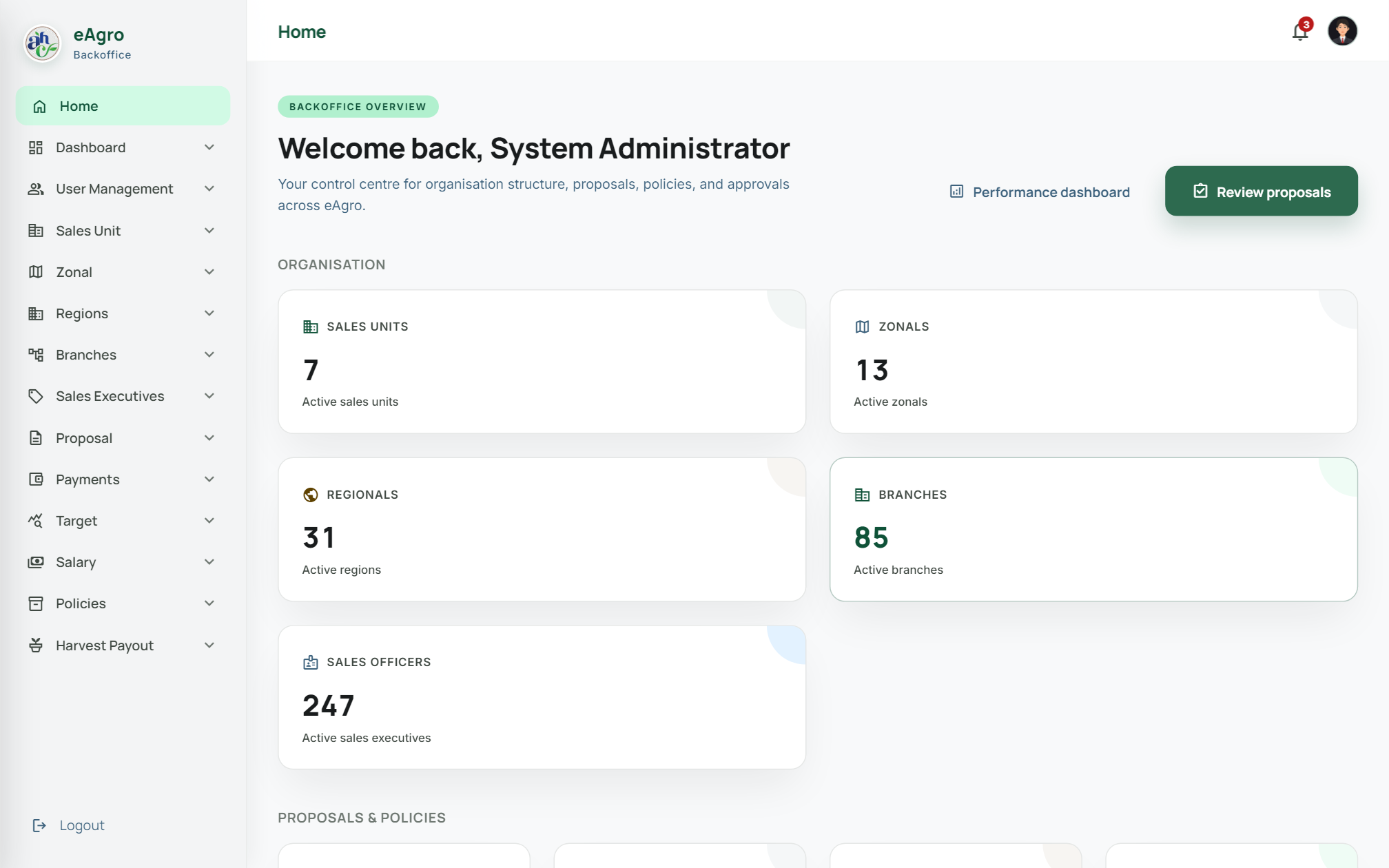
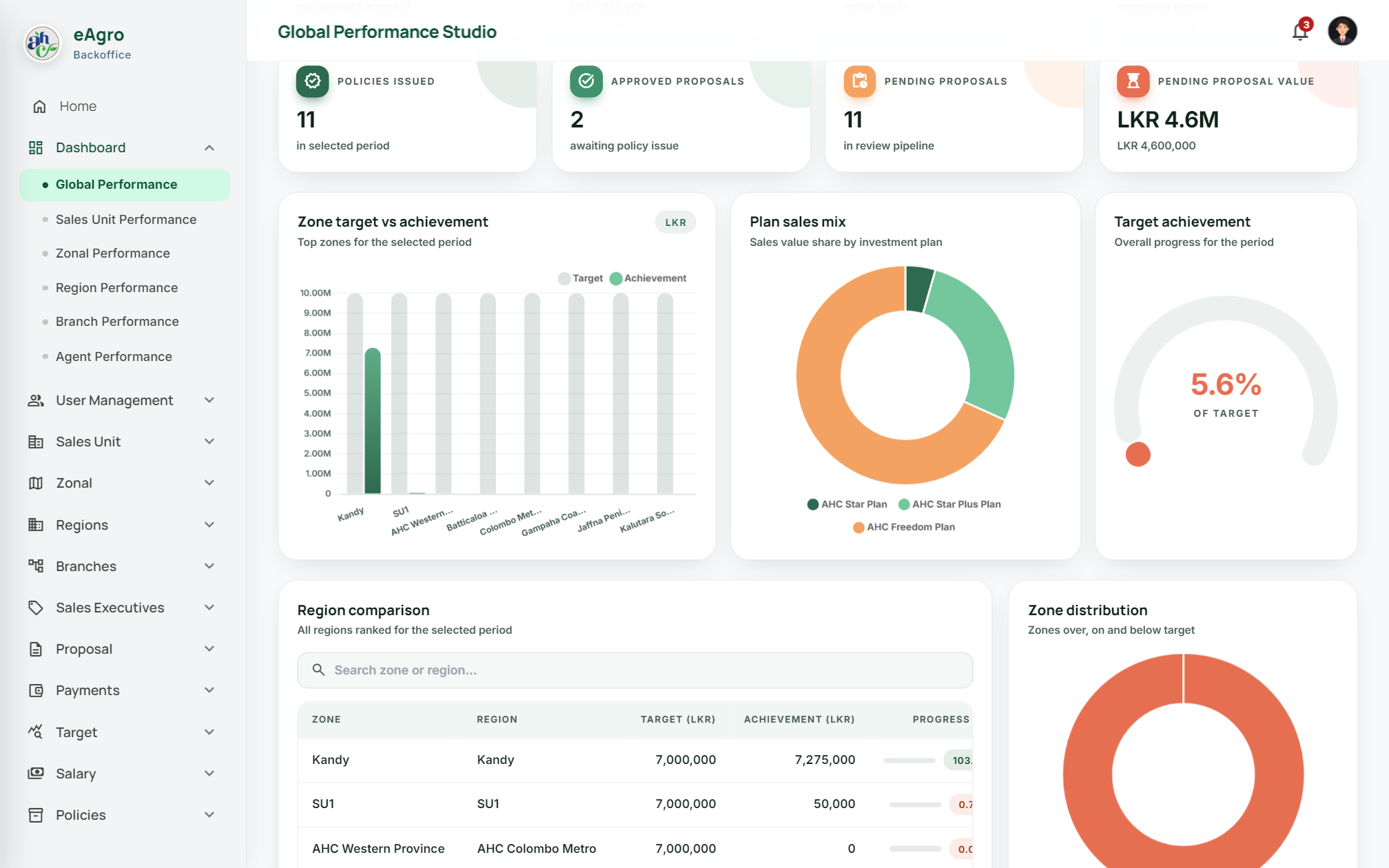
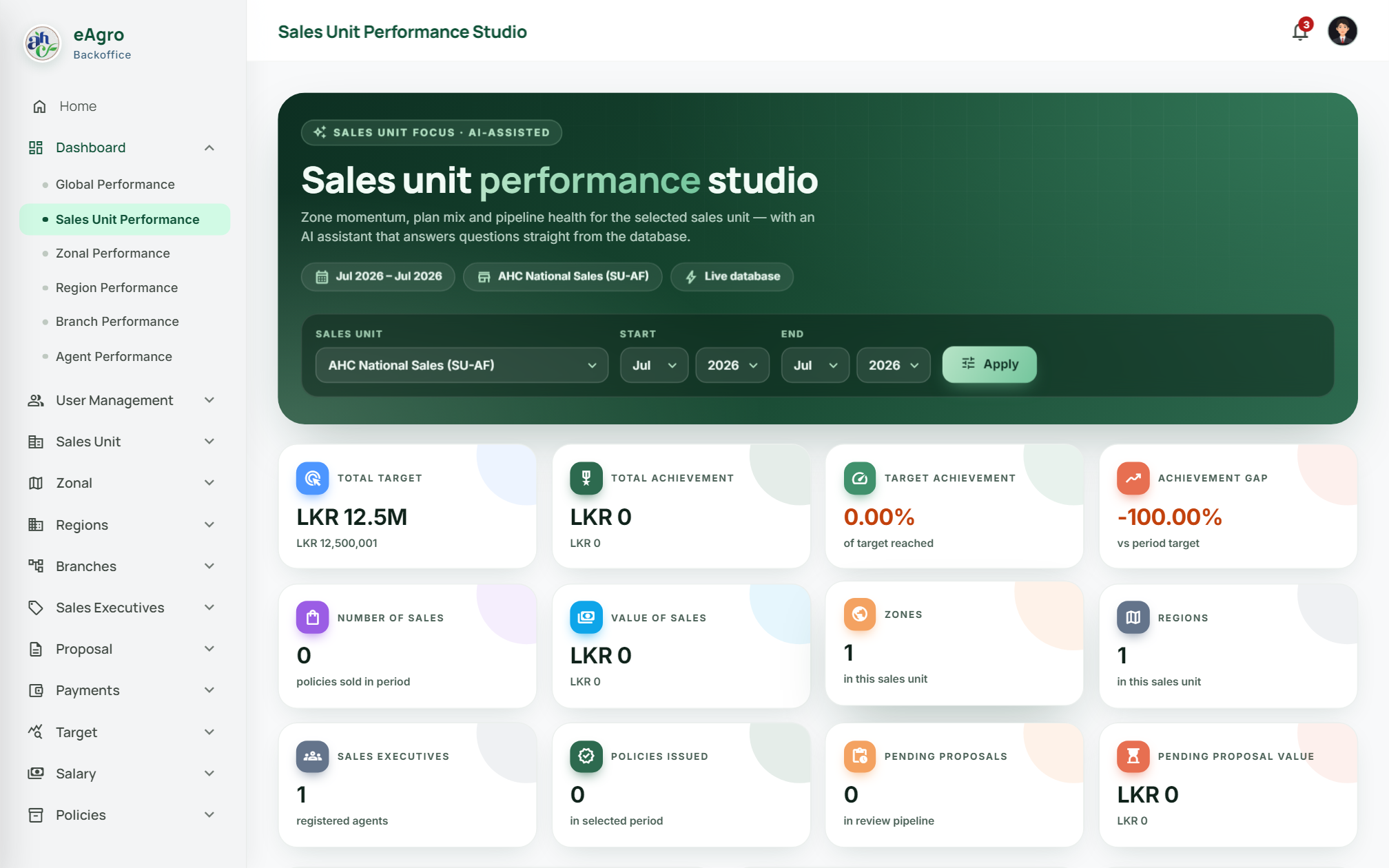
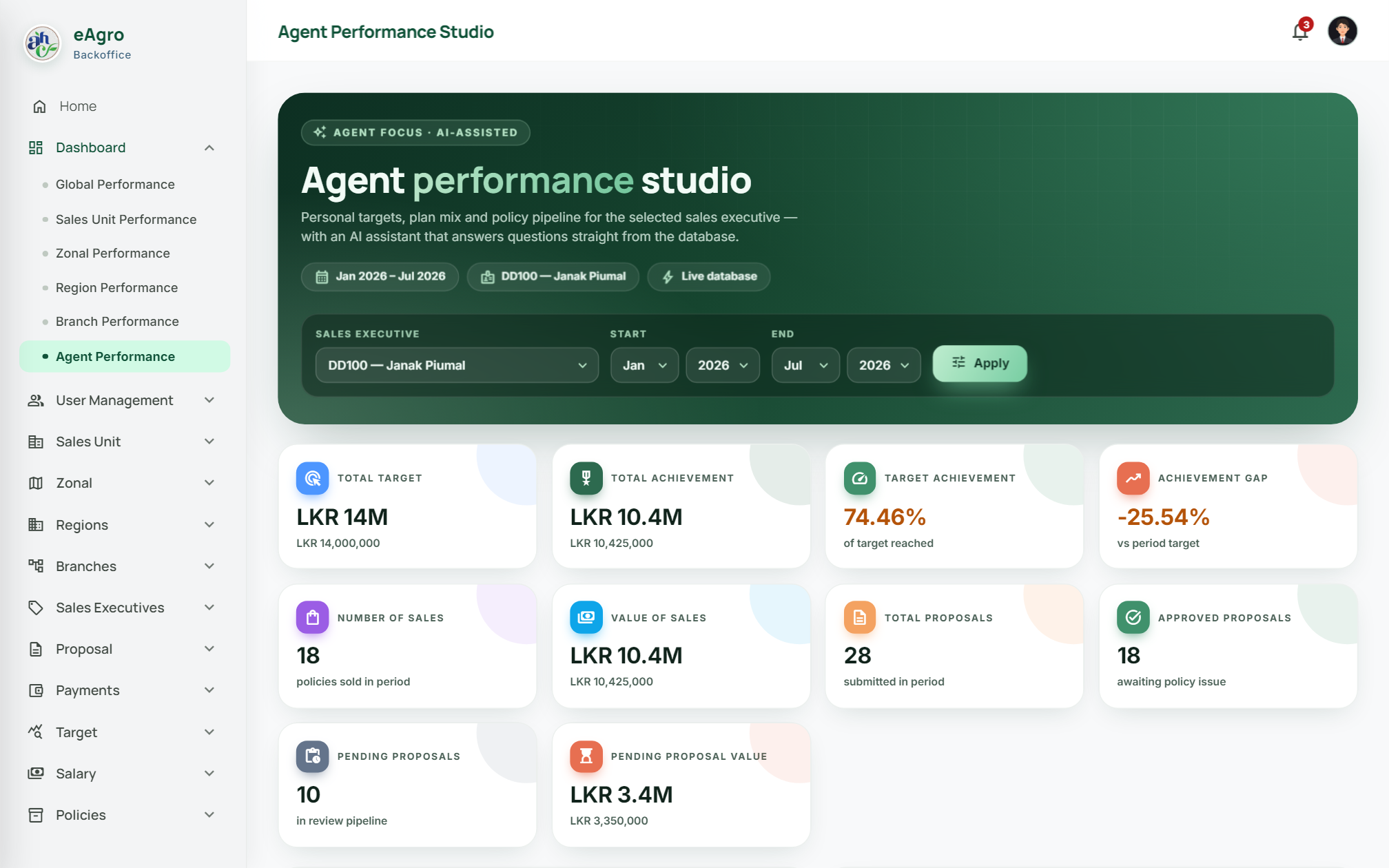
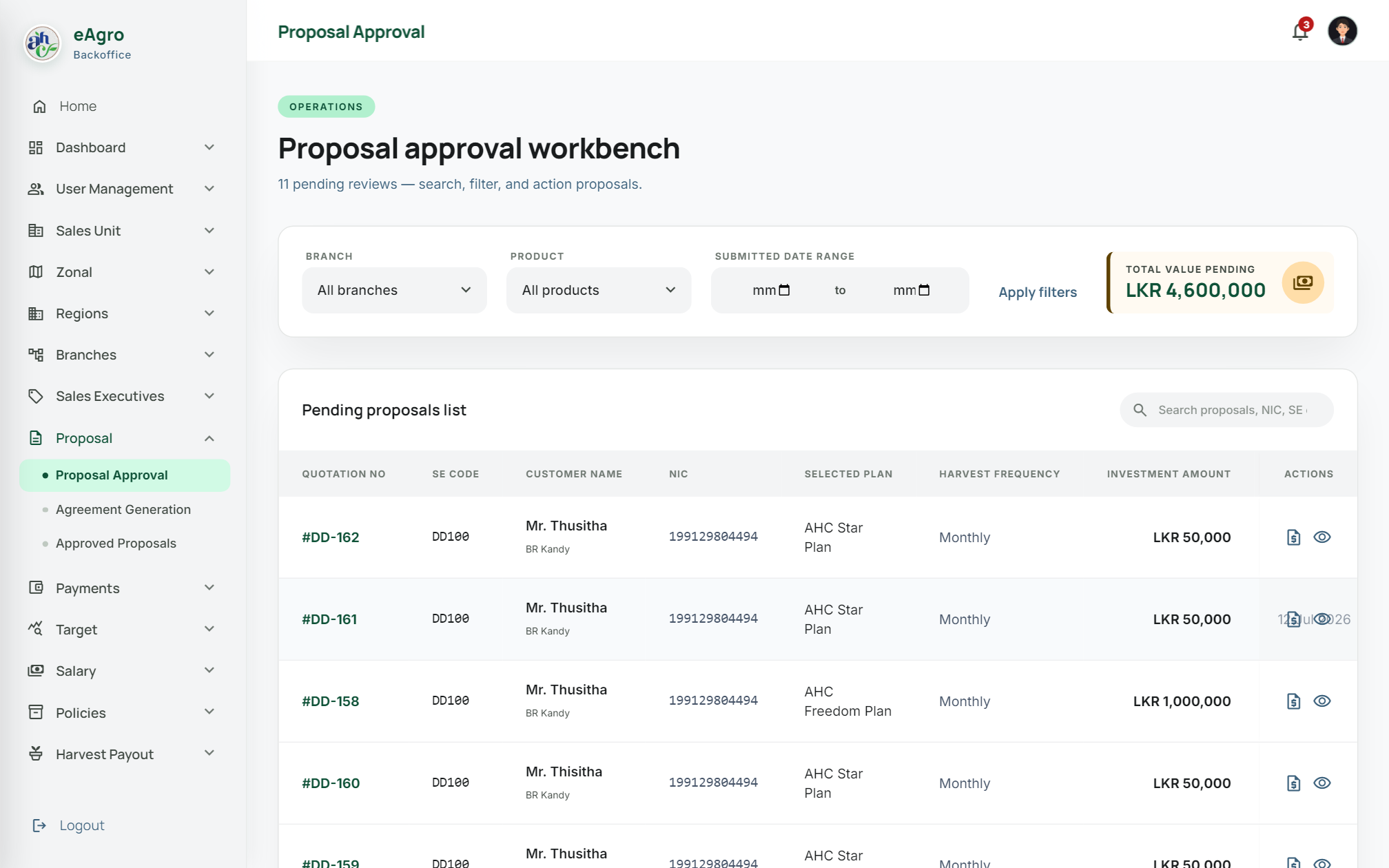
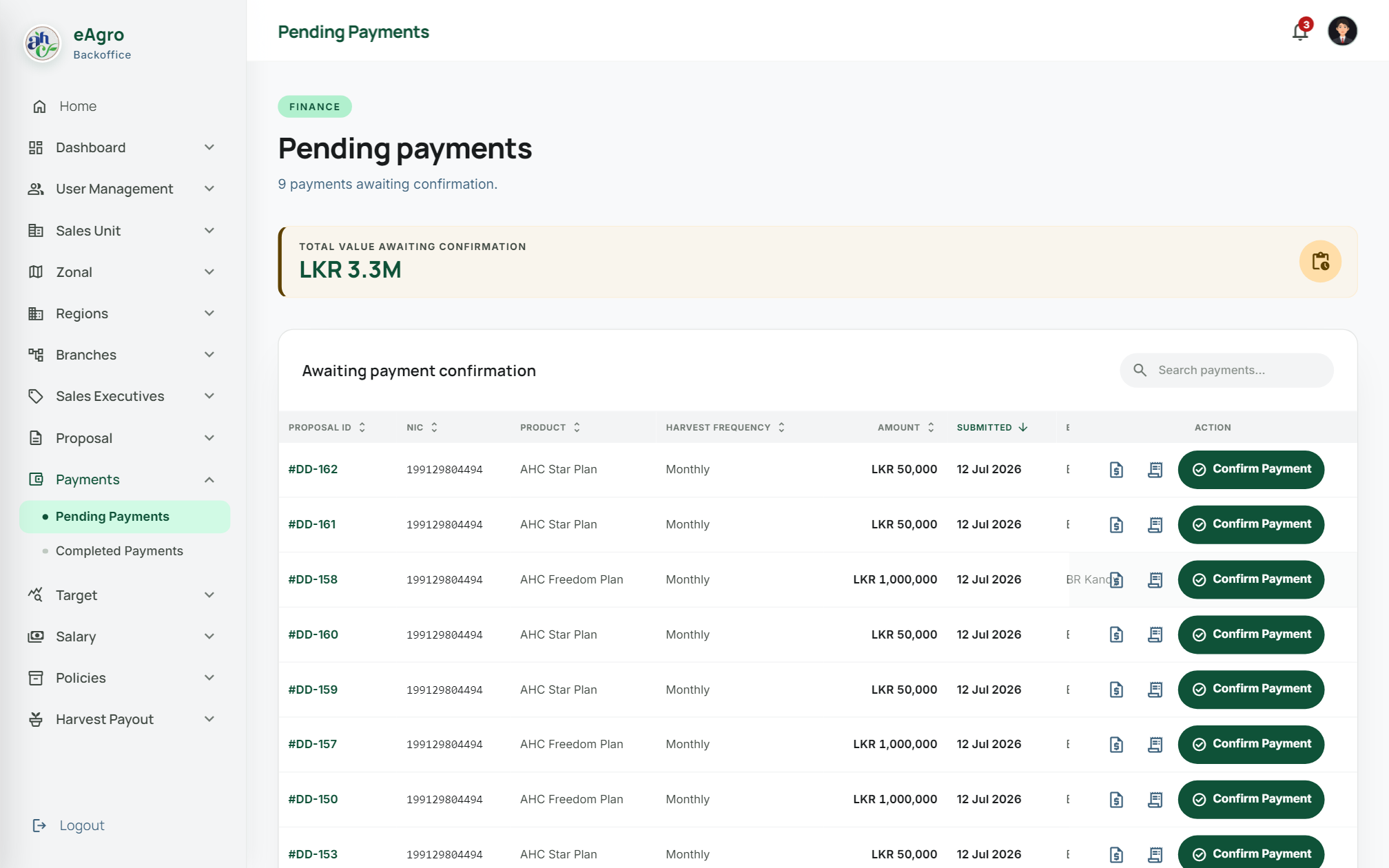
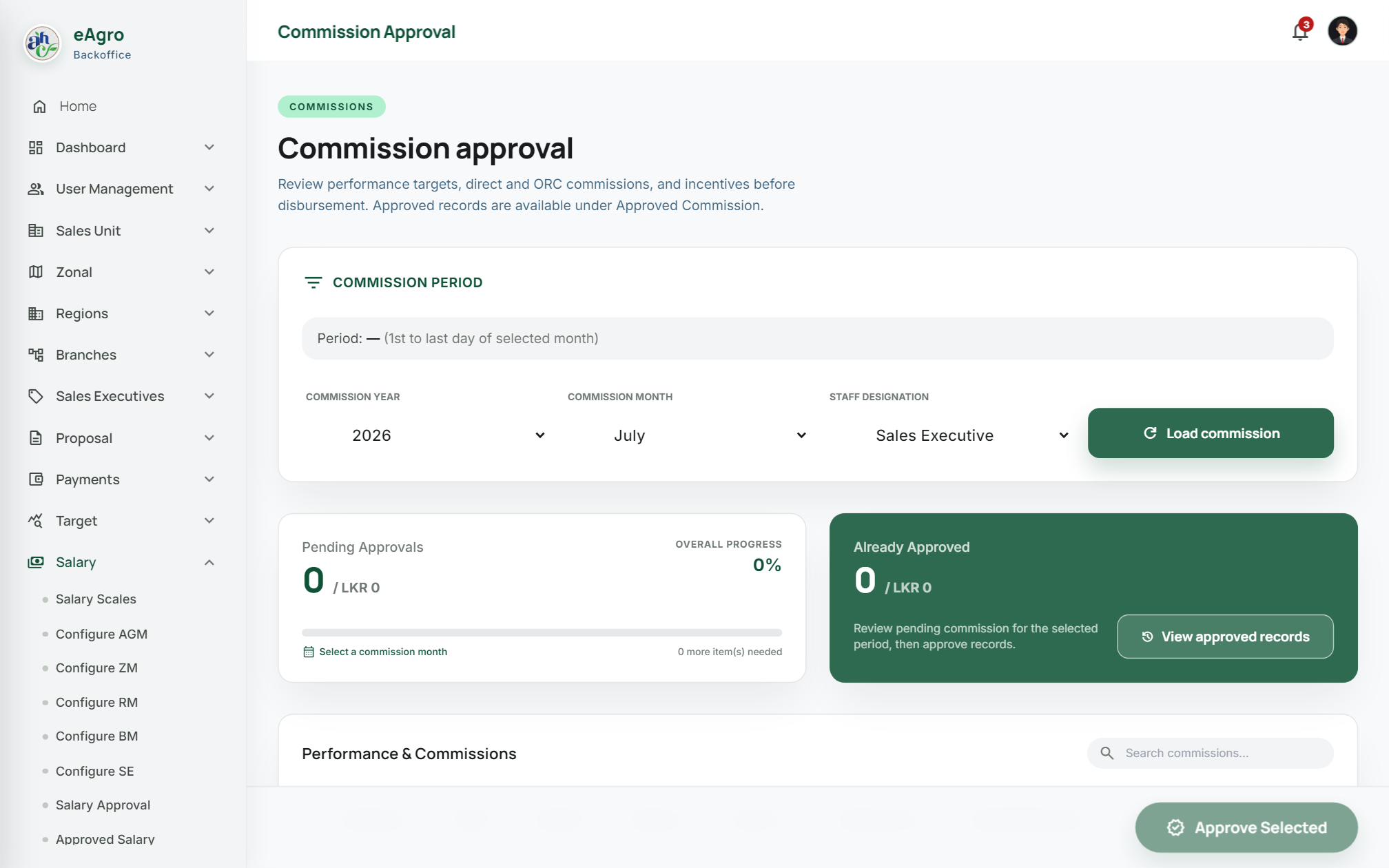
New — Performance Studio with Ask eAgro AI

Cultivate growth with clarity

The digital operating system for agro-investment sales, compliance, and harvest payouts — from quotation to policy, performance to commission.

0Portals
0BO screens
0Dashboards
AIBuilt-in
Performance Studio · Global LIVE
Achievement 0 ▲ 6.1%
Sales value LKR 0 ▲ 12%
Policies 0 ▲ 214
72%of target

⟡ Product overview

One ecosystem.
Three precision portals.

eAgro connects headquarters, field sales, and investor customers on a single source of truth — every quotation, approval, and harvest payout stays in sync.

01

Back Office

Organisation hierarchy, role-based access, proposal approval, payments, agreements, salary & commission, harvest payouts — plus Performance Studio with Ask eAgro AI.

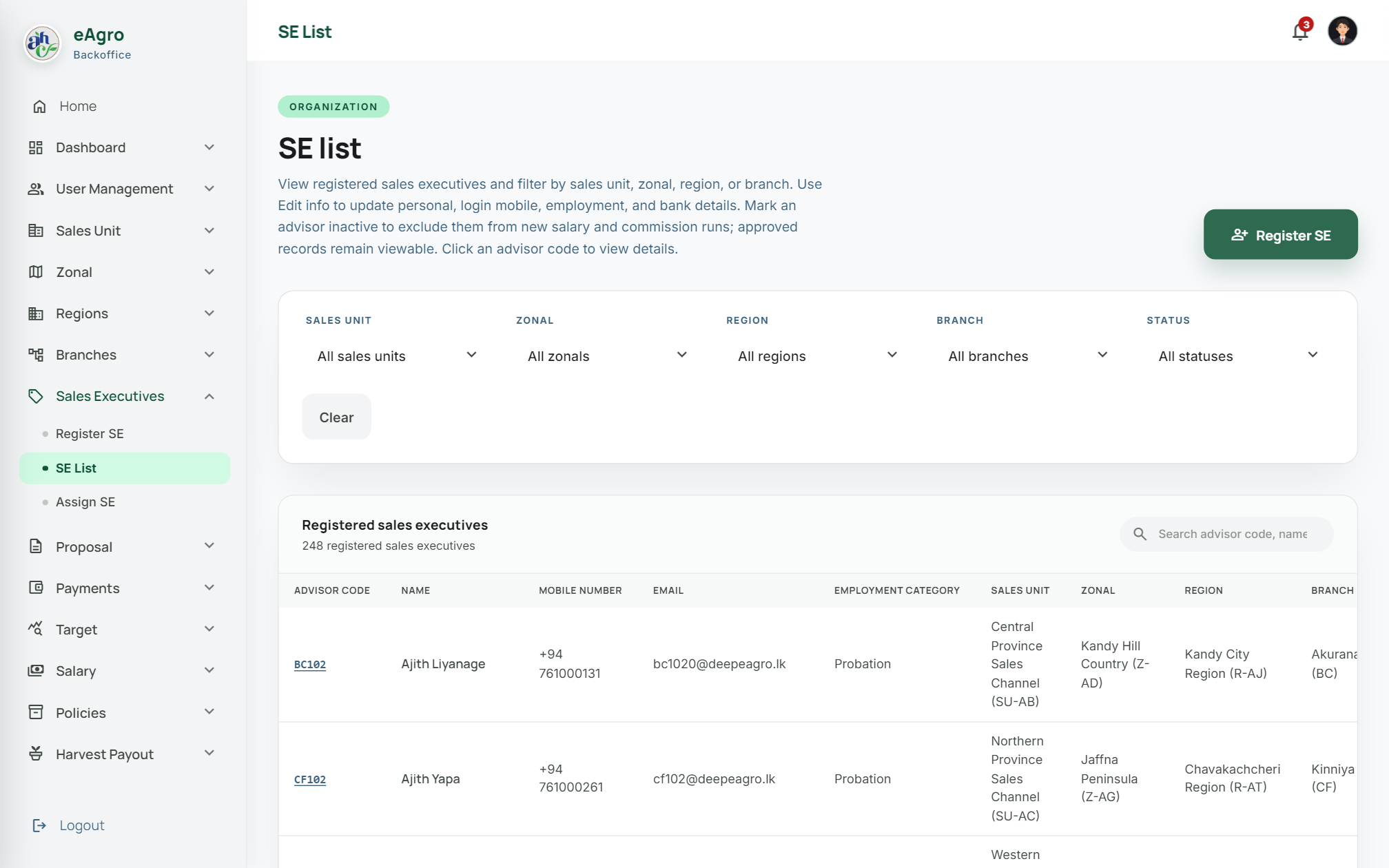
  • Sales Unit → Zonal → Region → Branch → SE
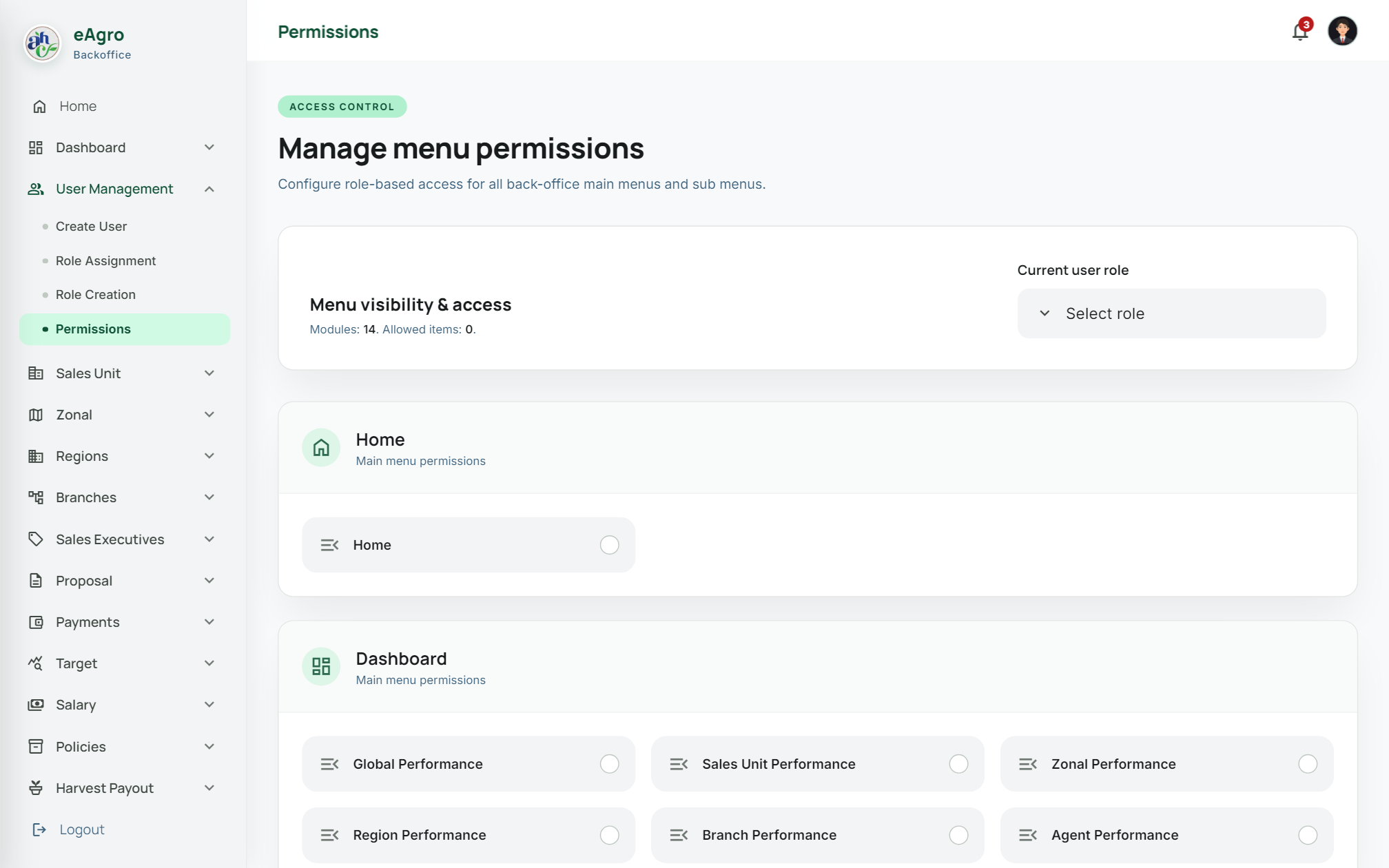
  • 57 permission-governed menu pages
  • Modern dashboards + classic fallback
02

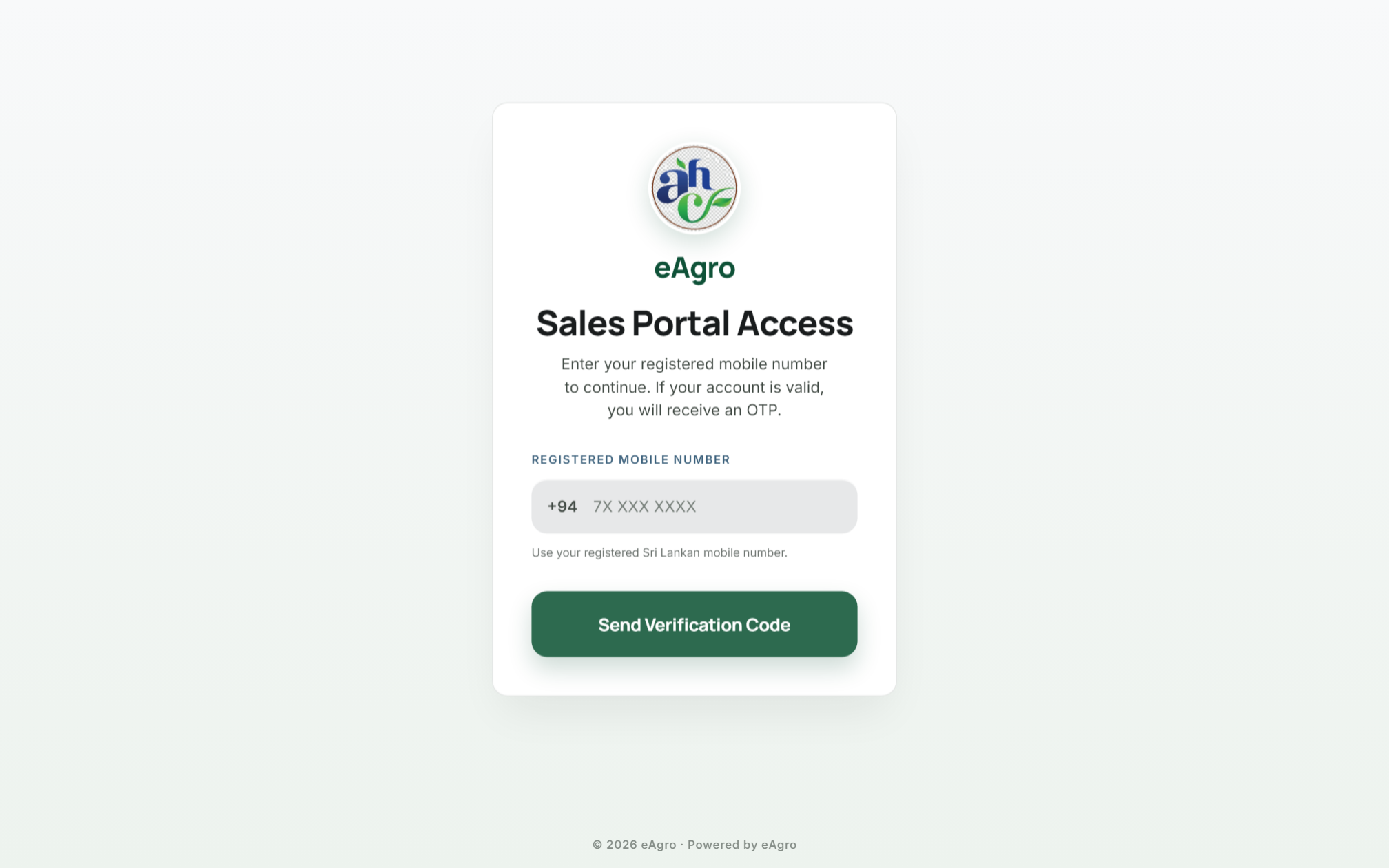
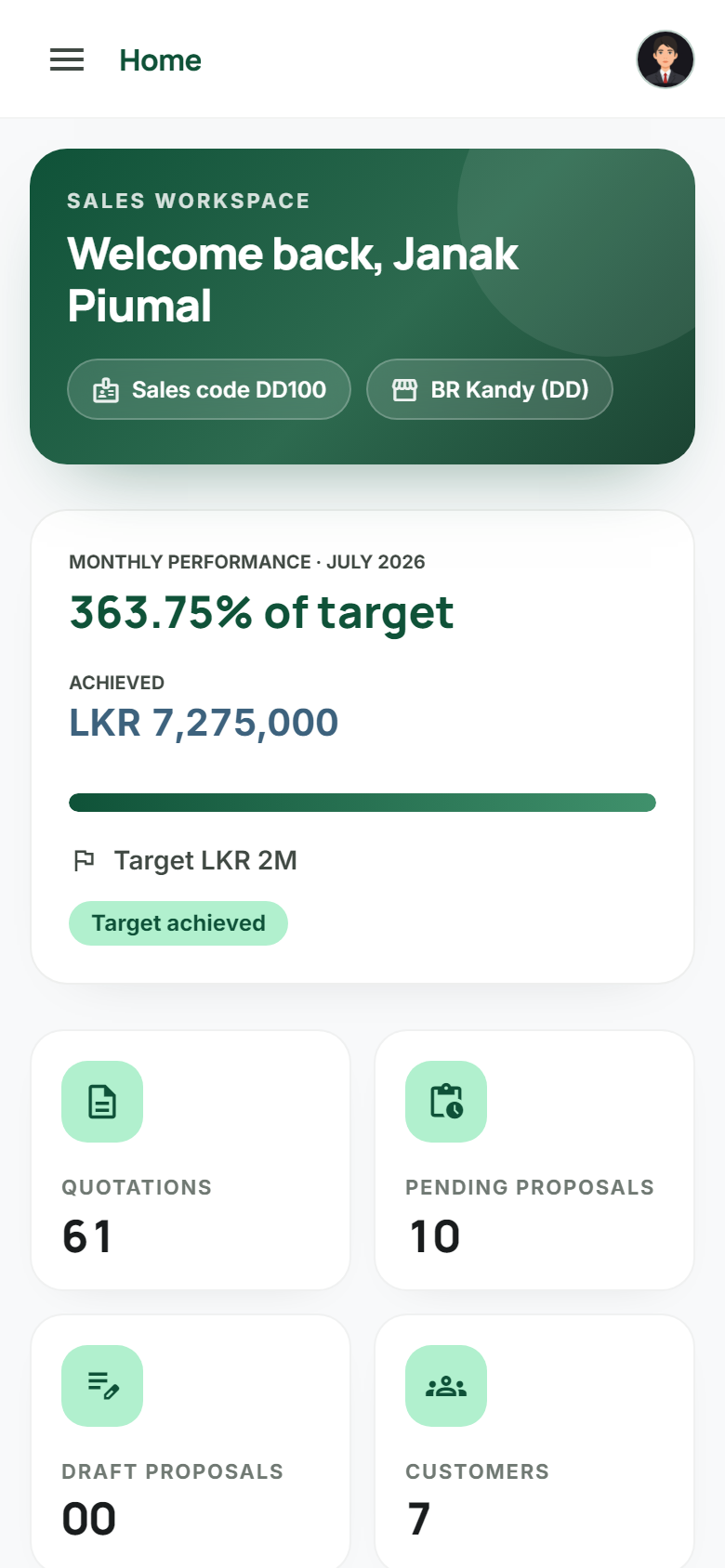
Sales Portal

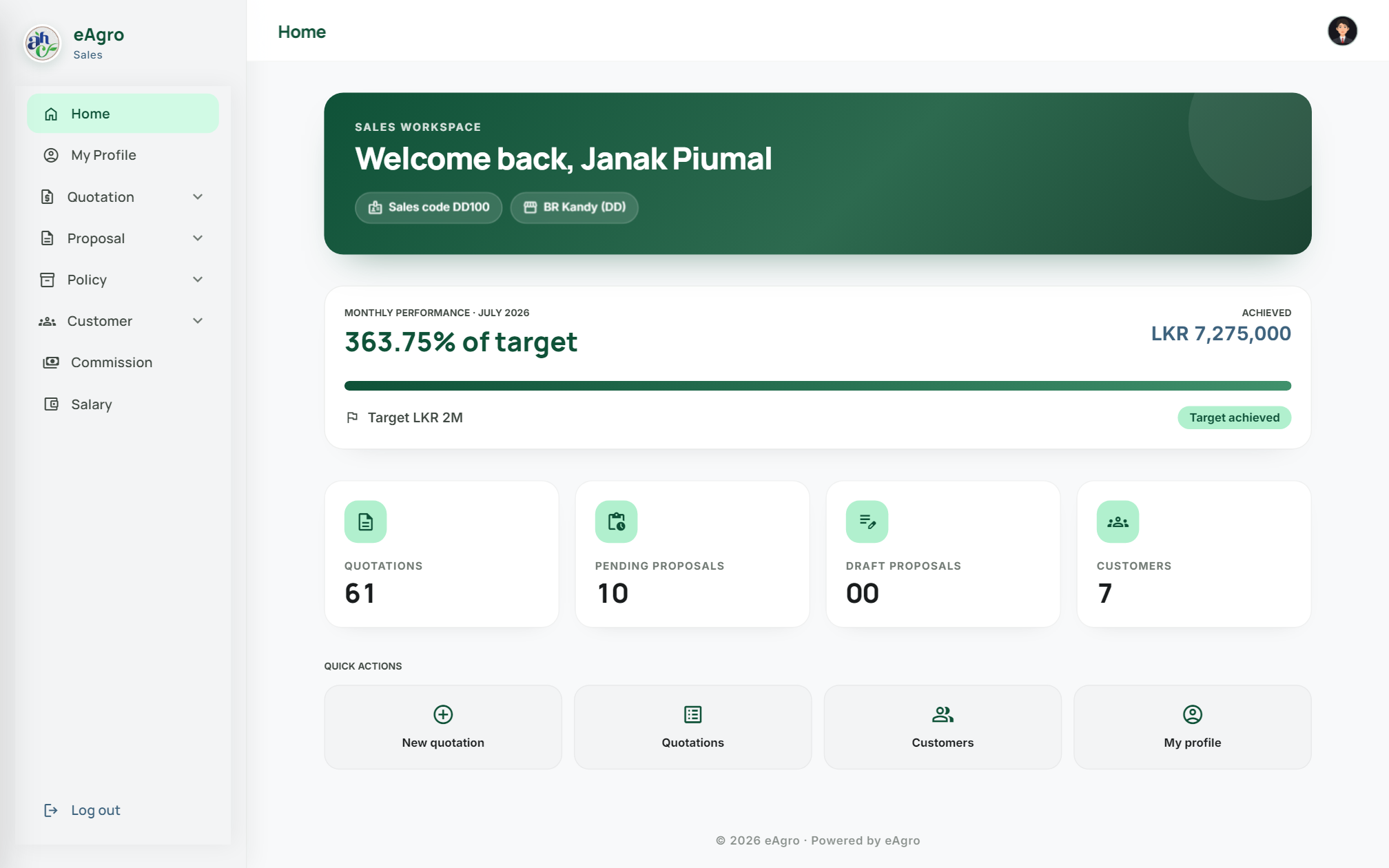
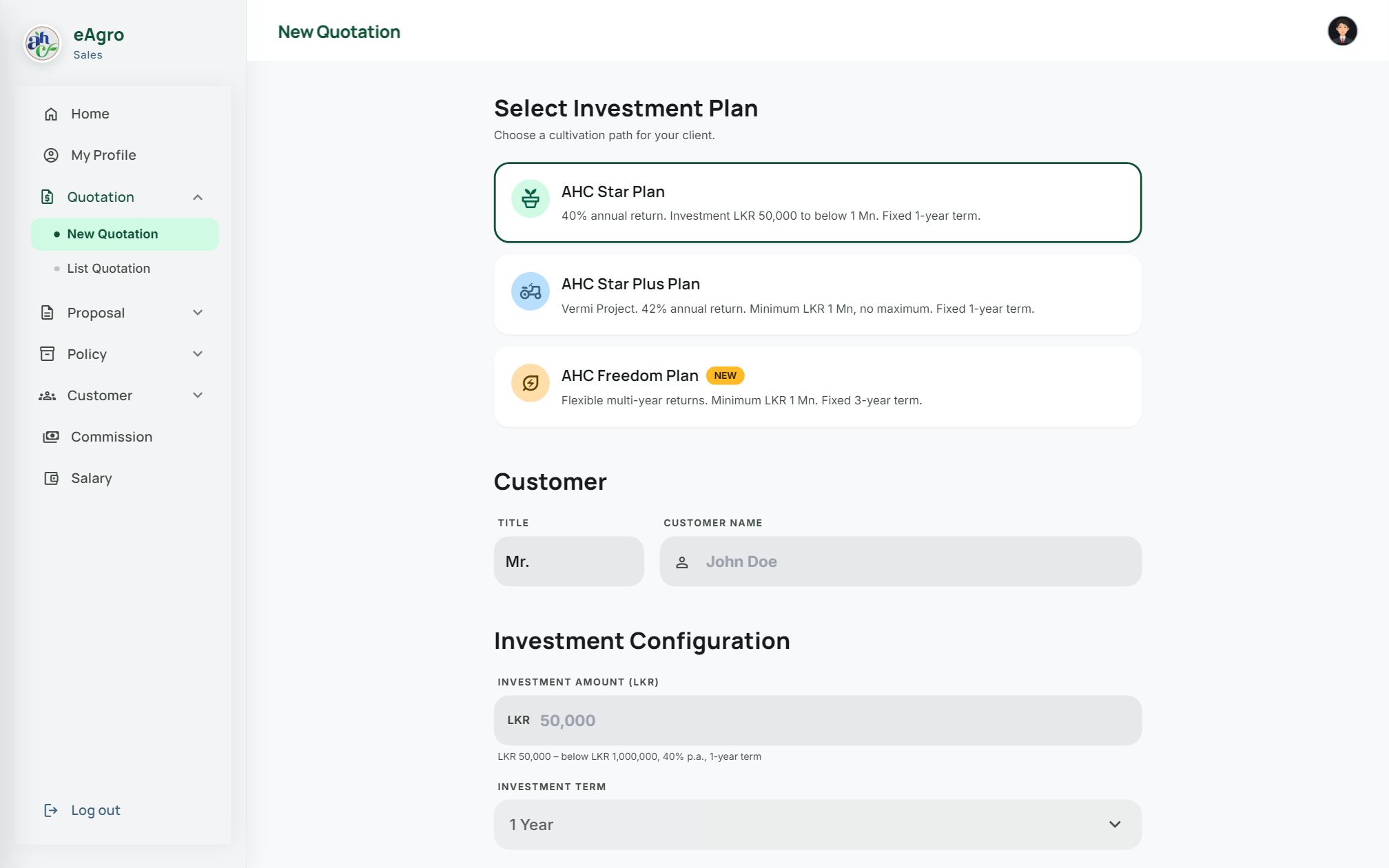
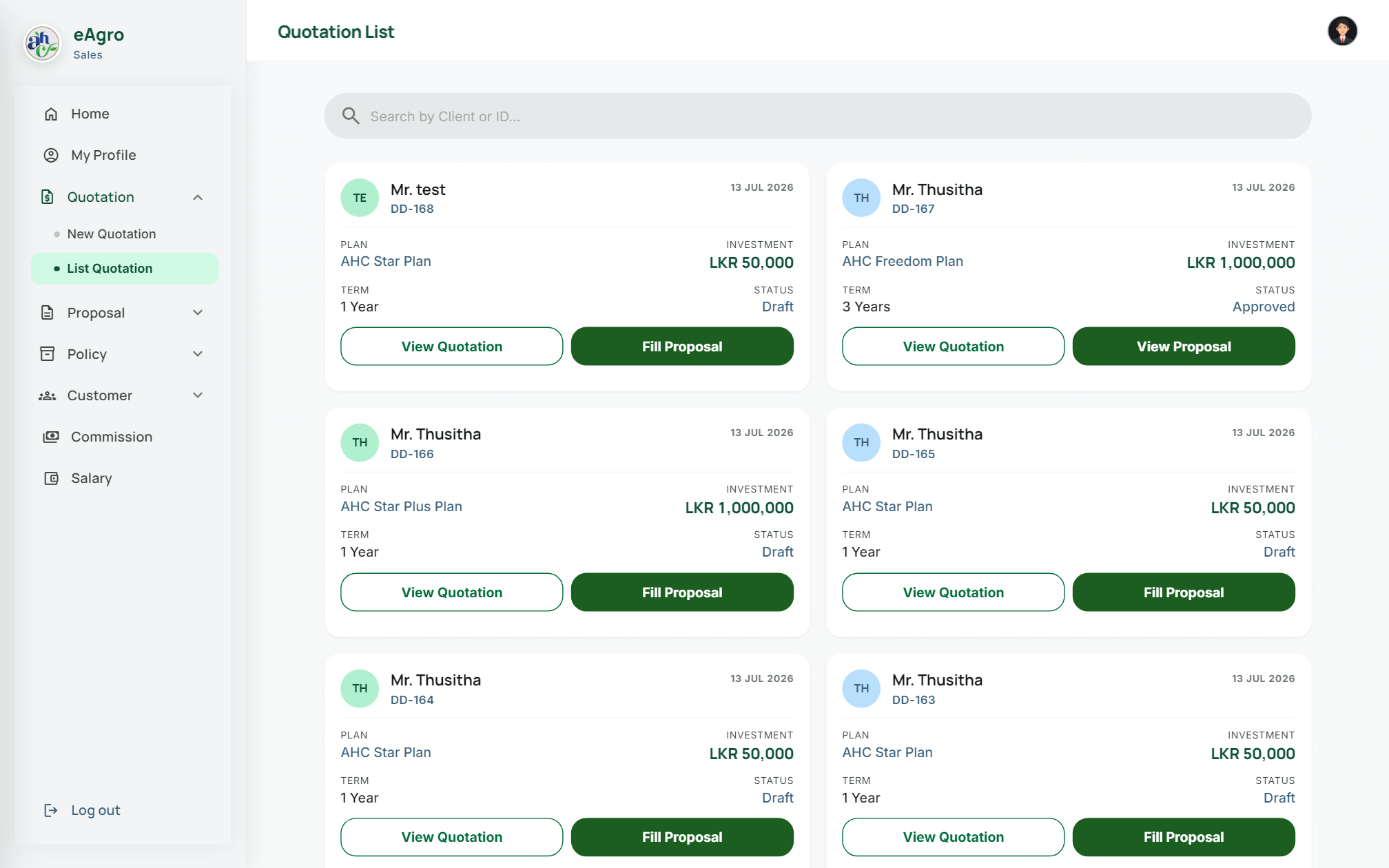
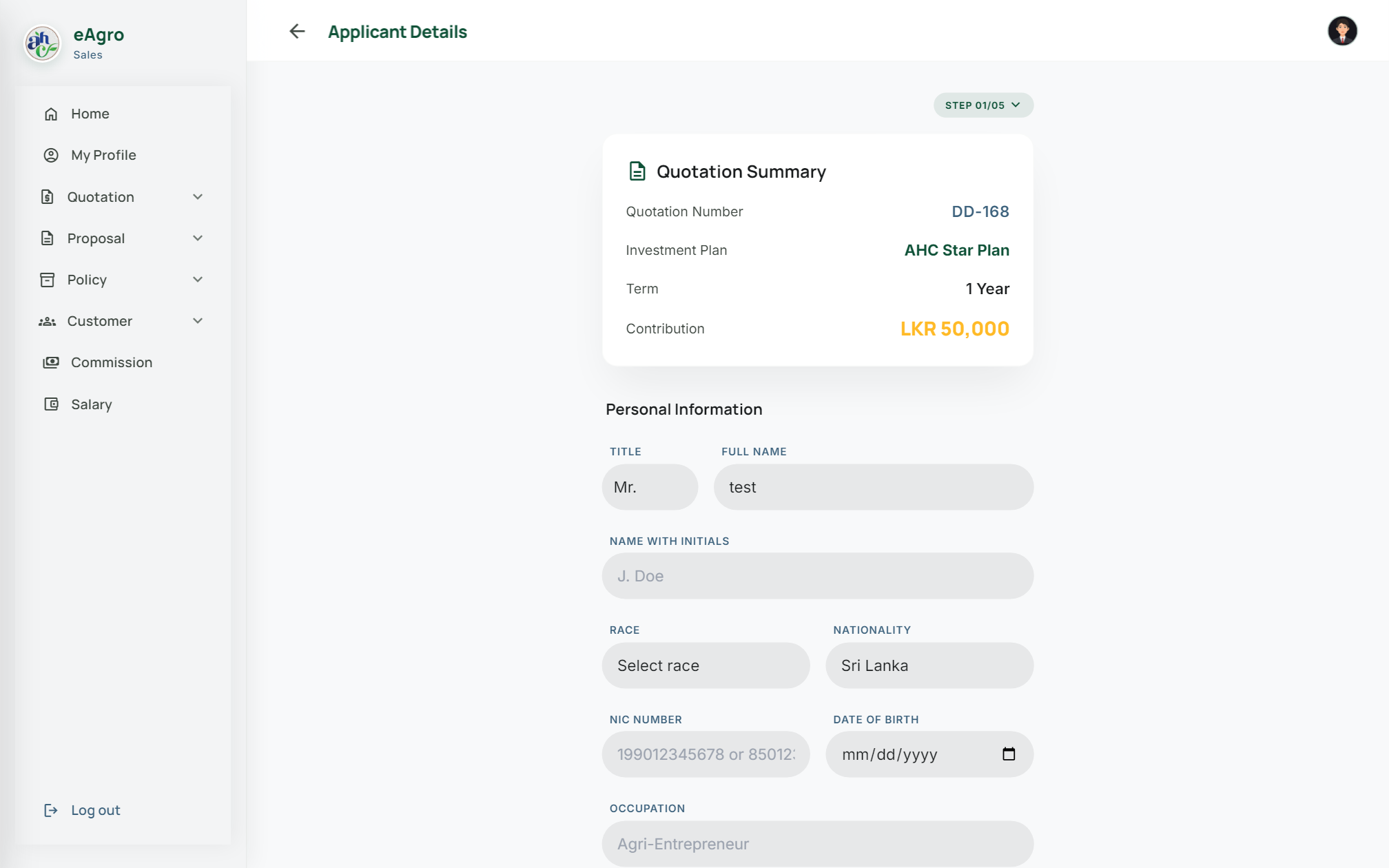
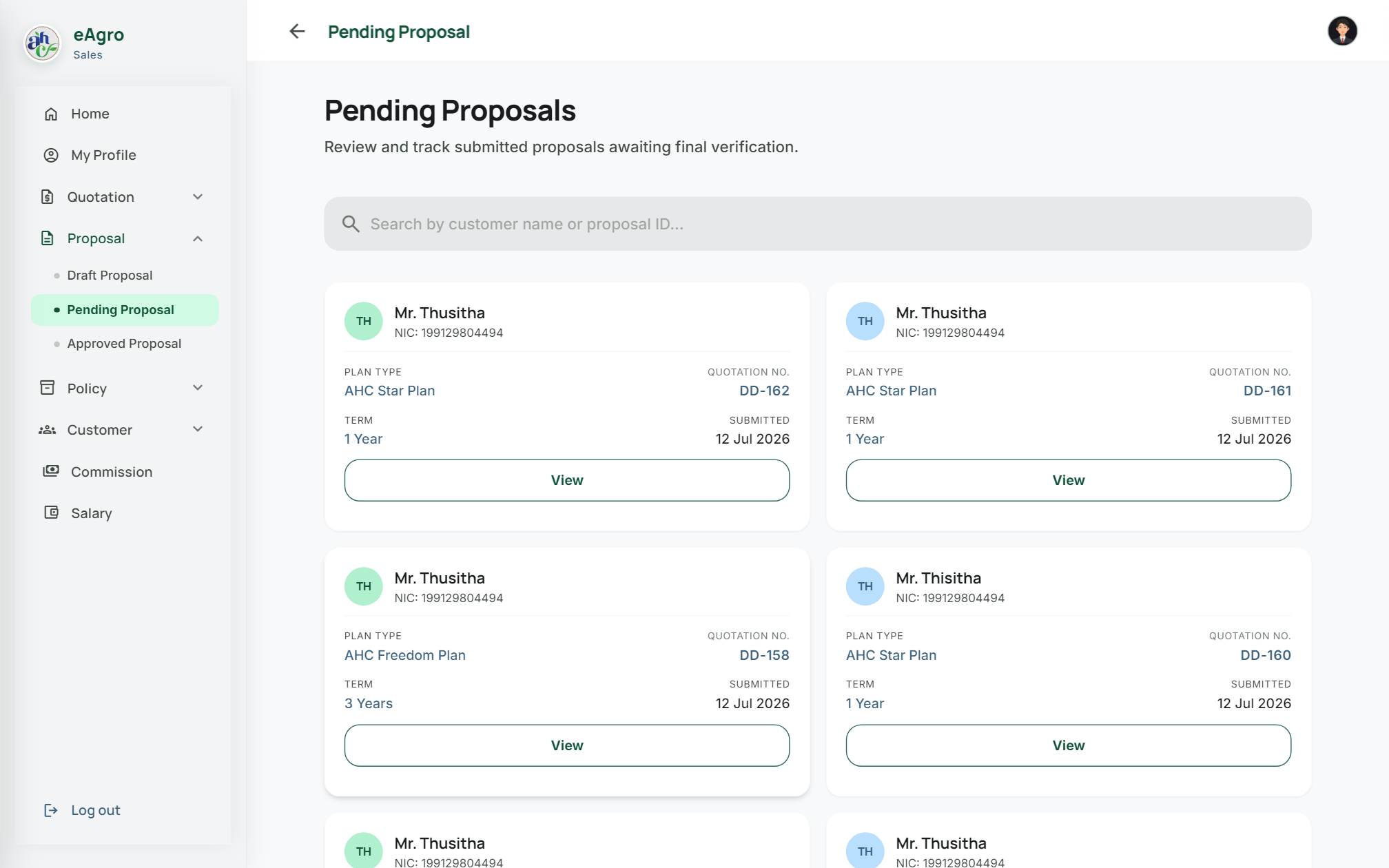
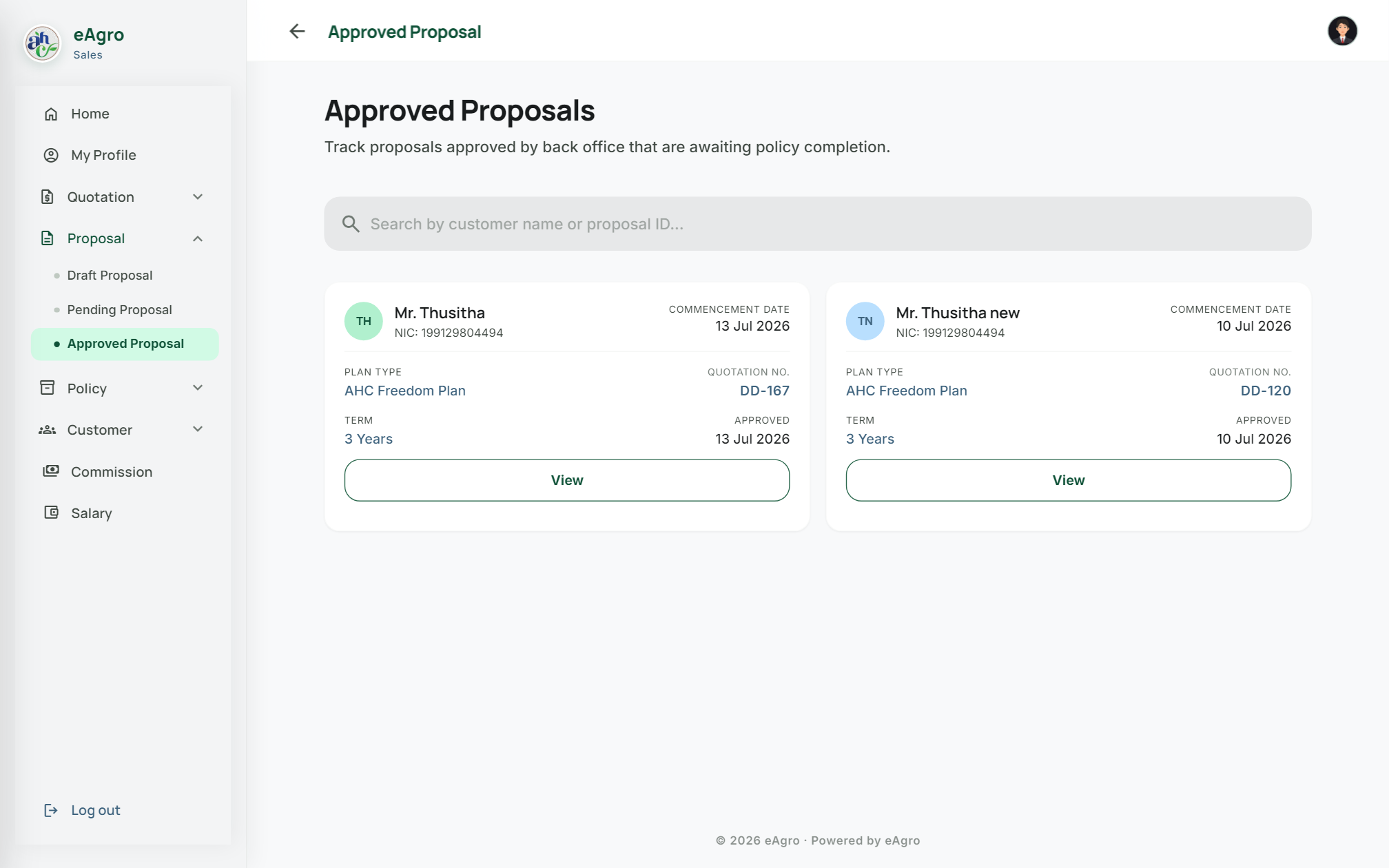
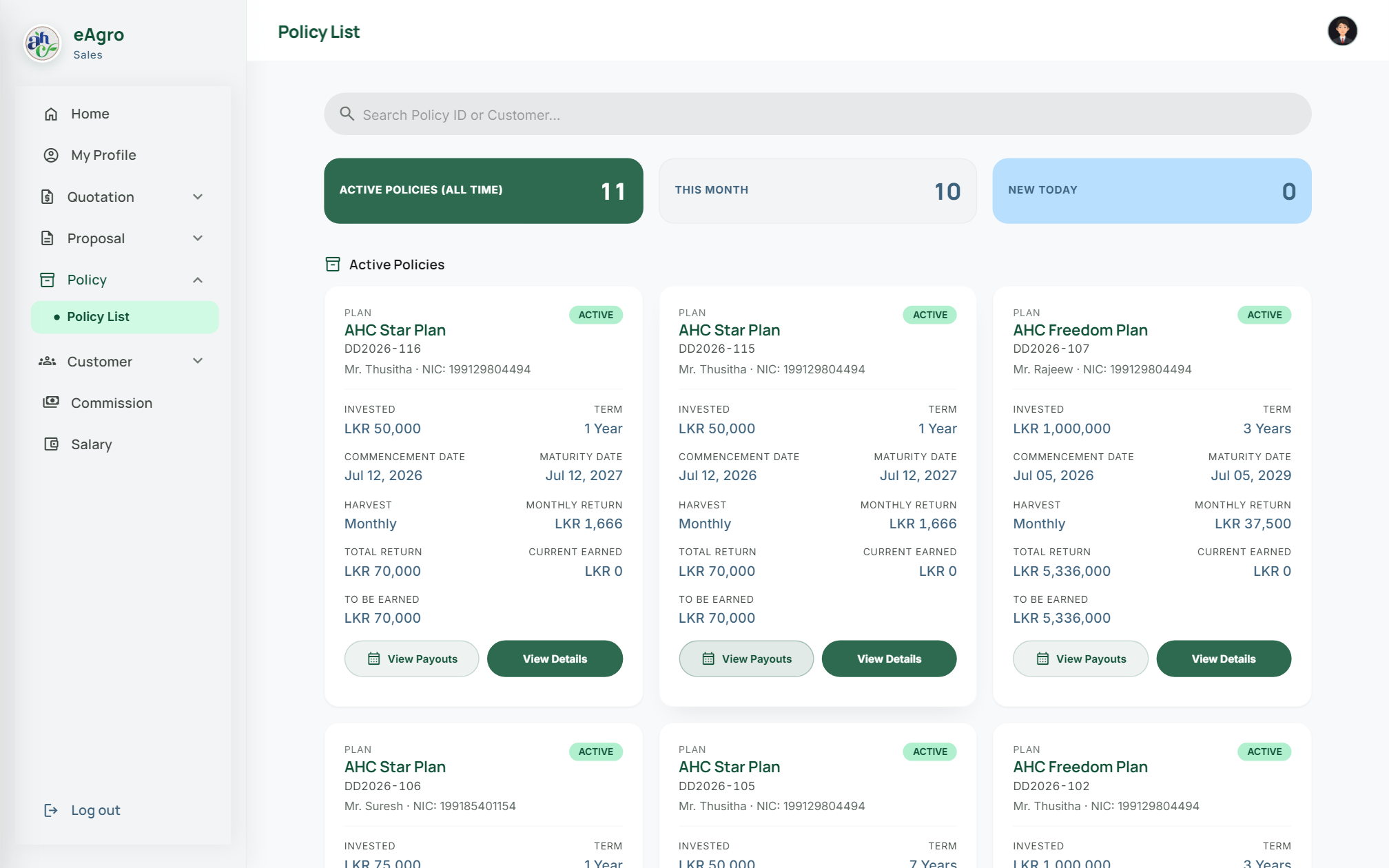
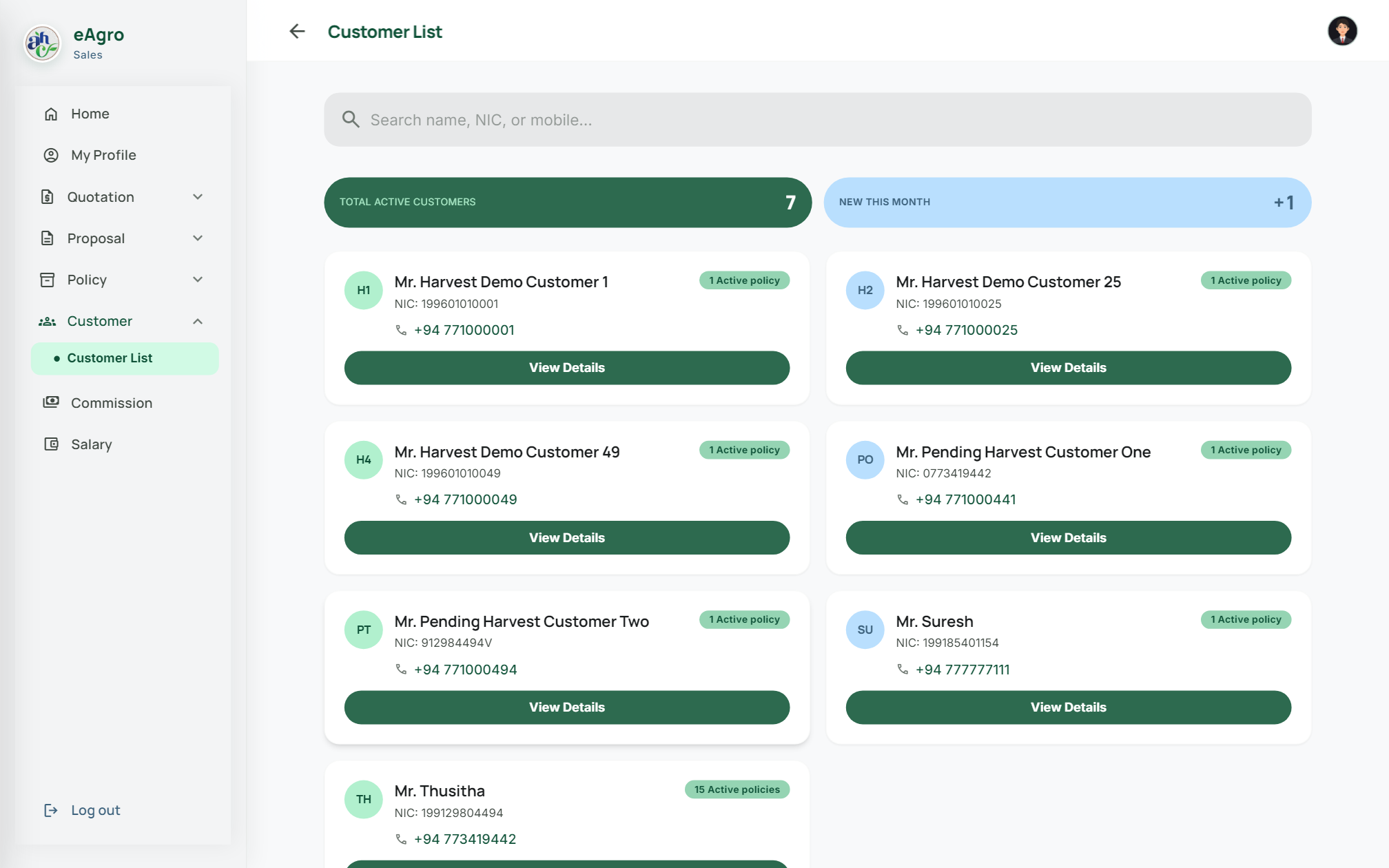
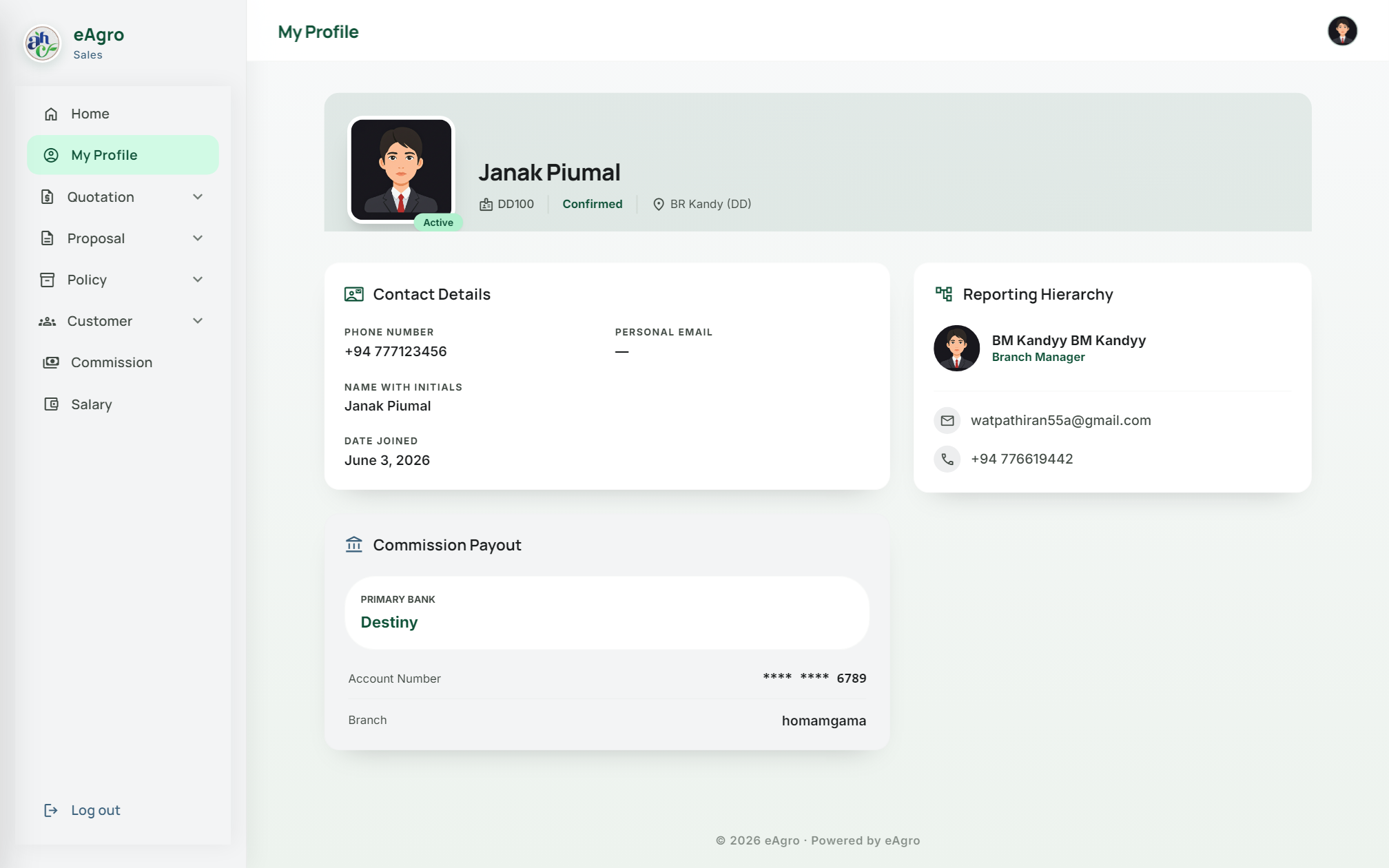
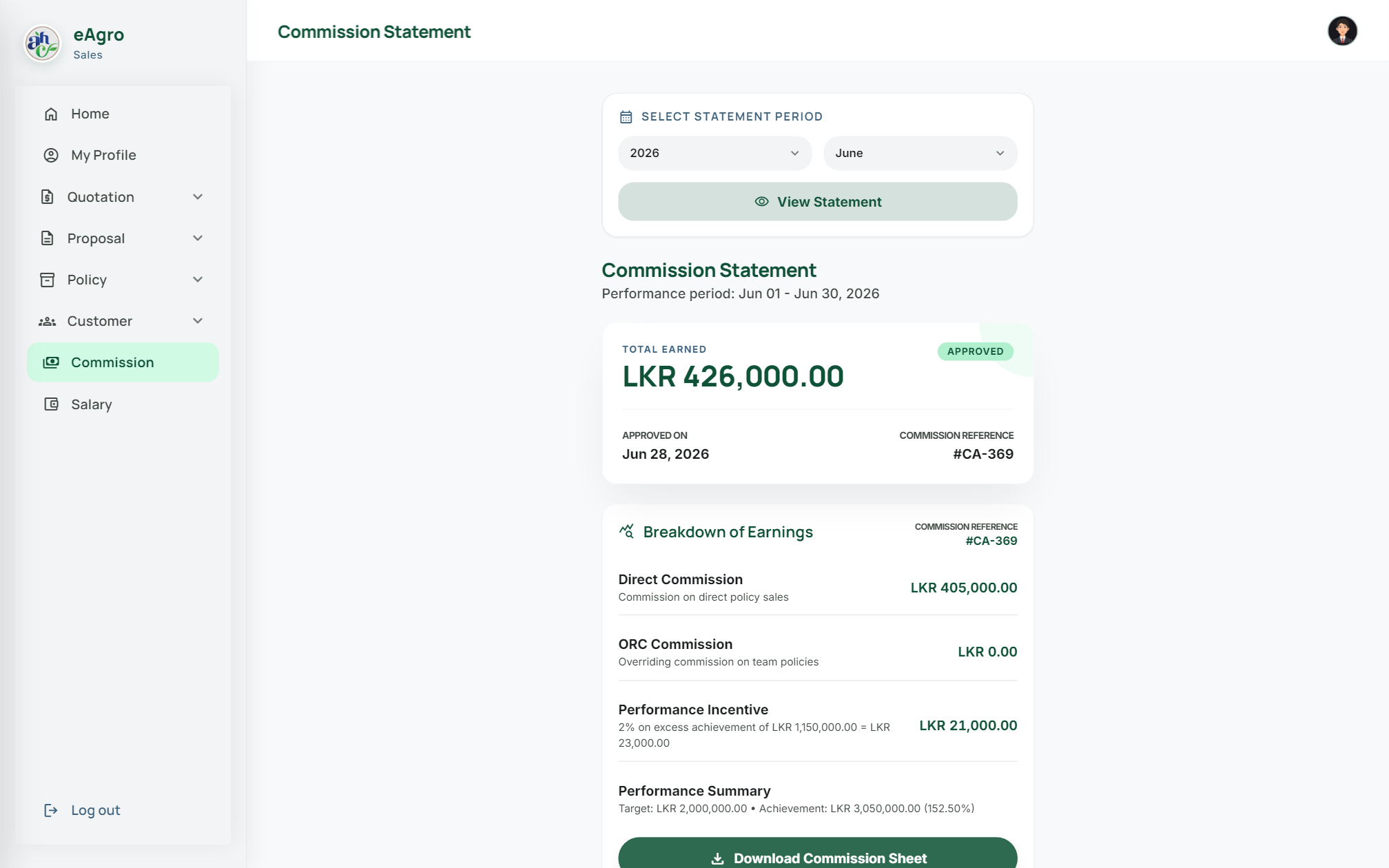
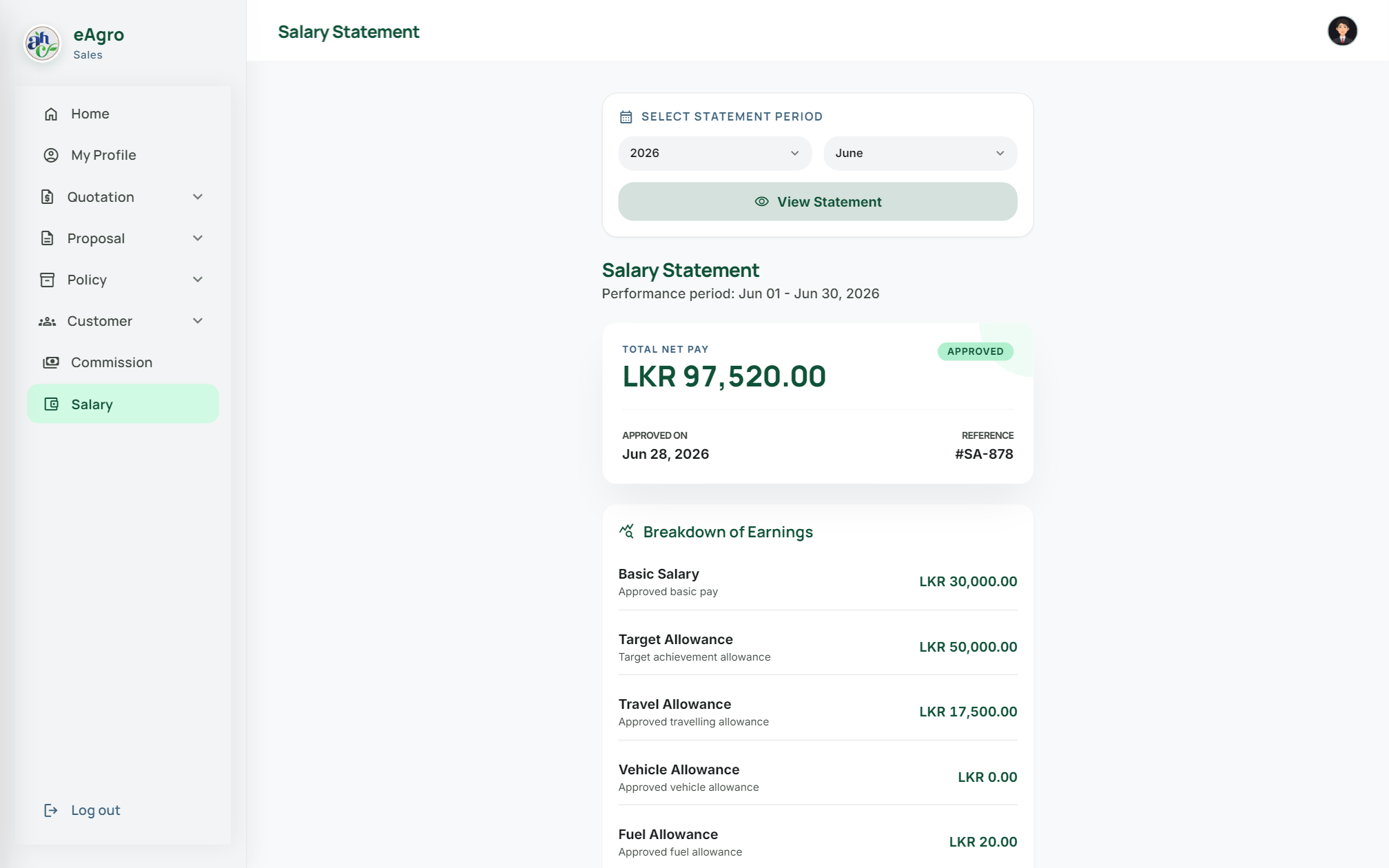
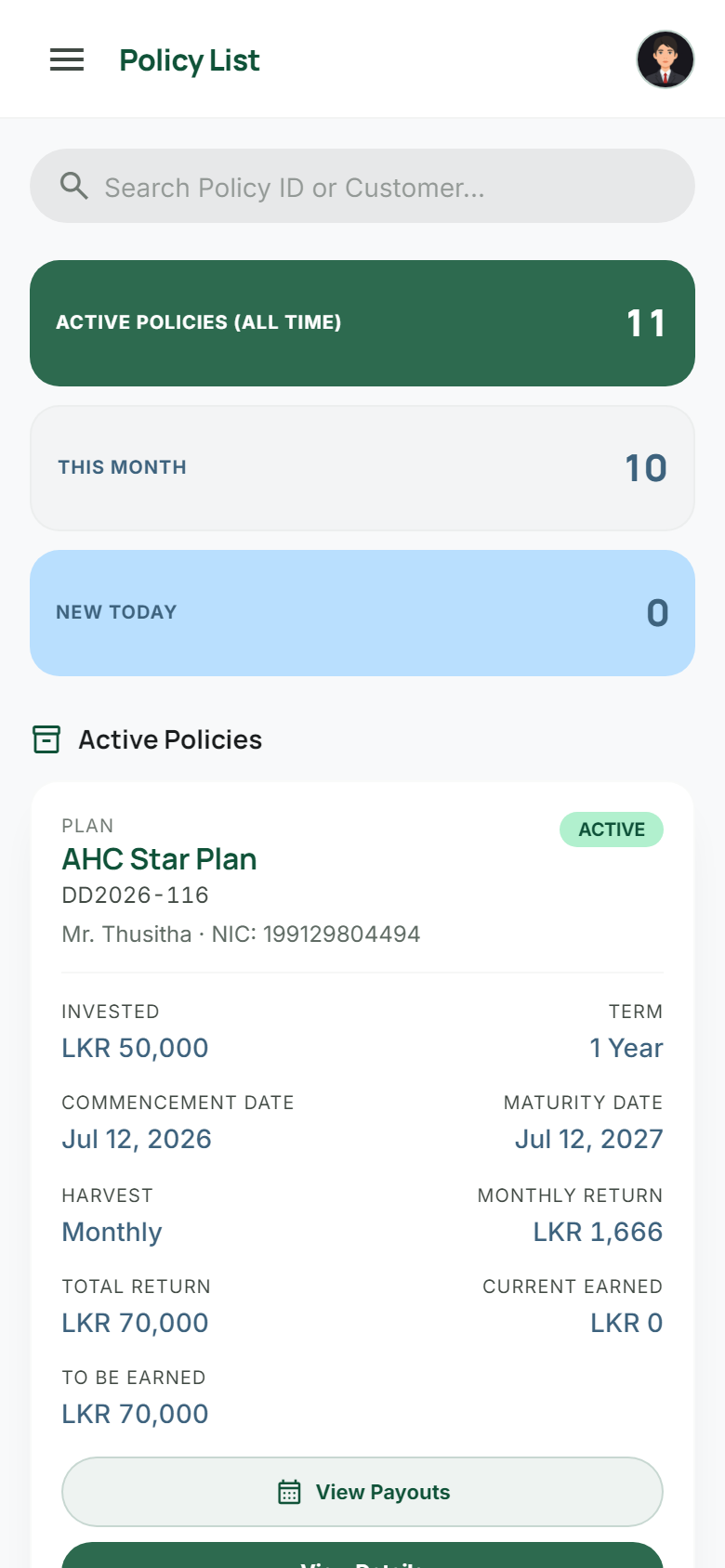
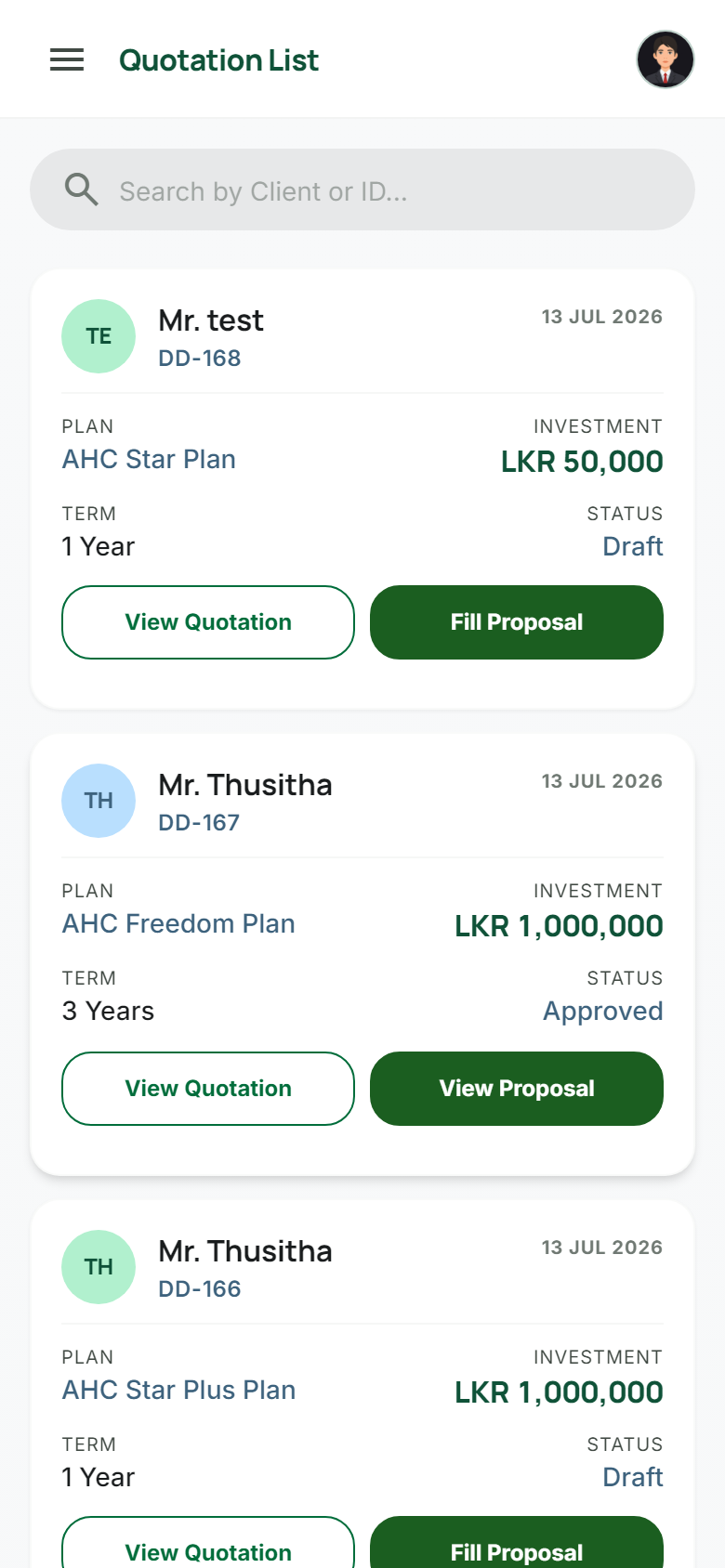
Field executives create quotations, run a guided five-step proposal wizard, track policies, and open commission or salary statements with Print & Share.
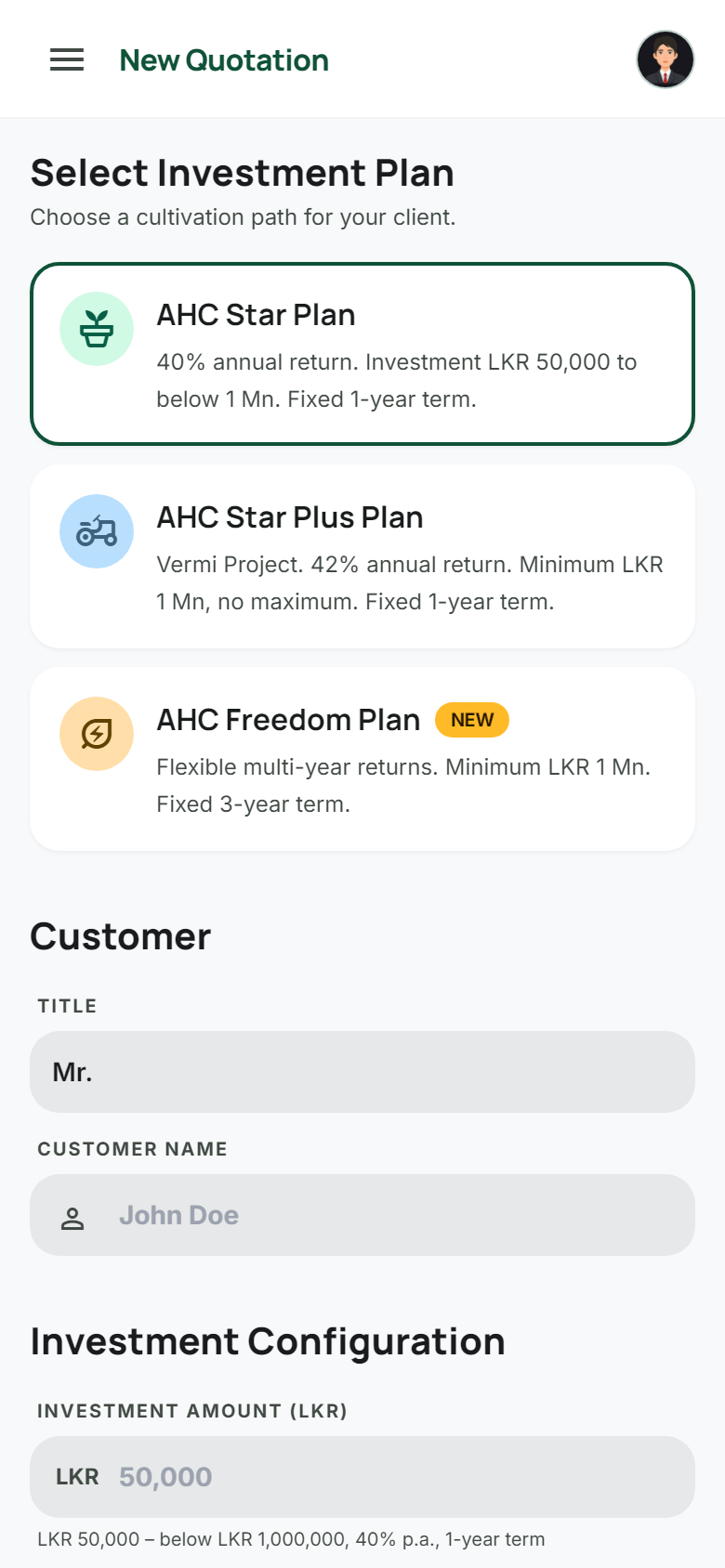
  • Configurable investment products
  • Smart draft resume to the right step
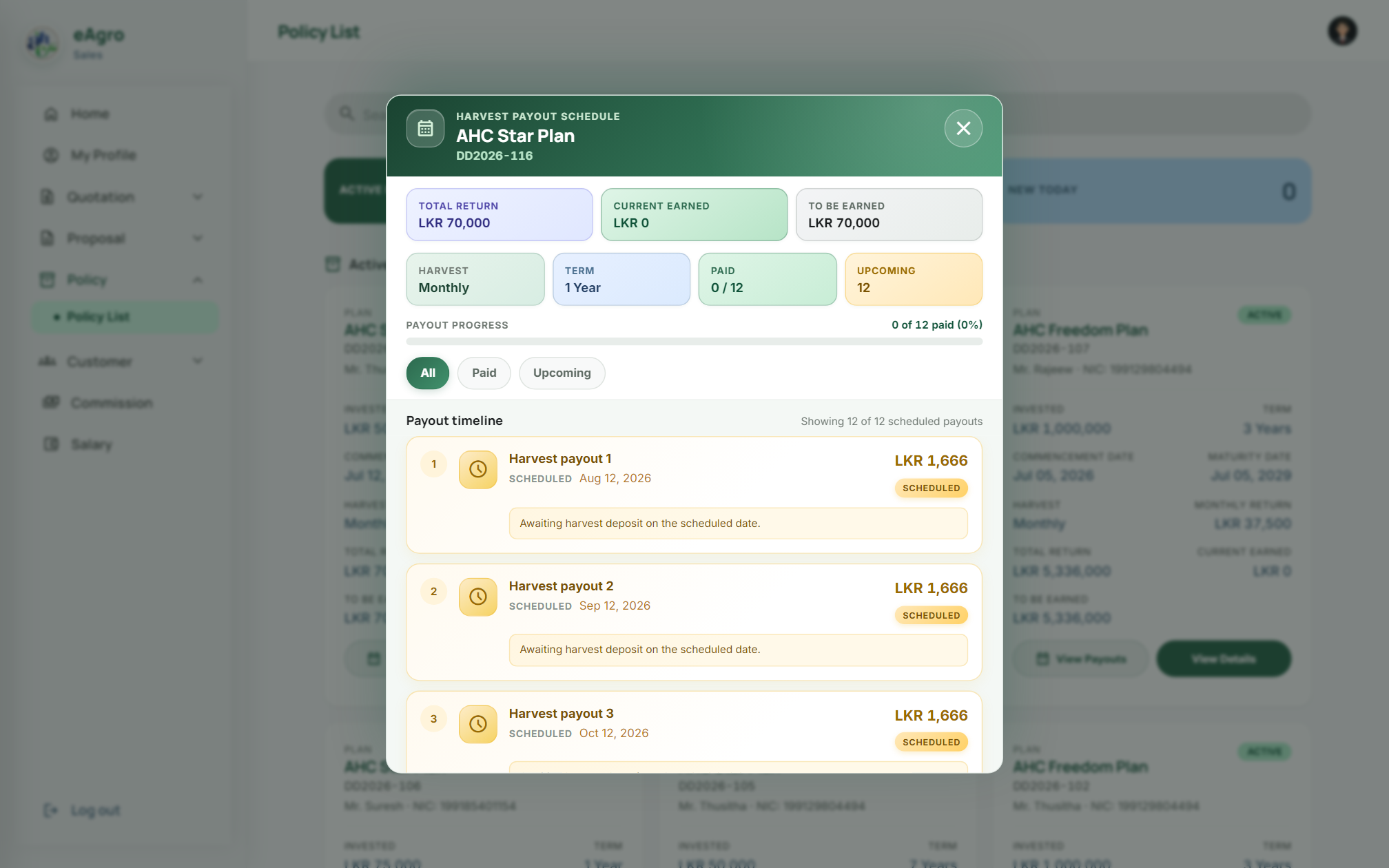
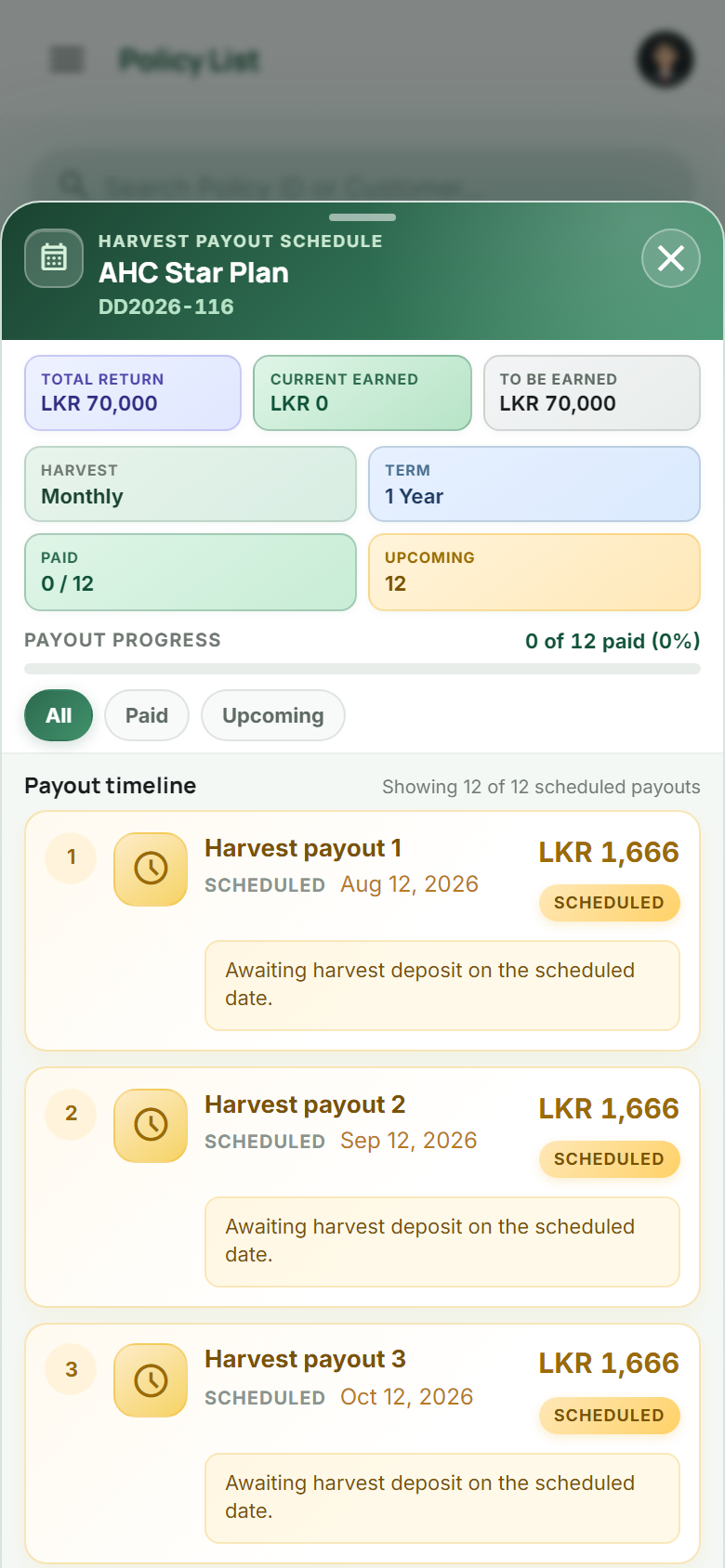
  • Harvest payout timelines on policies
03

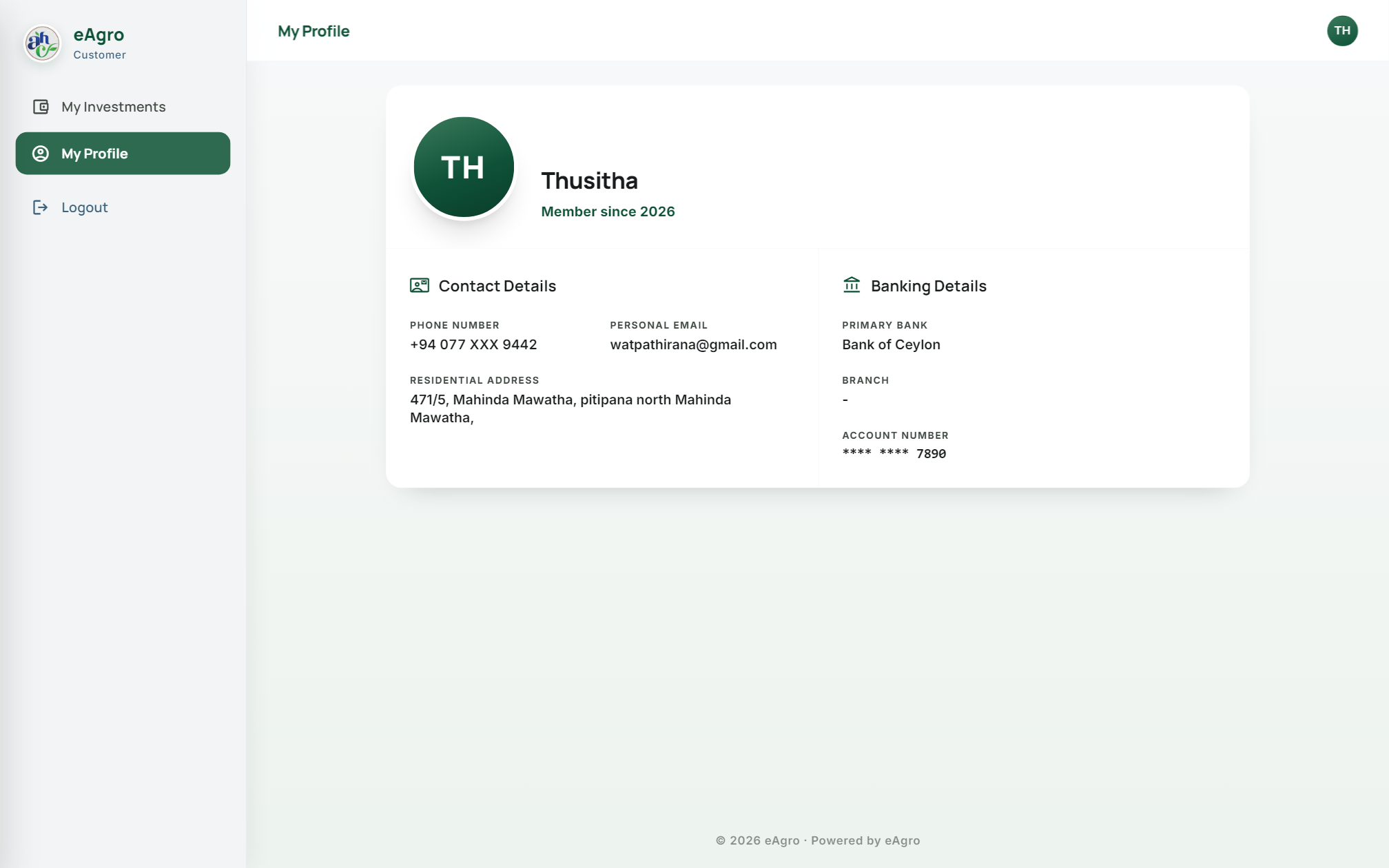
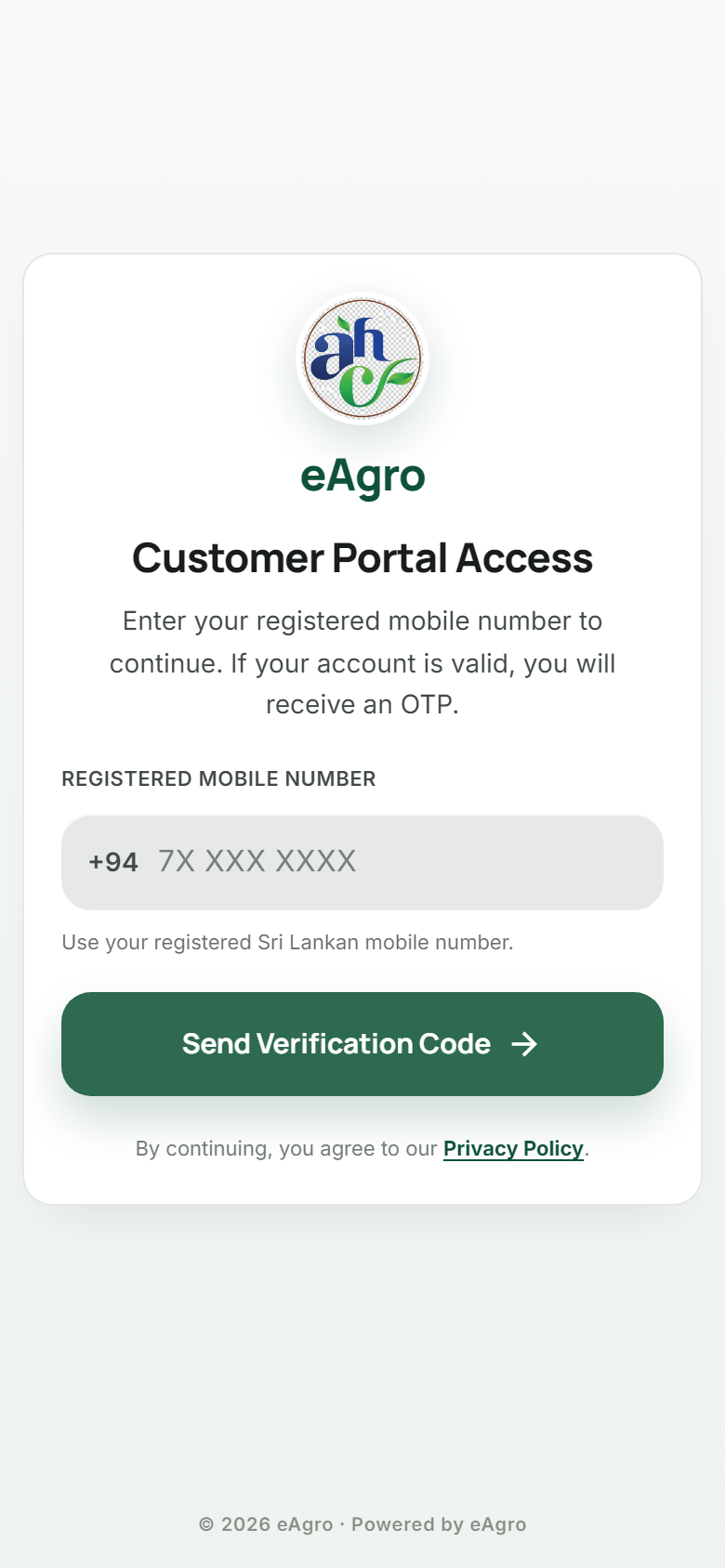
Customer Portal

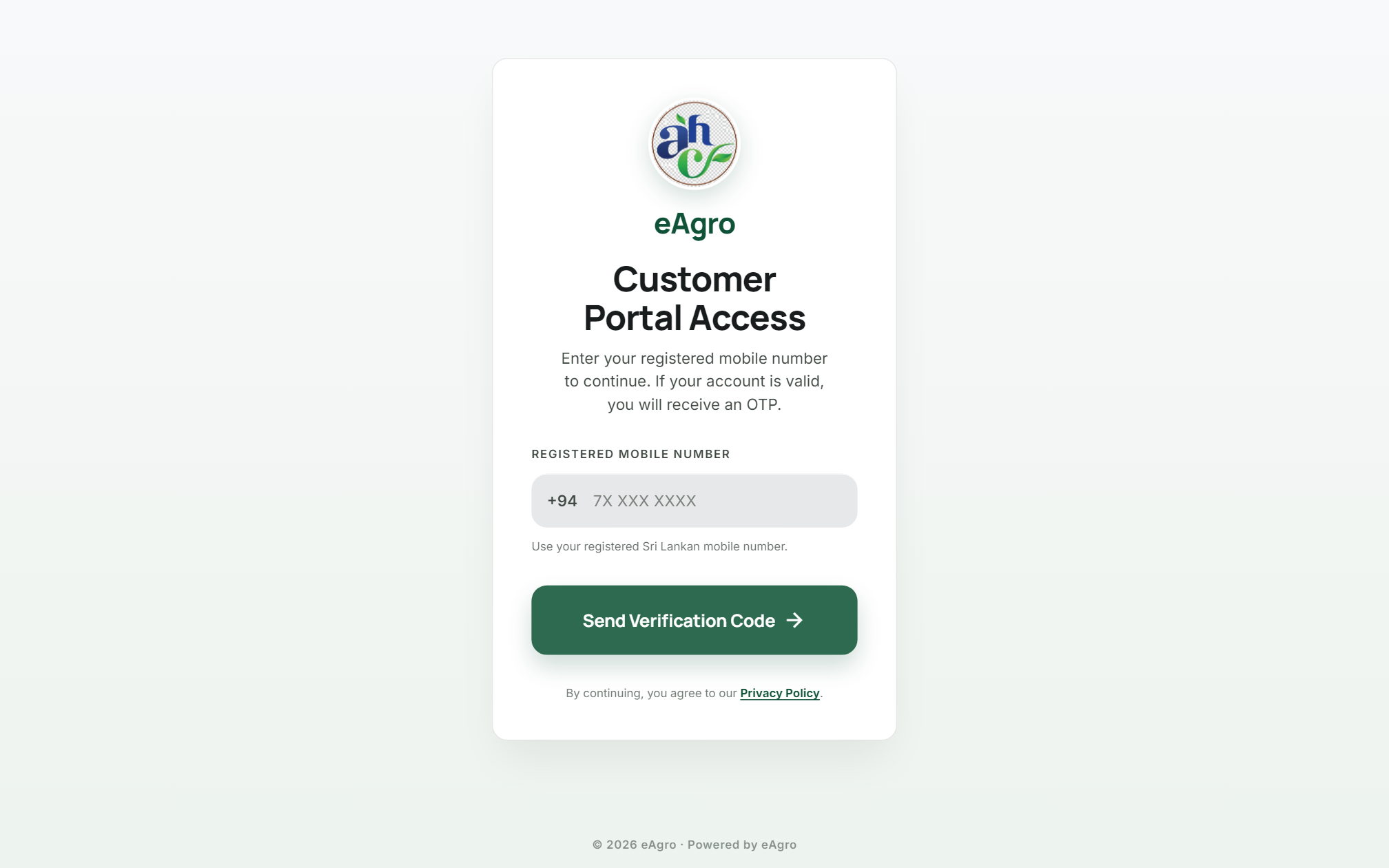
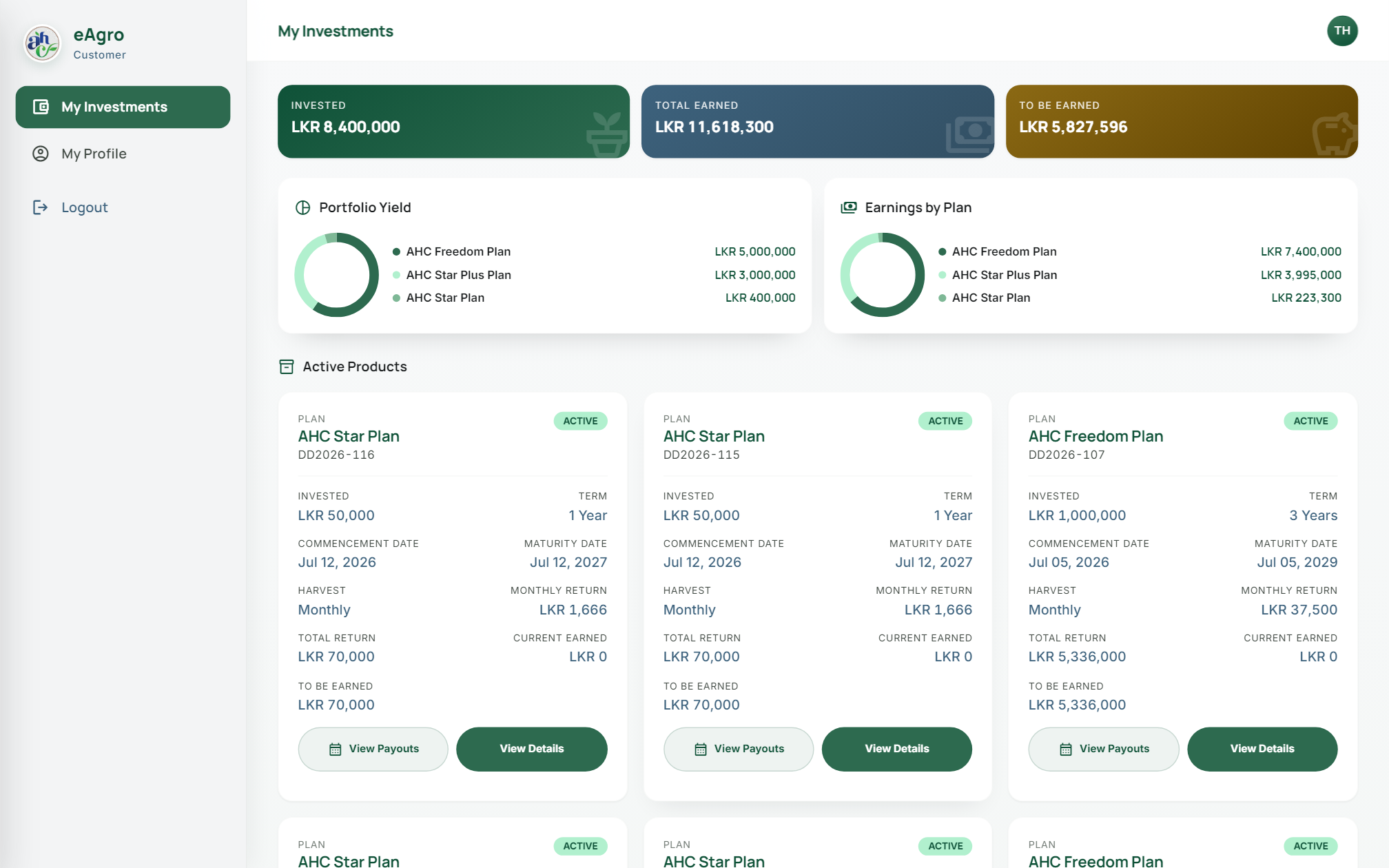
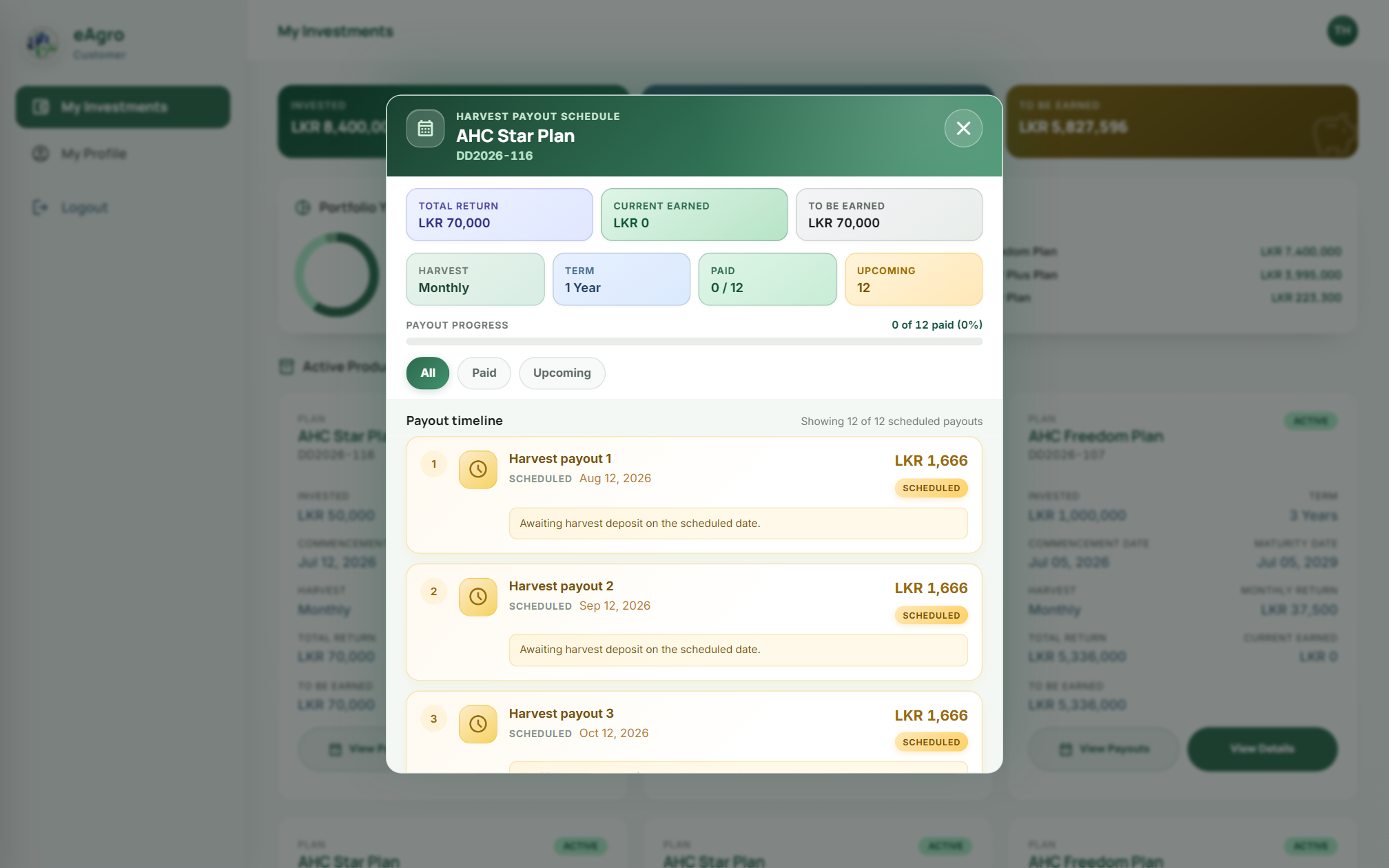
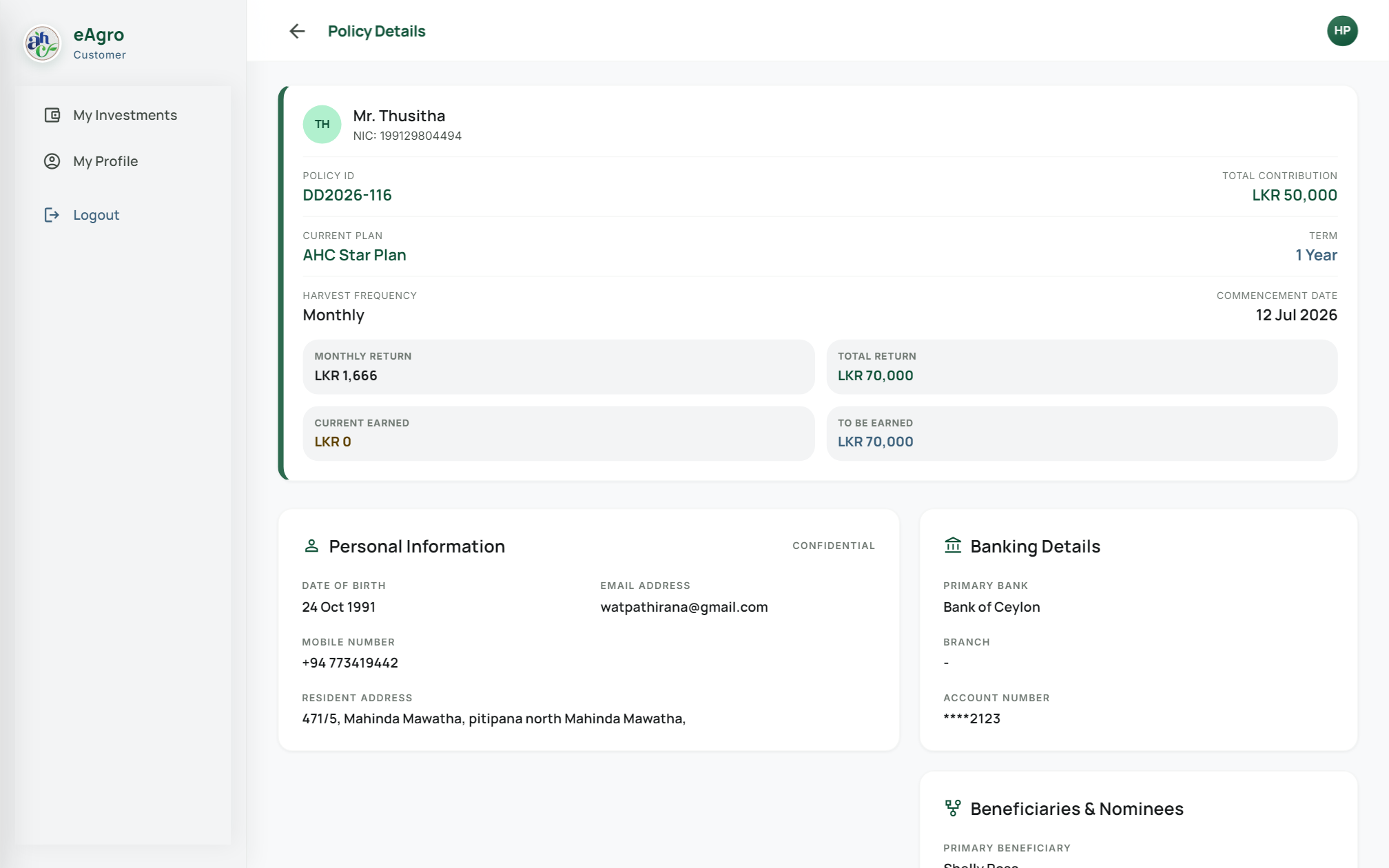
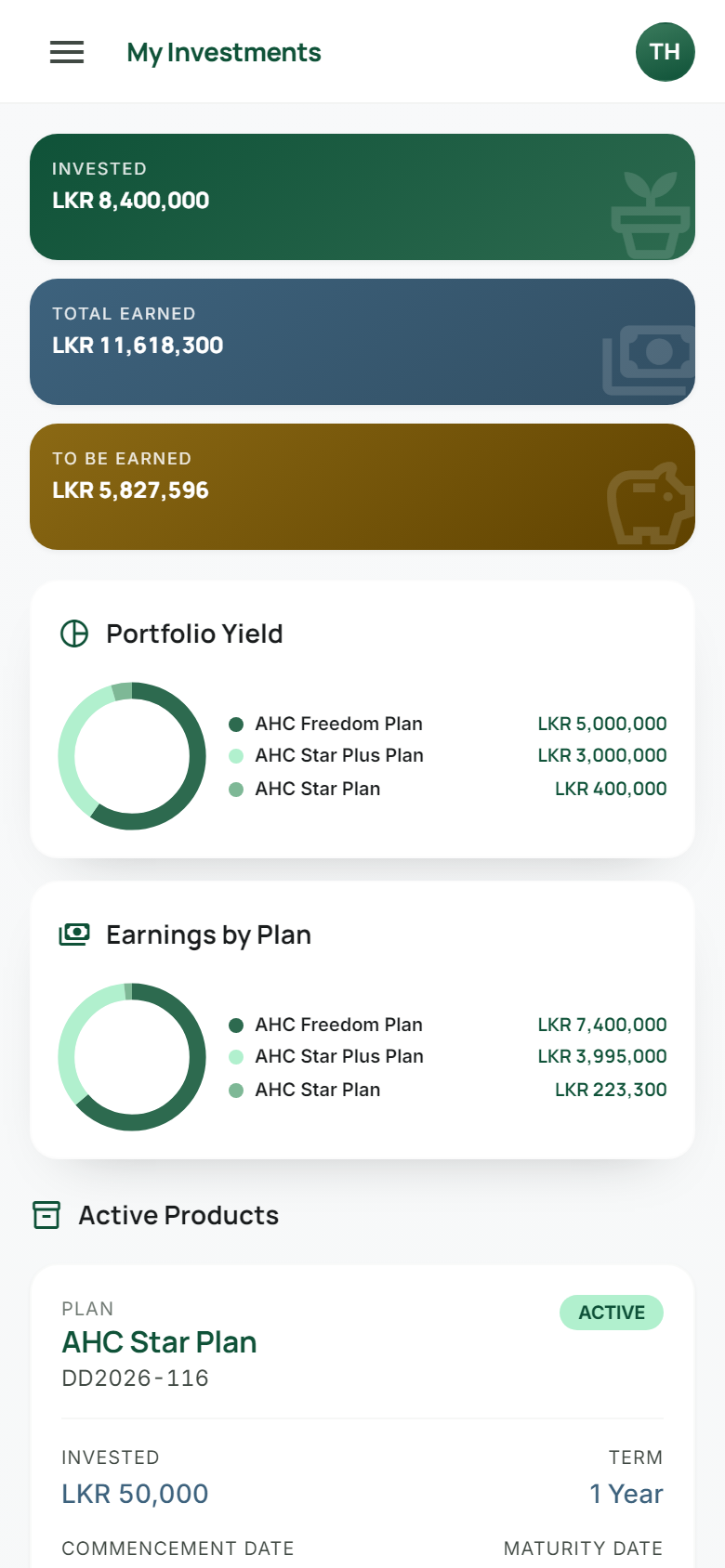
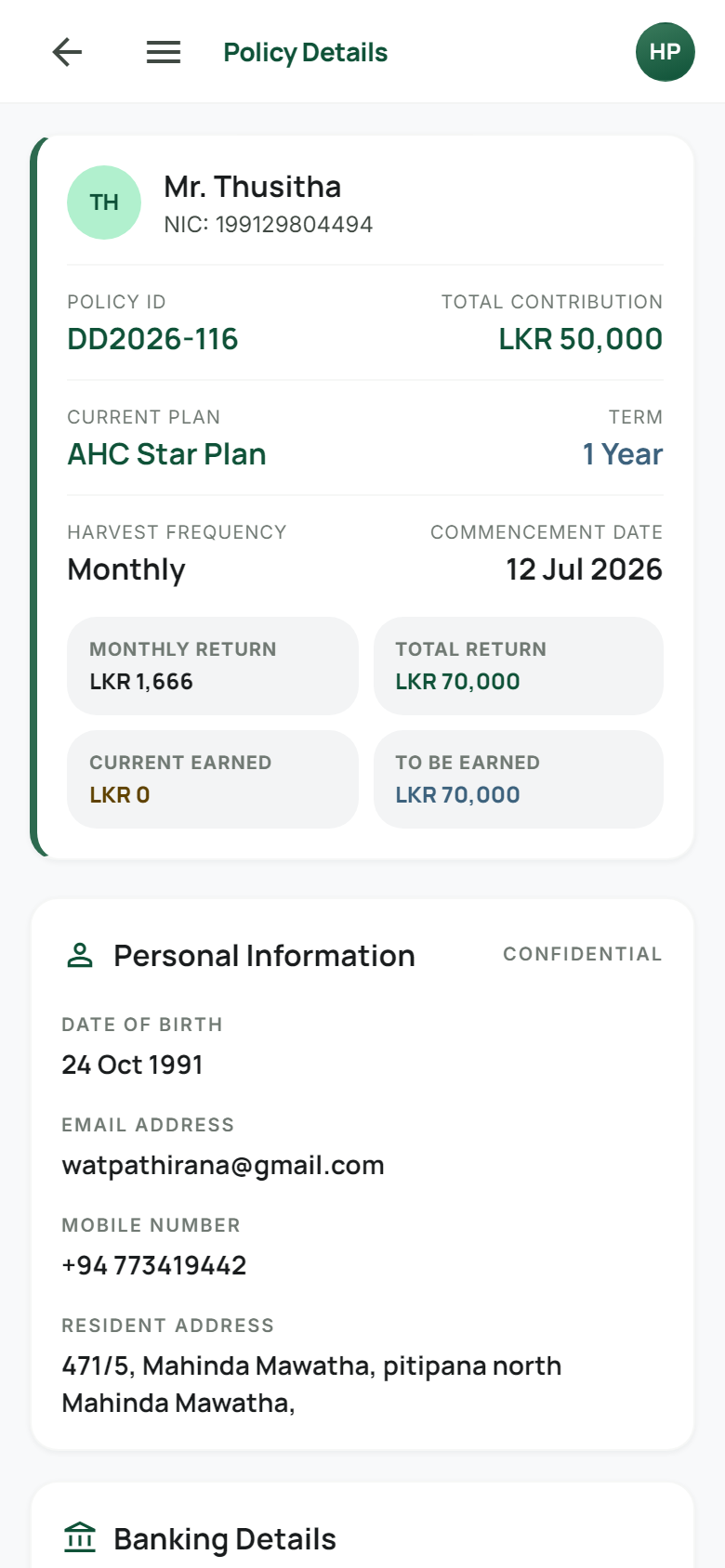
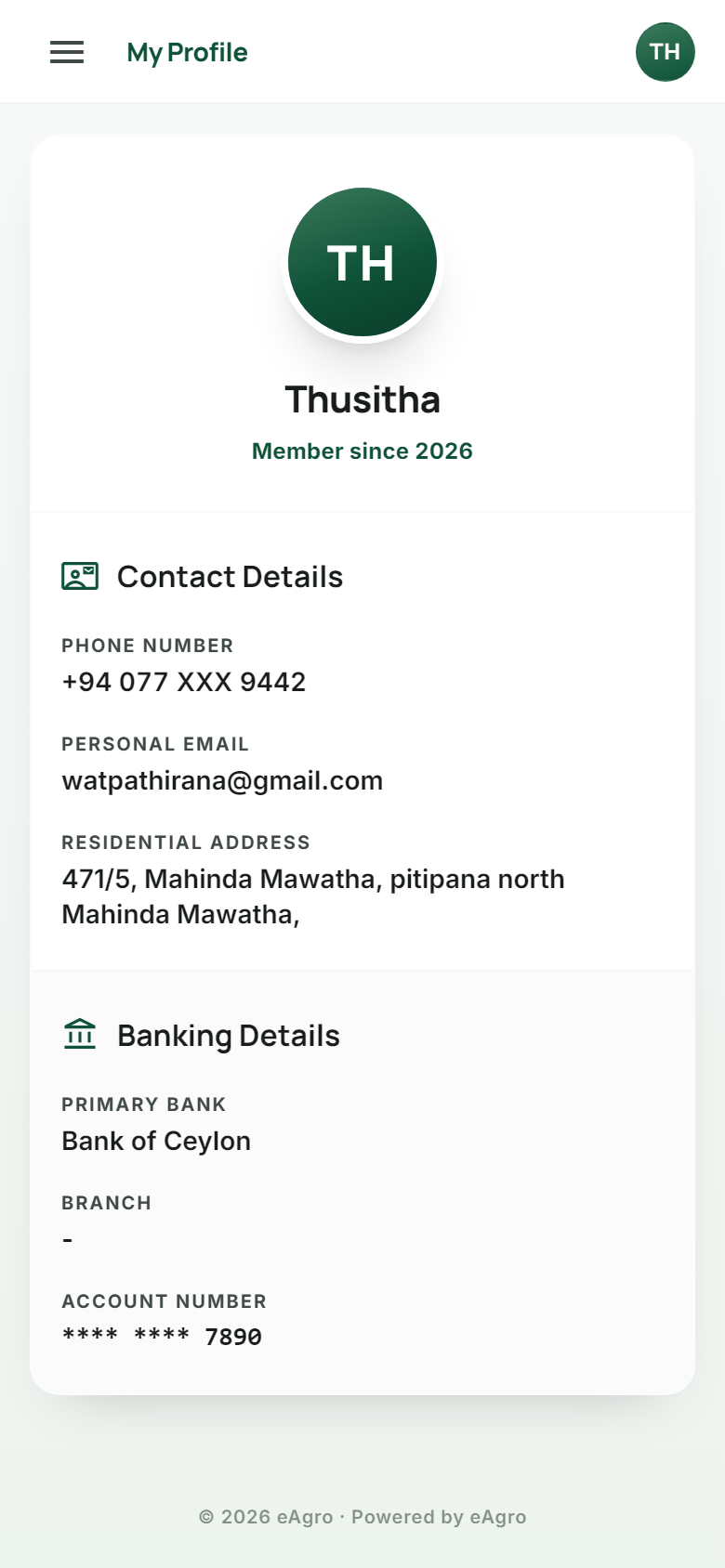
Investors view active and matured portfolios, earned vs remaining returns, and harvest payout schedules — secured by identity verification.

  • My Investments dashboard
  • Plan-level detail views
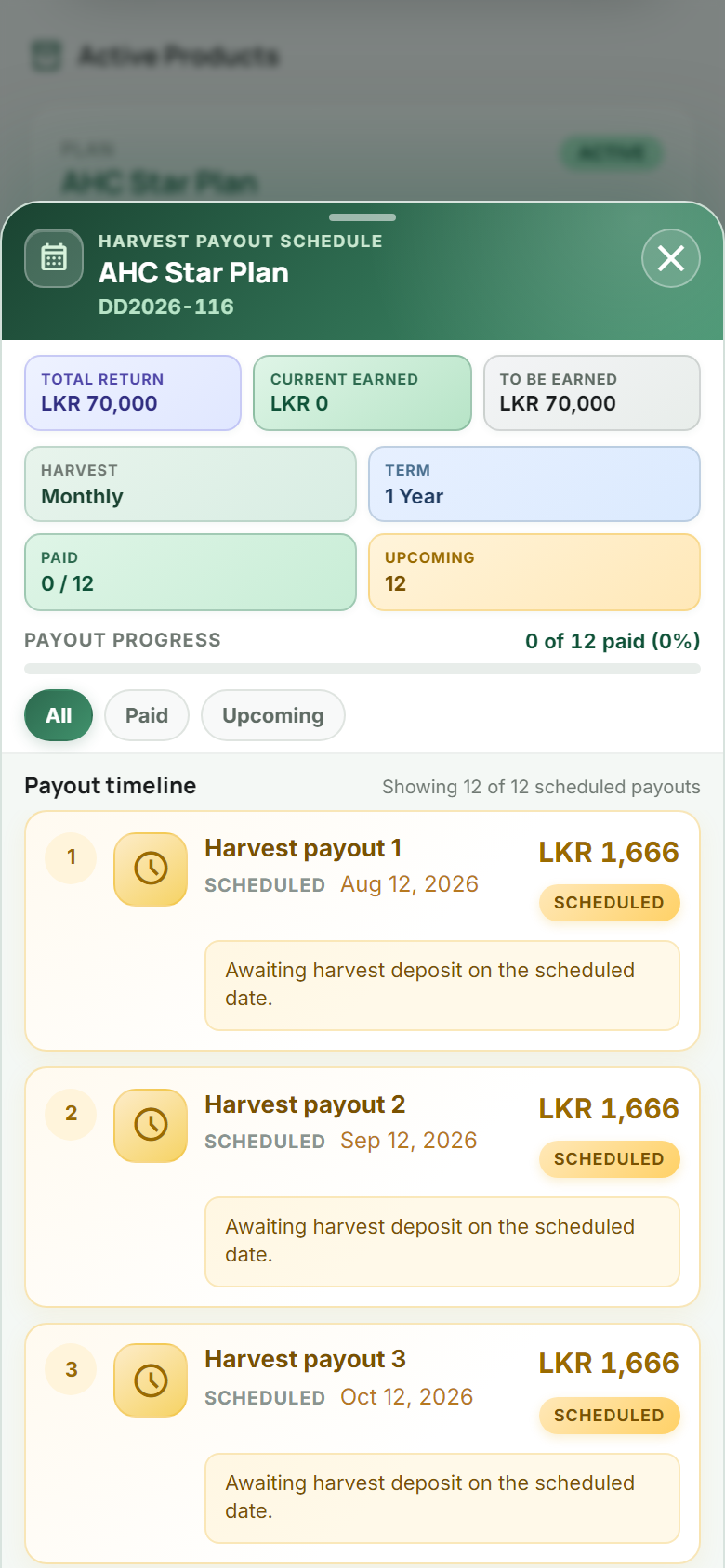
  • Paid & upcoming payout filters

Every quotation, approval, commission and harvest payout — one platform, one truth, zero spreadsheets.

⟡ Capabilities

Built for the full
investment lifecycle

From first quote to harvest deposit confirmation — features that match how agro-investment teams actually work.

Intelligence

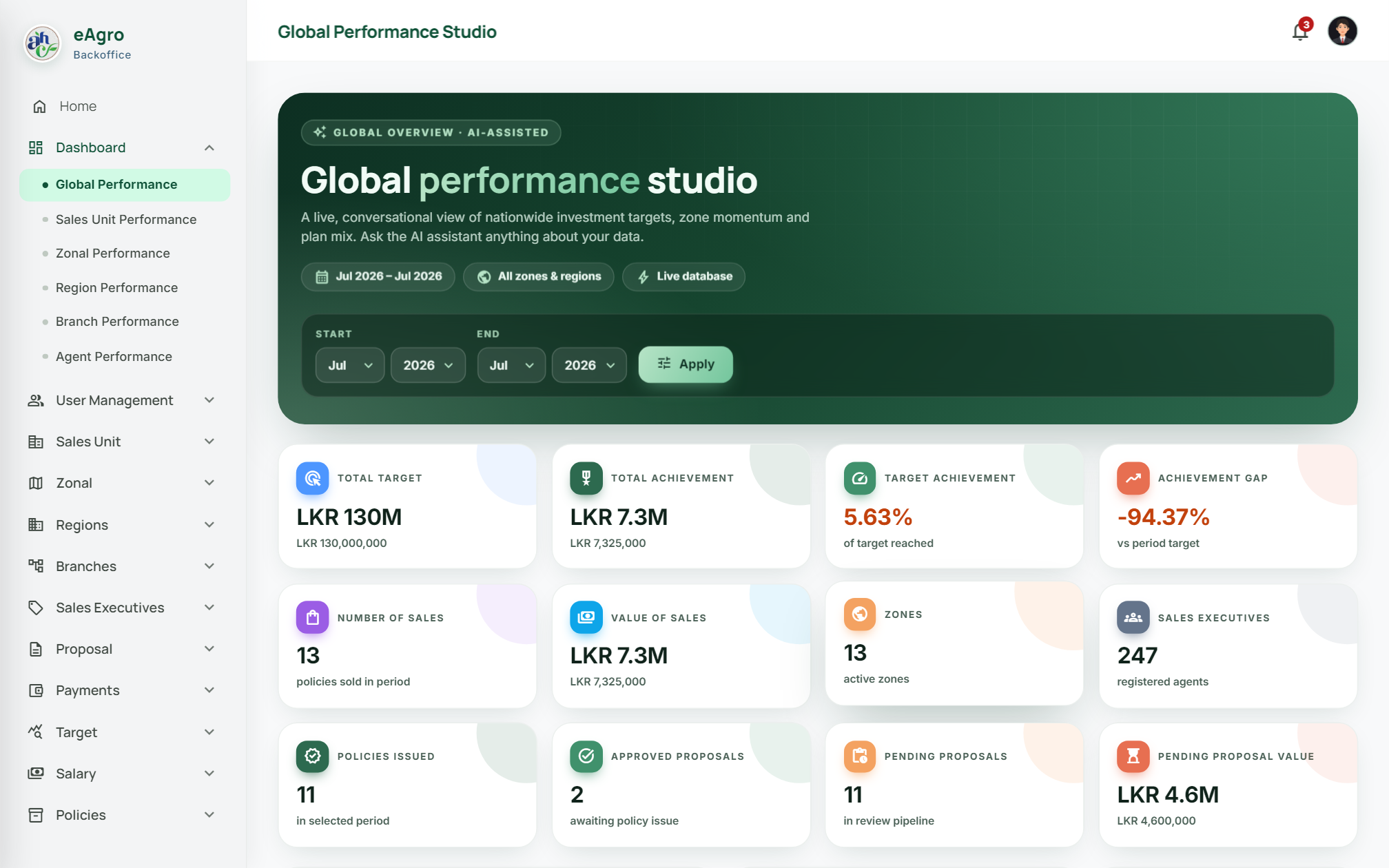
Performance Studio & Ask eAgro AI

Six hierarchy dashboards — Global through Agent — with live KPIs, charts, and a floating AI assistant that answers questions in plain language via guarded, read-only SQL.

Compliance

Guided proposal wizard

Applicant → nominees → documents → review & sign → OTP. NIC and occupation required, email optional — with loaders on every step.

Documents

Print & Share anywhere

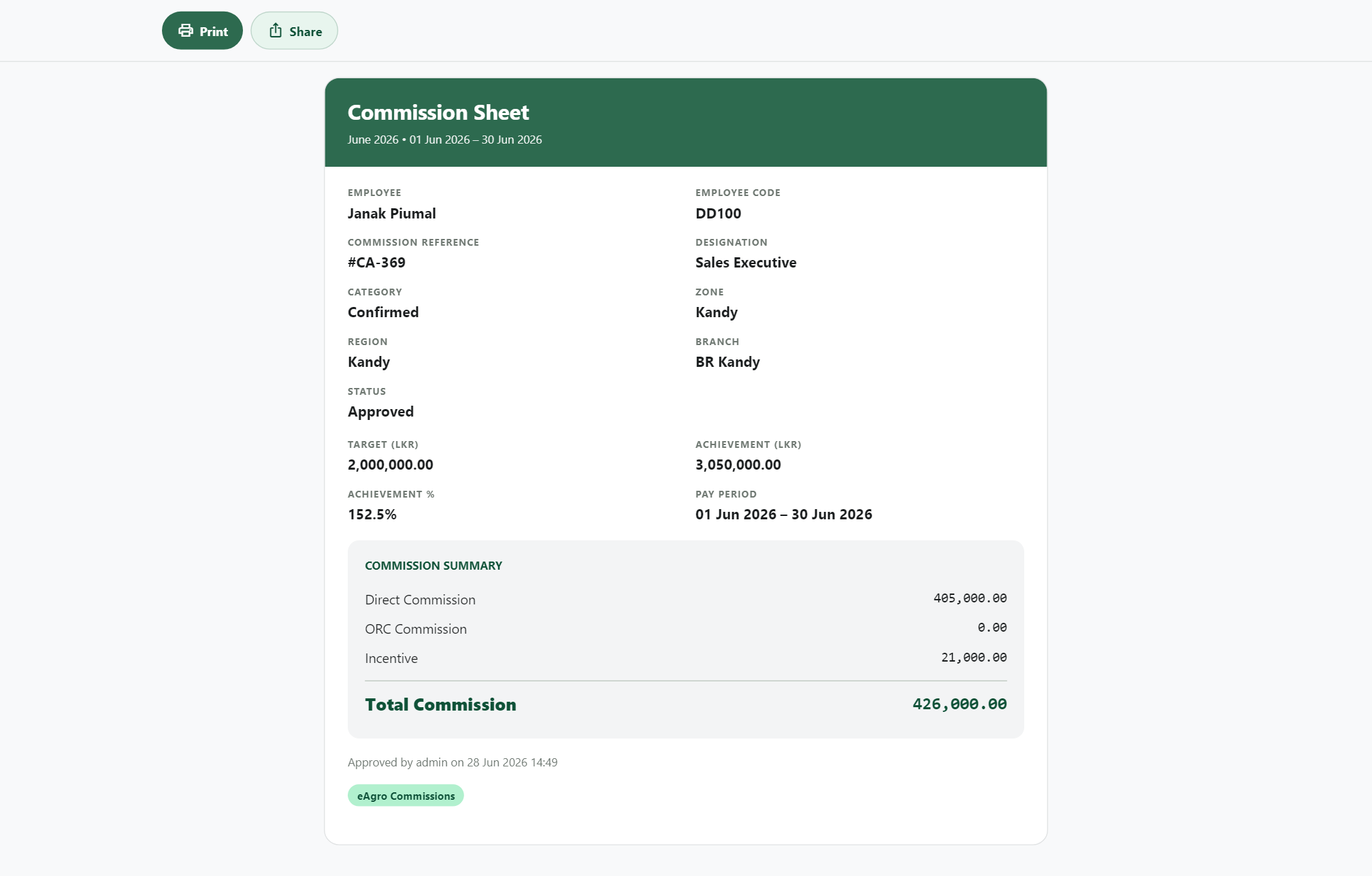
Commission sheets open with Print and Share — client-side PDF on device, no forced print preview.

Finance

Salary & commission engine

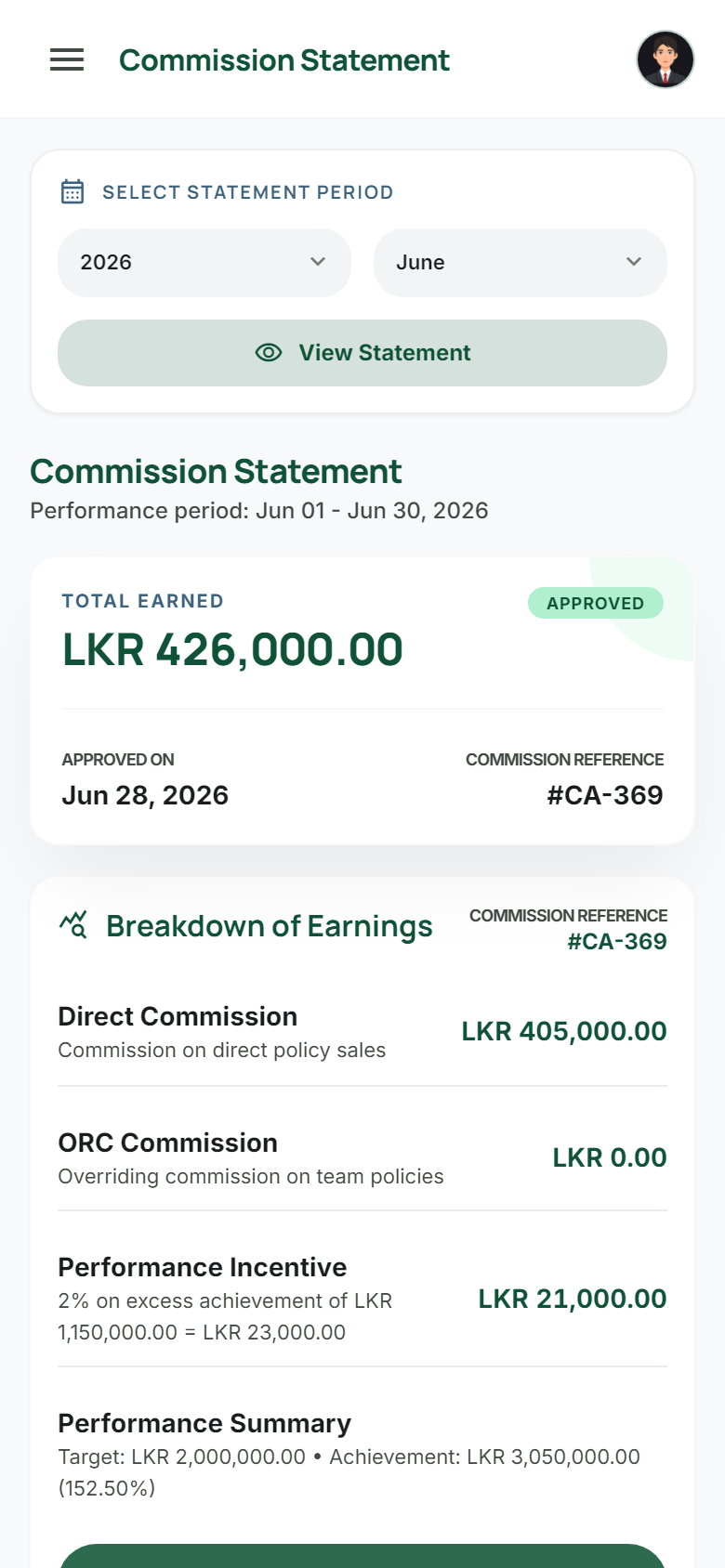
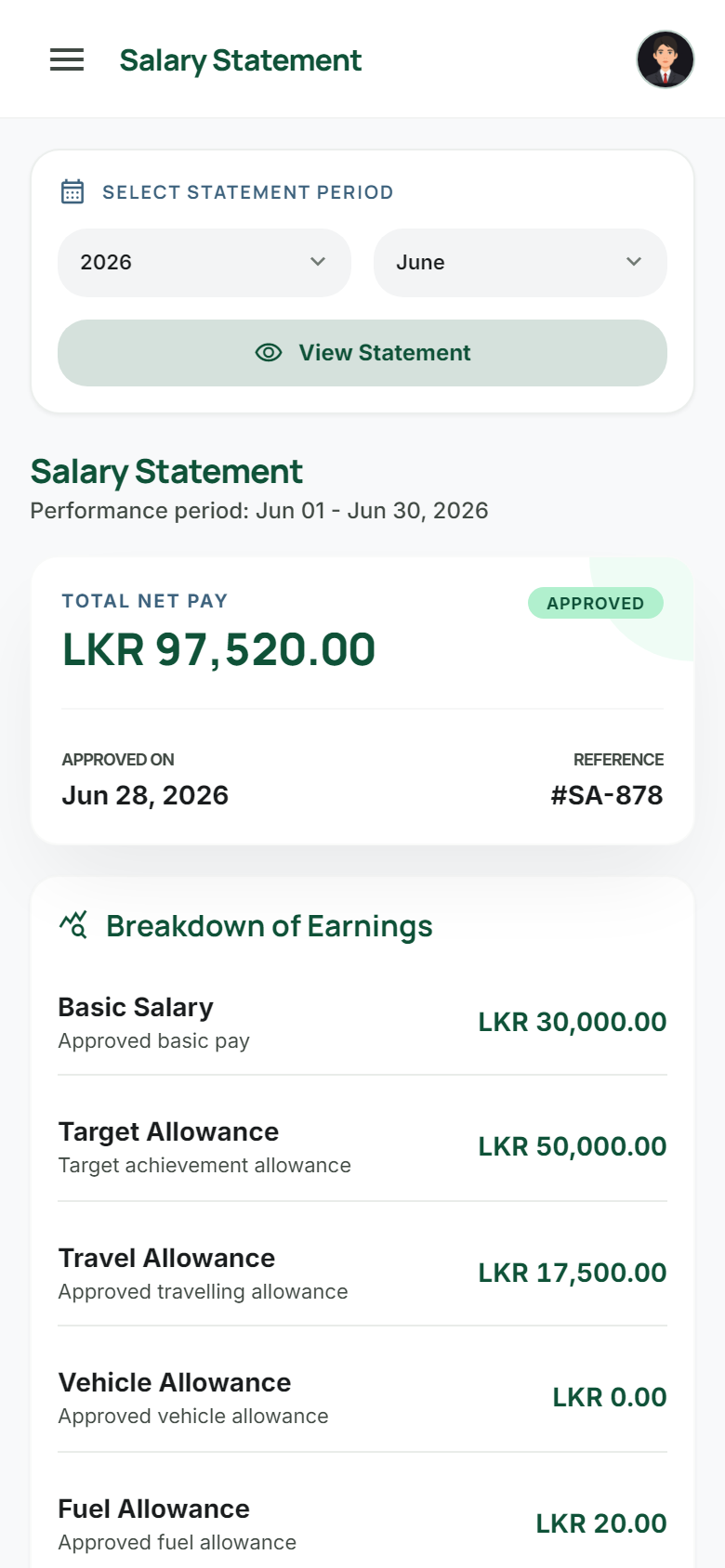
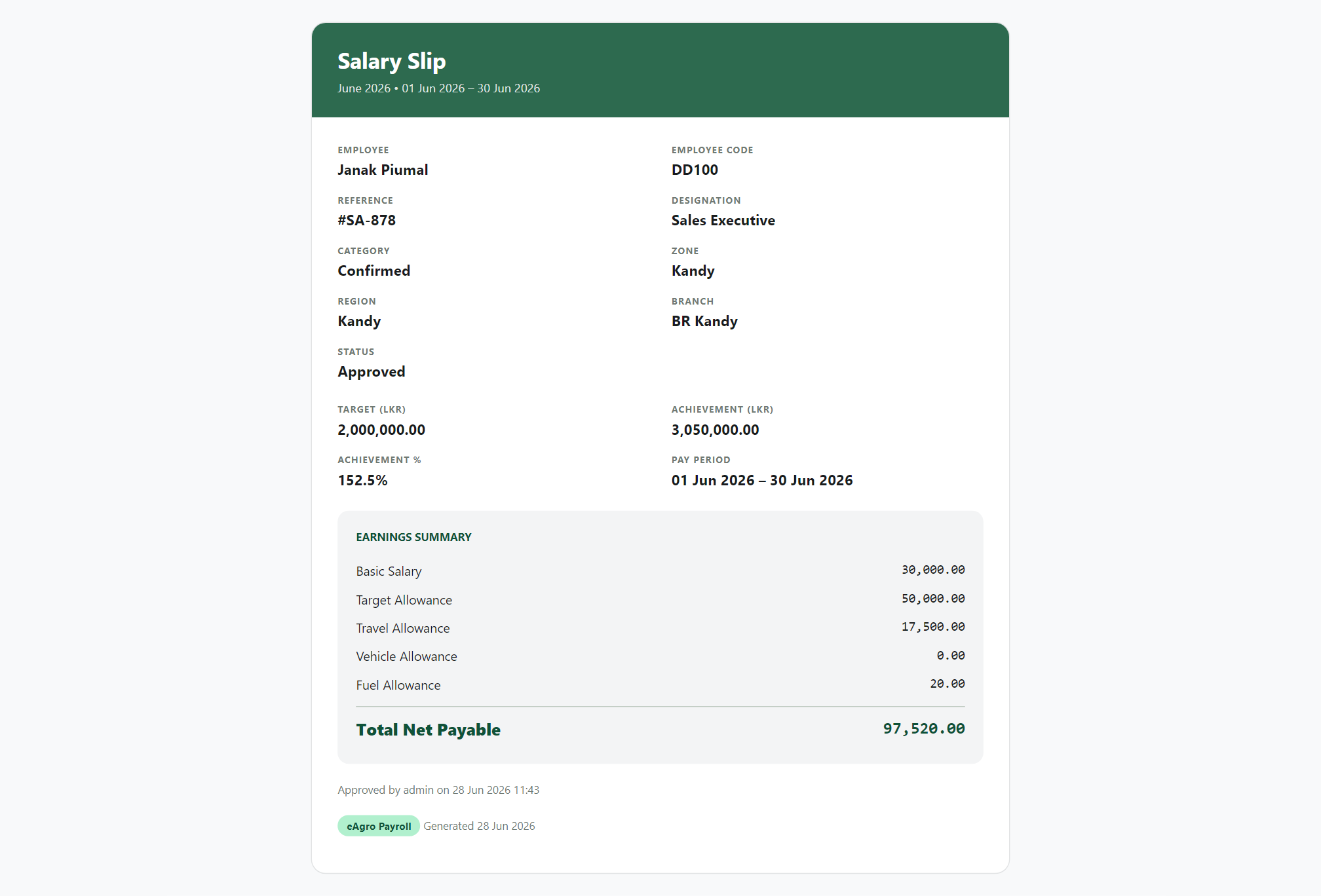
Salary by designation with achievement thresholds. Commission as Direct + ORC + Incentive from product config — then approve and Print & Share.

Payouts

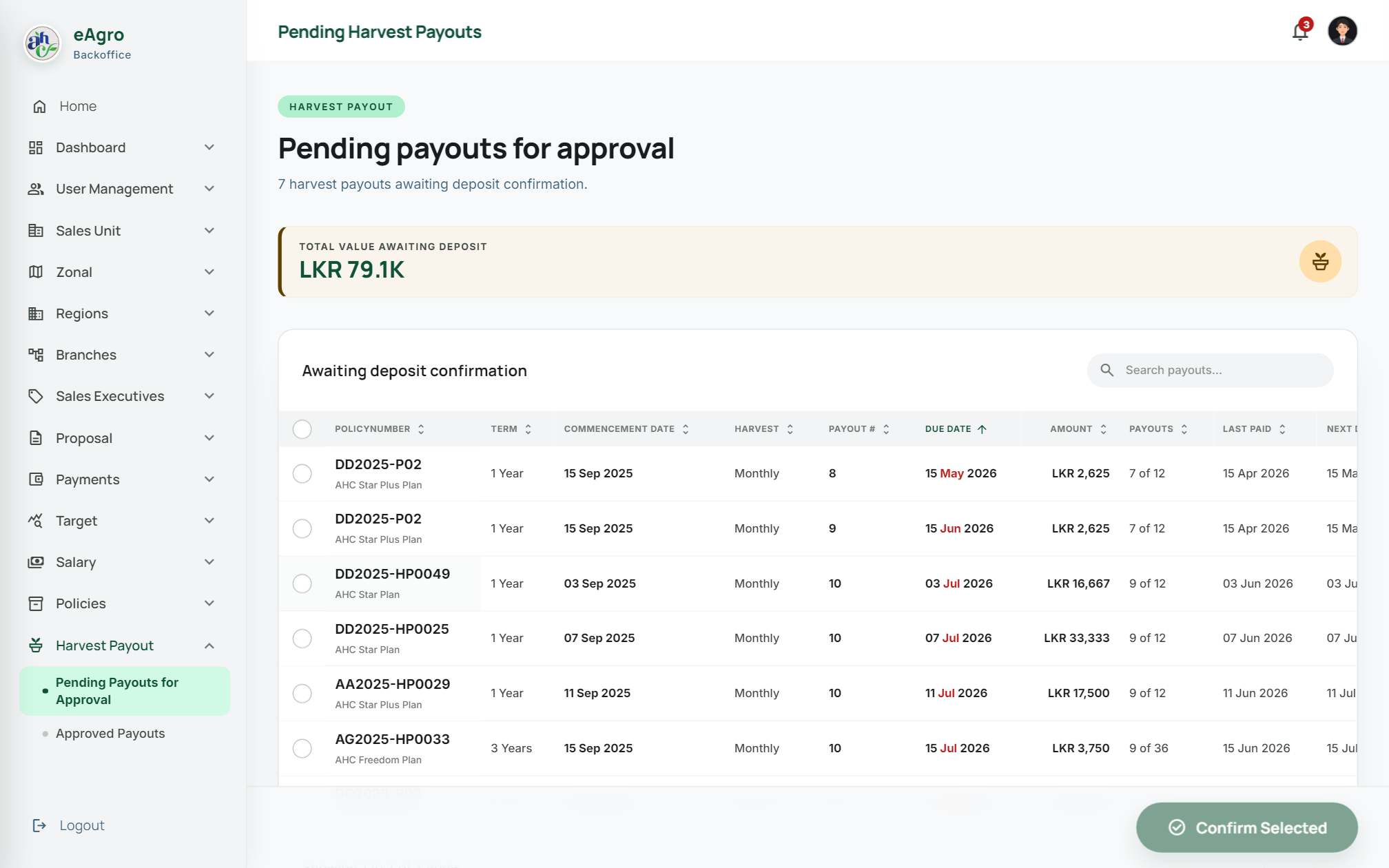
Harvest payout control

Back Office confirms deposits; Sales and Customer portals show scrollable timelines with All / Paid / Upcoming filters.
Organisation

Hierarchy that mirrors the field

Targets, permissions, and performance roll up the same tree your teams already understand.

⟡ Operations spine

How eAgro runs the
organisation

Hierarchy, budgets, product commission, salary rules, achievement-based payouts, and document control — designed as one connected operating model, not disconnected tools.

Organisation

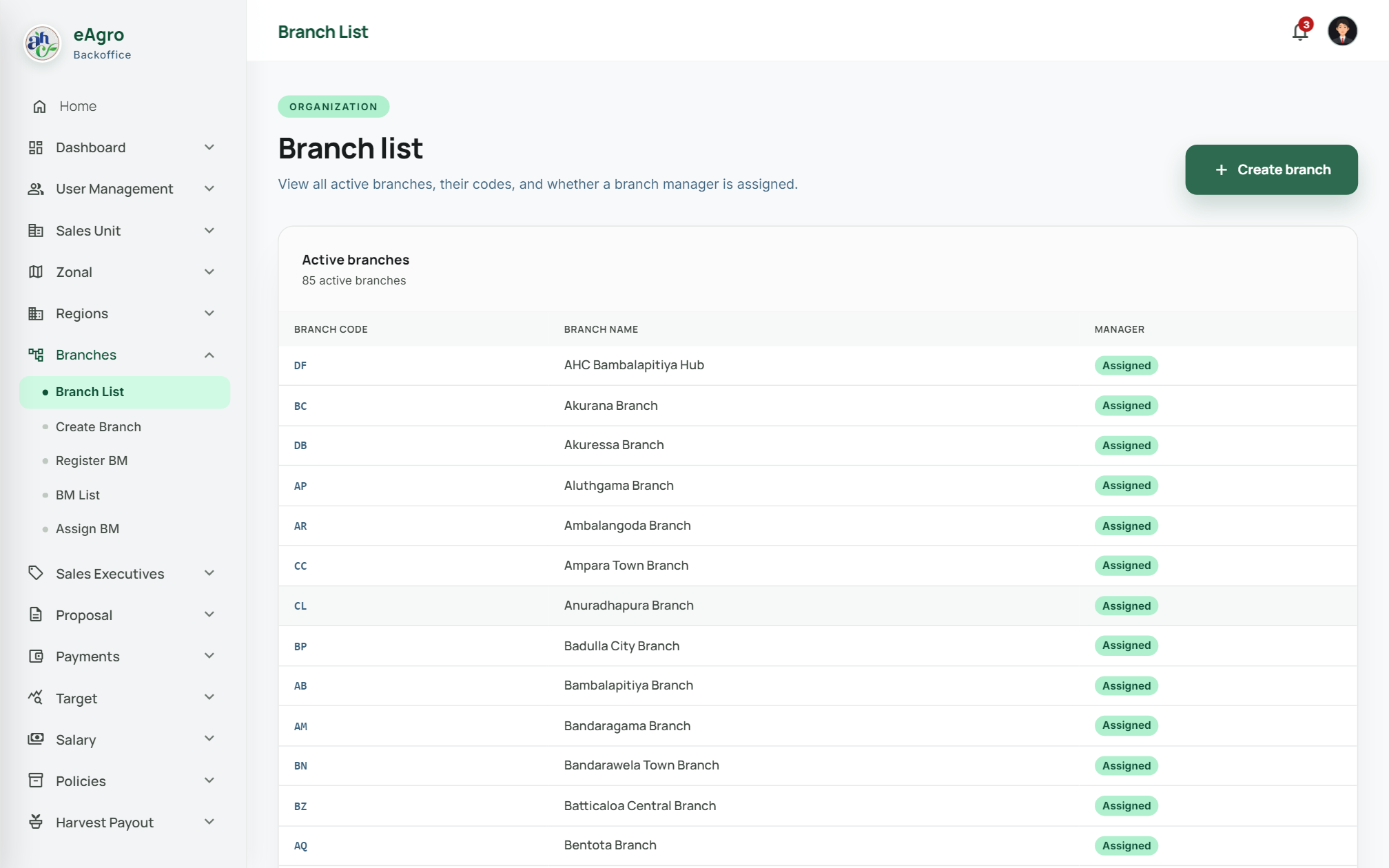
Hierarchy setup that mirrors the field

Build Sales Units with AGMs, Zonals with ZMs, Regions with RMs, Branches with BMs, then register and assign Sales Executives. Permissions, targets, and performance all roll up the same tree.

  • Create & assign managers at every level
  • Code-based entity identity (SU → Zone → Region → Branch → SE)
  • Role menus inherit cleanly across the hierarchy

Budget planning

Targets that drive every payout

Configure yearly H1 / H2 budgets, then cascade monthly targets by designation and employment status. Achievement against those targets powers Performance Studio, salary allowances, and commission incentives.

  • Year + half-year planning windows
  • Probation · Confirmed · Non-permanent status grids
  • Same target source for dashboards and payroll

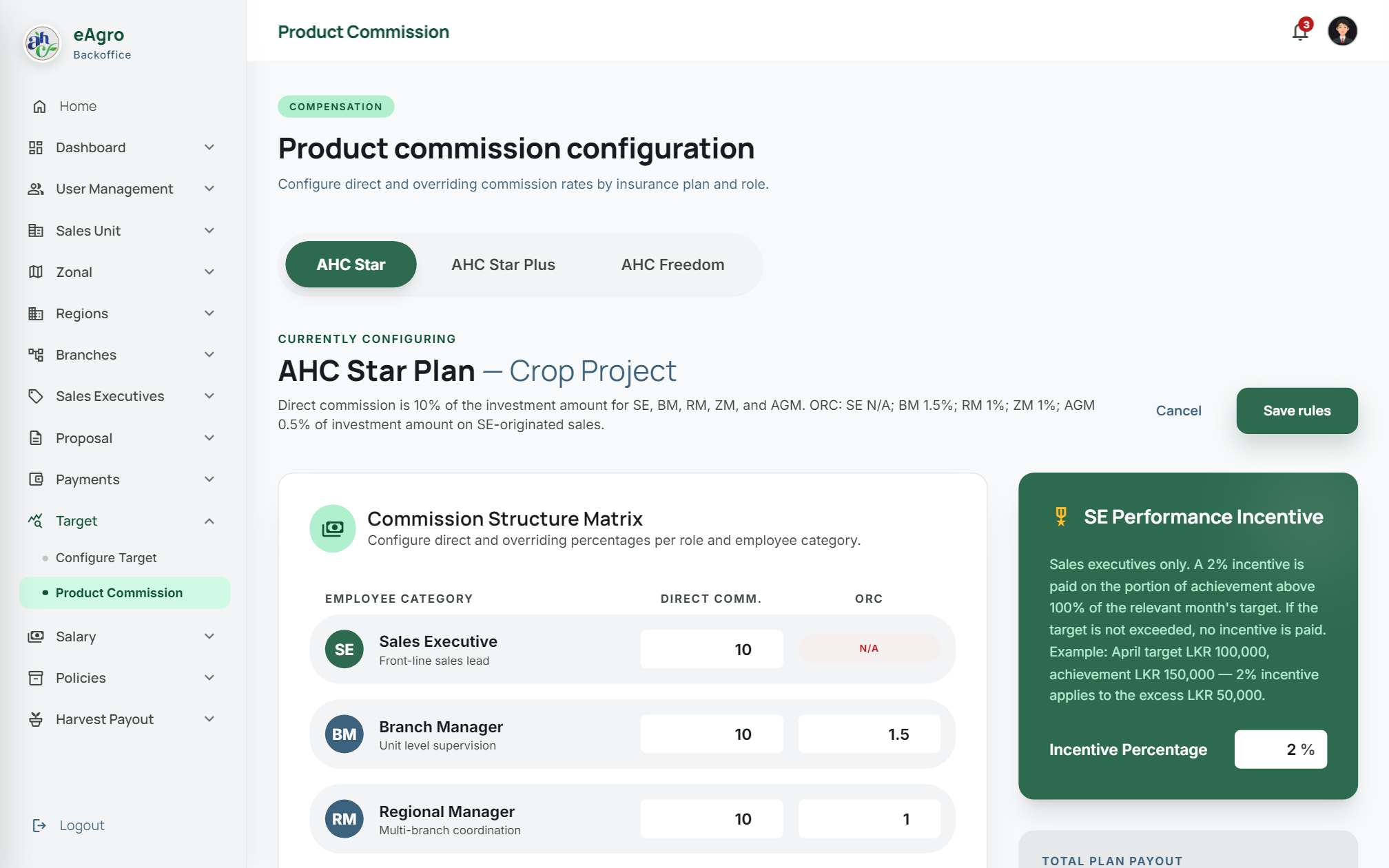
Commission engine

Direct · ORC · Incentive

Configure rates per investment product and role. Commission generation applies three components — not a single flat percentage.

Product tabs · role rates · approve period → Print & Share sheets

Salary configuration

By designation & employment status

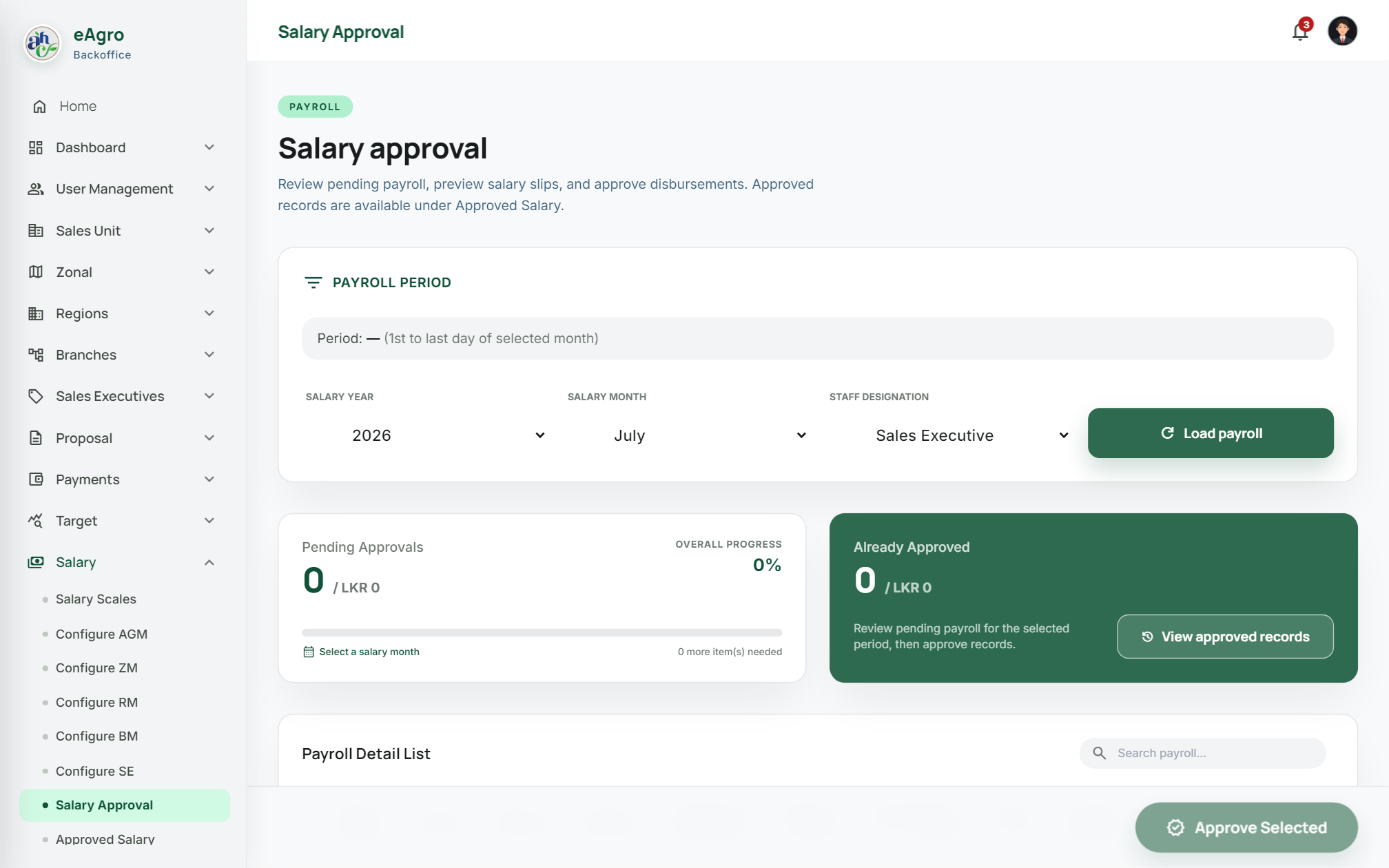
Configure AGM, ZM, RM, BM, and SE separately. Each status tab sets basic, allowances, and achievement thresholds that payroll generation enforces.

Basic salaryPaid in full (no condition)
Target allowanceFrom 75% — scales with achievement %
TravellingFull only at ≥50% of target
Fuel (litres)Full only at ≥30% of target

Change log on every save · same rules on salary approval

Payout rules

Achievement-driven salary & commission

Salary and commission payouts follow the configuration pages — employment status, thresholds, and product rates — so finance can approve with a clear audit trail.

  • Salary — Confirmed: basic paid in full with no condition
  • Salary — Probation / Non-confirmed: basic only when ≥30% of target is complete
  • Target allowance: paid from 75% onward; amount = achievement % of allowance
  • Travelling / Fuel: full at ≥50% / ≥30% target (else not paid)
  • Direct: Σ(contribution × direct %) from product config
  • ORC: managers earn overriding % on team policies
  • Incentive: SE performance incentive when achievement > target
  • Approve period → immutable history → Print & Share

Document centric

Every critical paper lives in the process

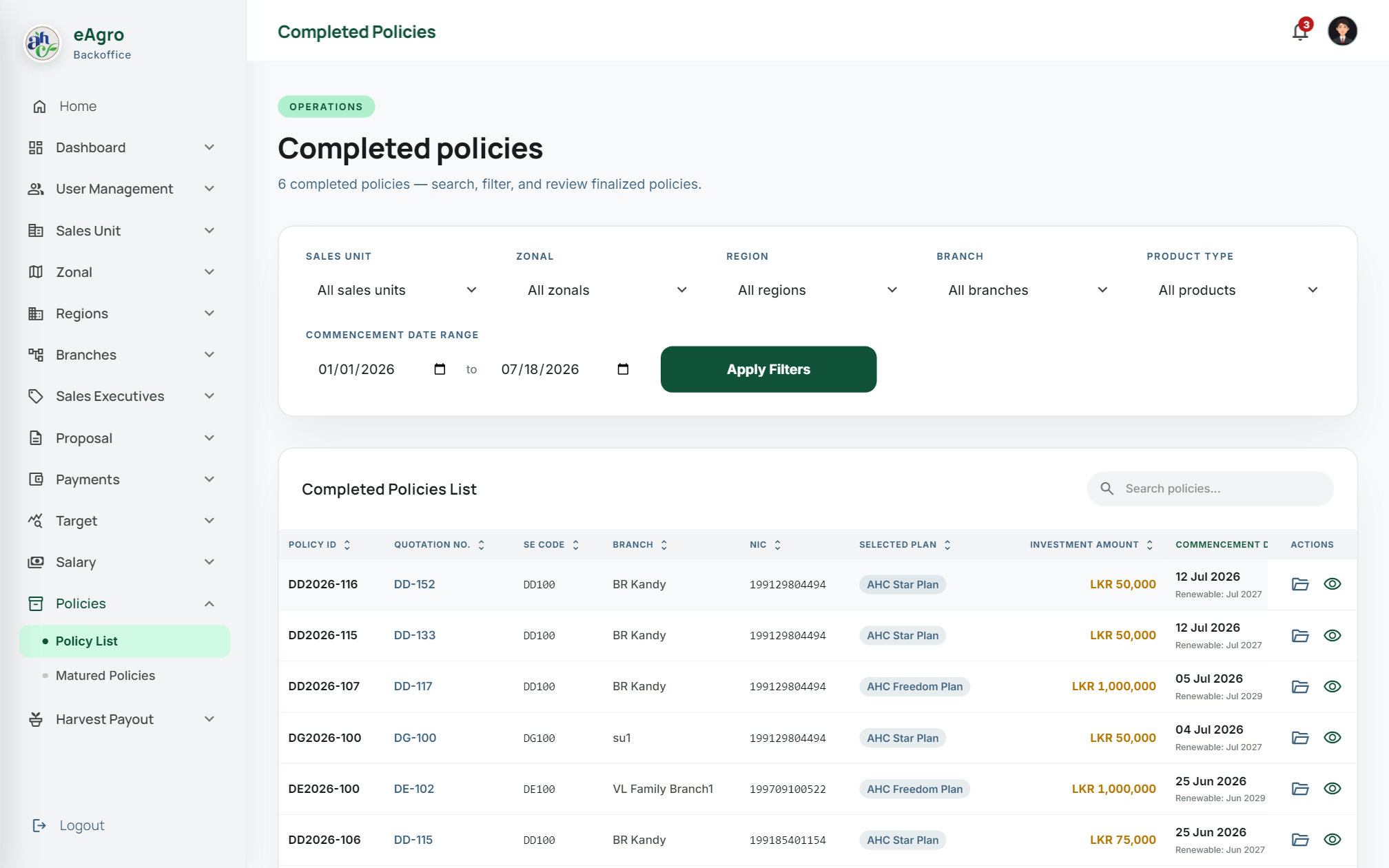
Quotations, proposal uploads, bilingual agreements, payment receipts, commission sheets, and salary slips are generated, stored, and shared from the same workflows — with Azure Blob, size limits, and SAS expiry.

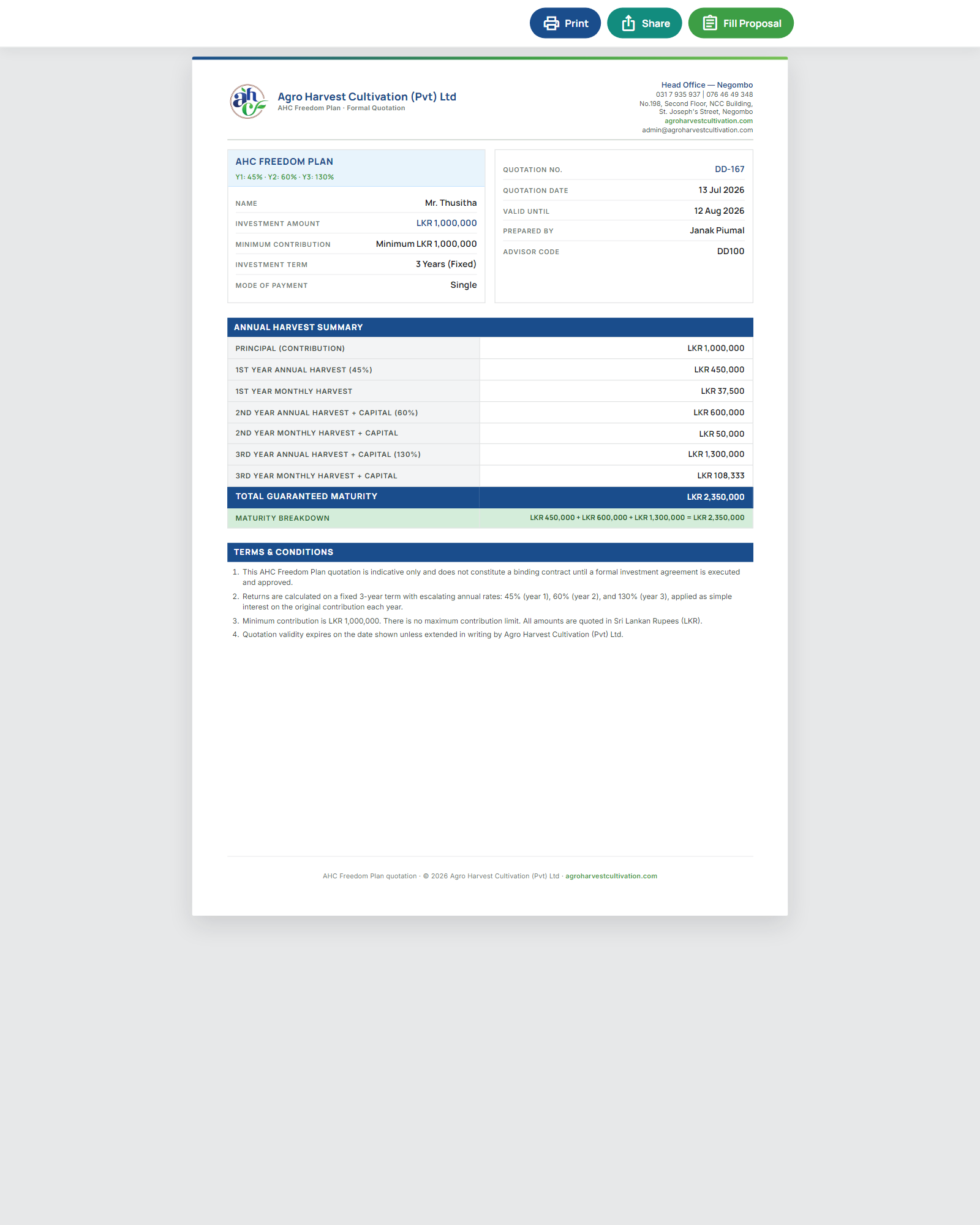
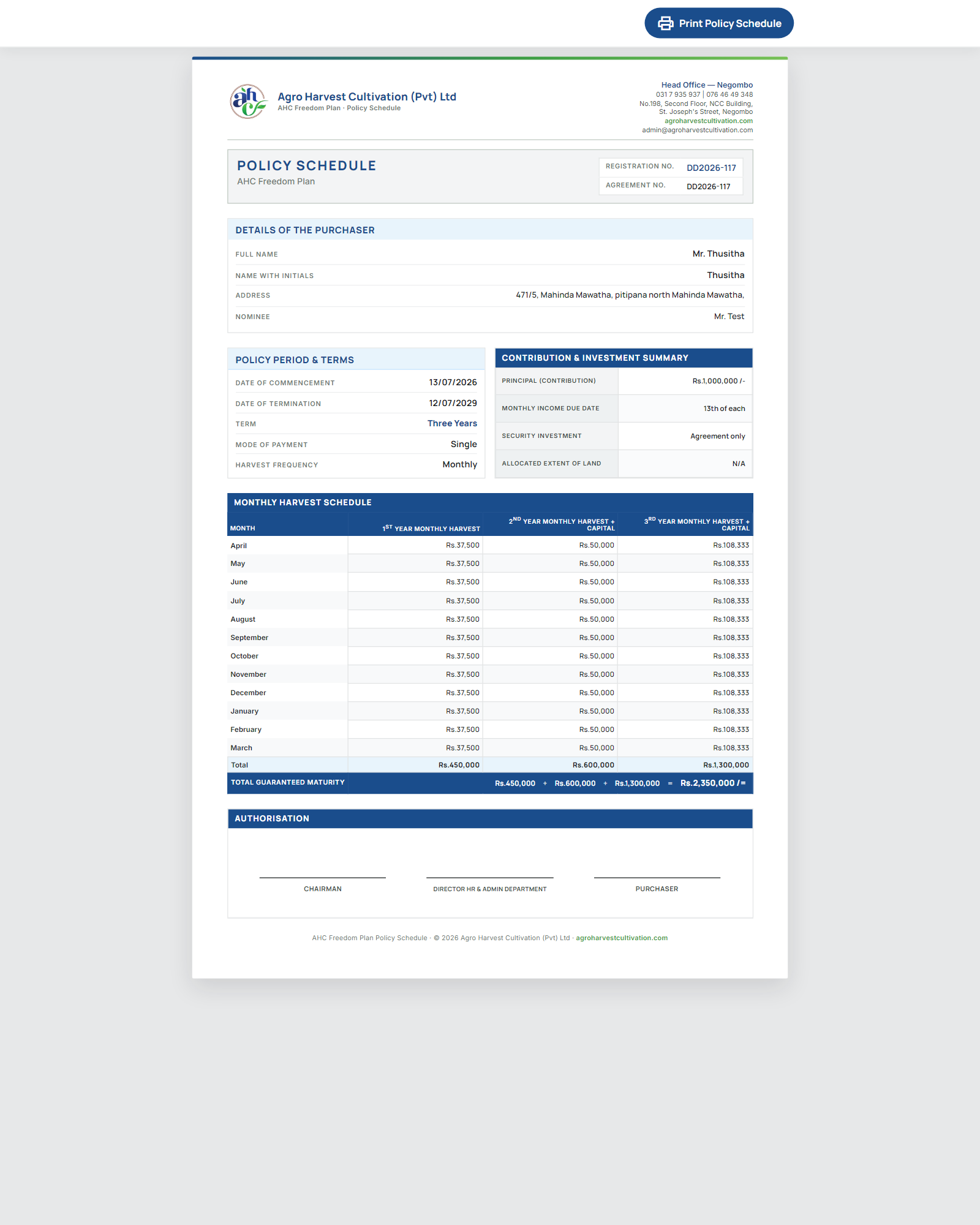
  • Quotation PDF with Print & Share
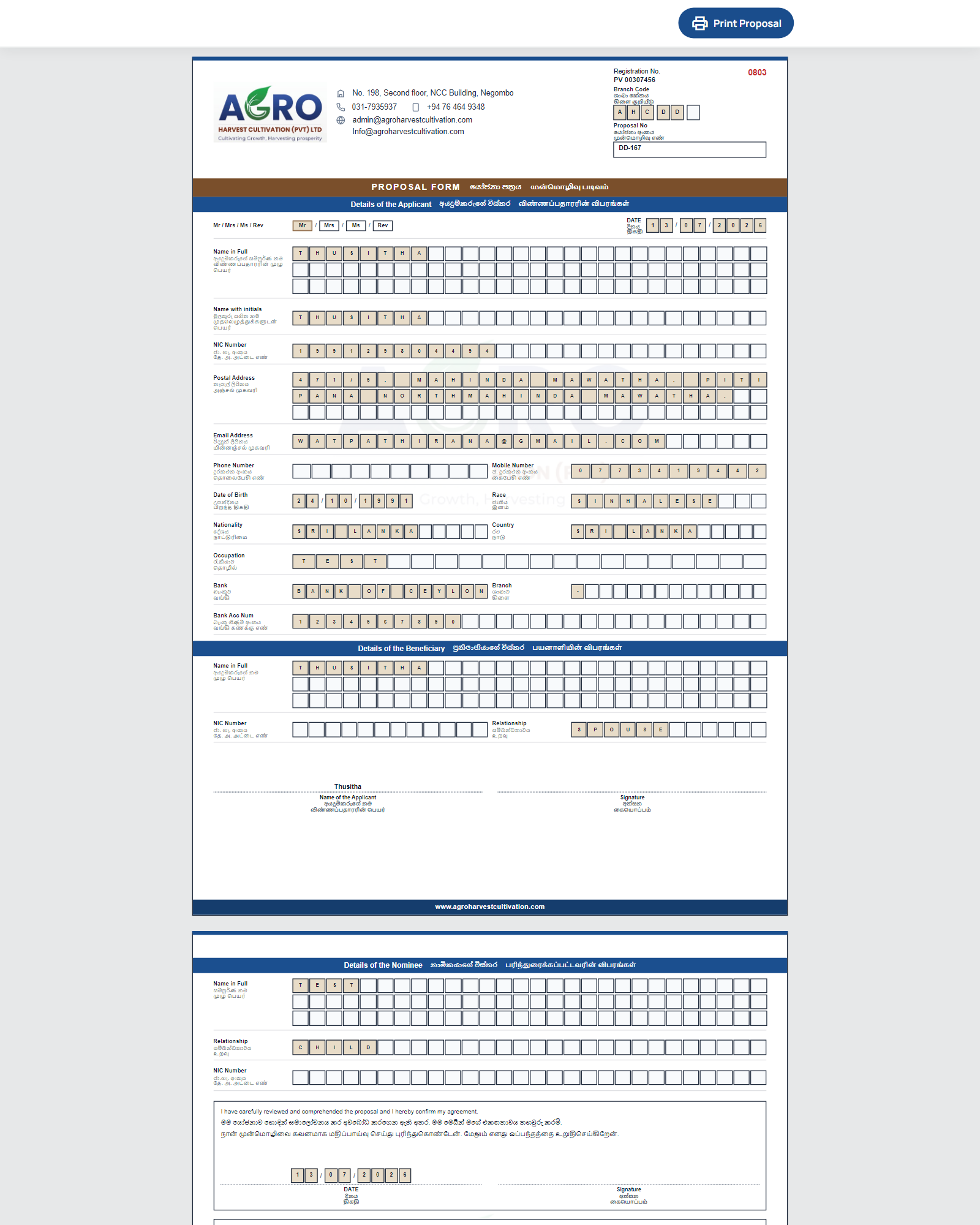
  • Proposal document pack (applicant · beneficiary · nominee)
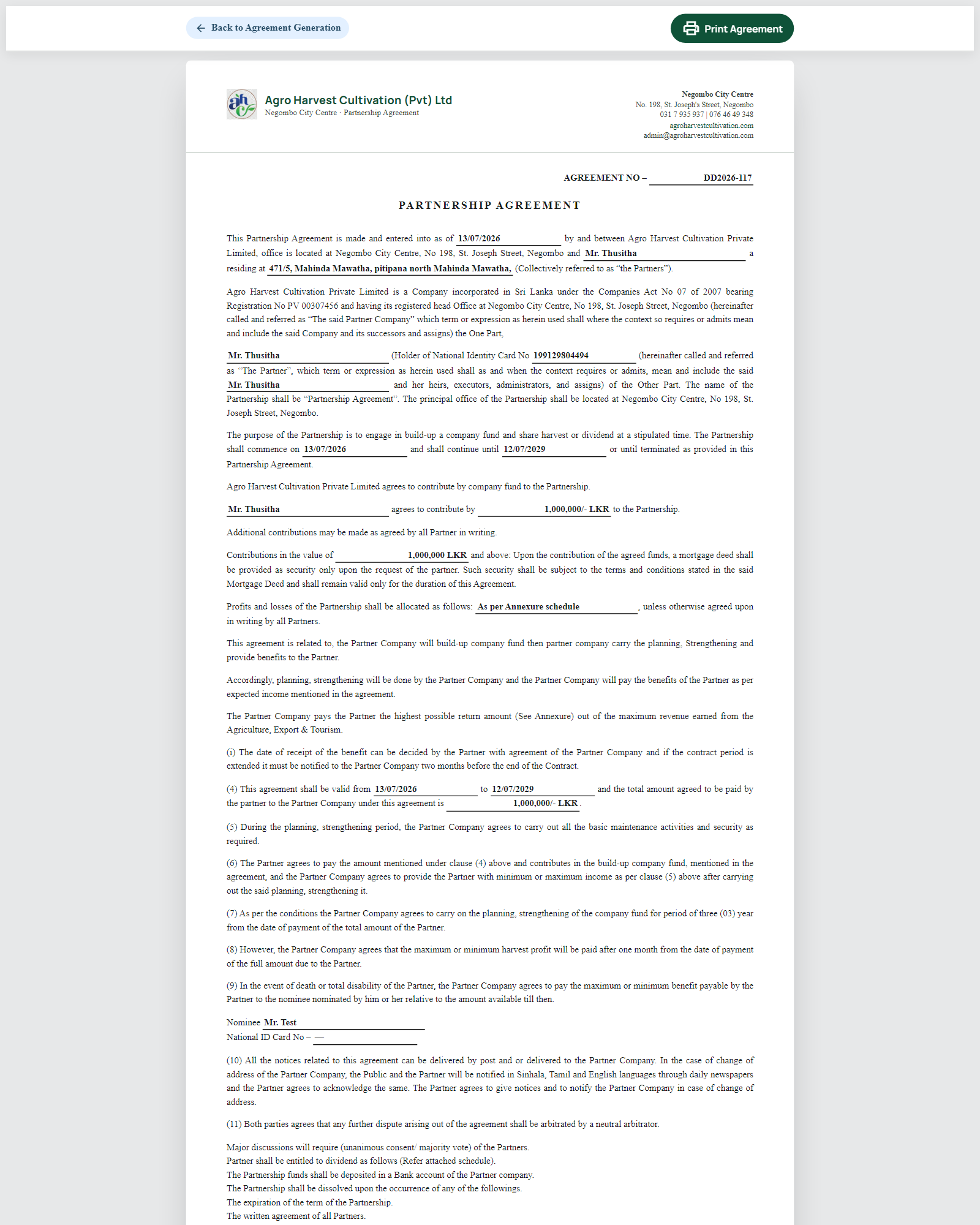
  • Agreement & policy schedule PDFs
  • Commission / salary Print & Share on device
  • Azure Blob storage with size limits and SAS expiry

Process improvements

From spreadsheet chaos to controlled flow

eAgro replaces fragmented email, WhatsApp, and Excel handoffs with guided steps, loaders, validations, and an approval trail you can audit.

Before

Draft proposals lost in chat threads

After

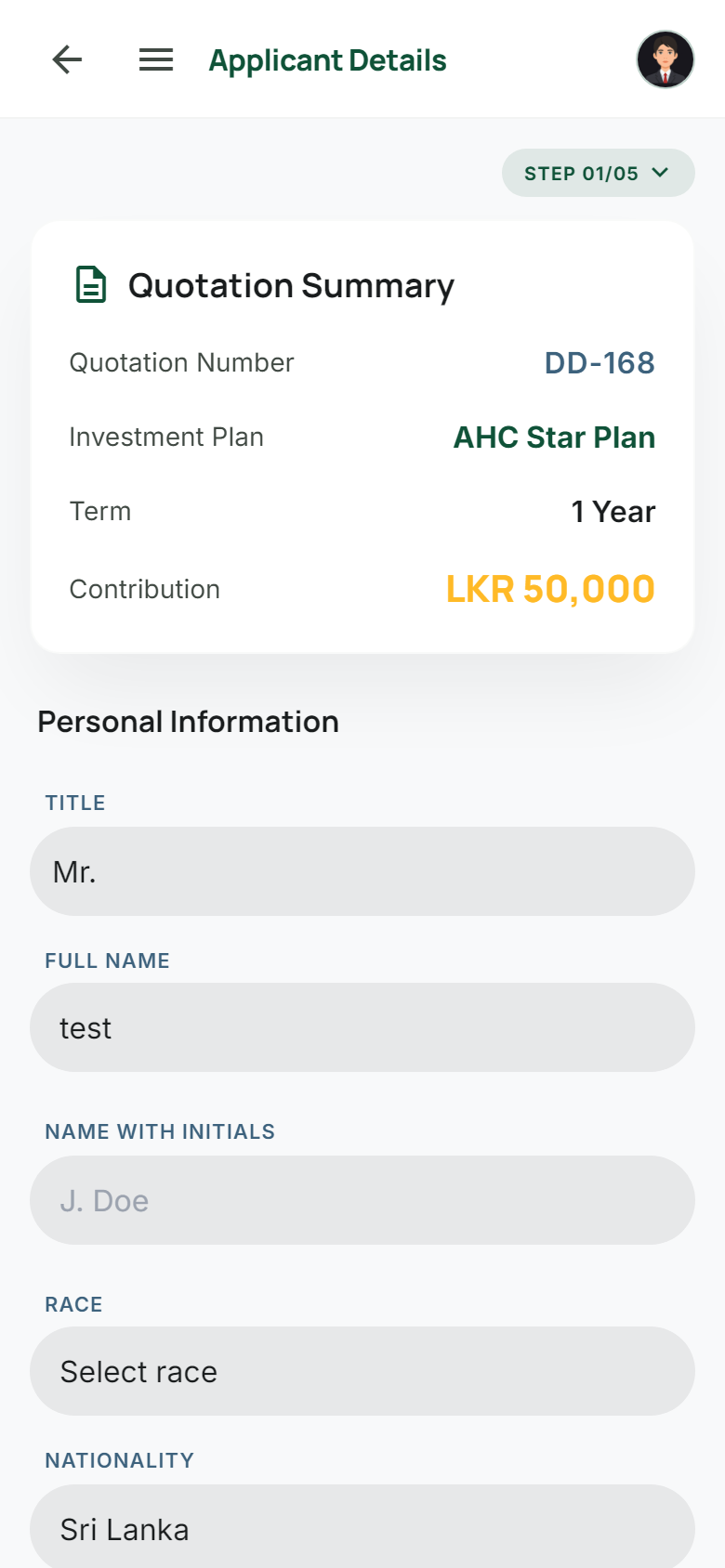
Five-step wizard with draft resume to the correct step

Before

Manual commission worksheets

After

Direct + ORC + Incentive from product config → approve → Print & Share

Before

Salary debates without evidence

After

Config pages: basic · allowance · travelling · fuel with % thresholds

Before

“Where is the signed agreement?”

After

Azure-stored policies with controlled download

Before

Payout status only HQ knows

After

Scrollable harvest timelines for SE & customers

Before

Performance buried in reports

After

Performance Studio + Ask eAgro AI on live data

⟡ Core modules

Everything operations needs
already connected

User & access

Create security roles, register back-office users, assign roles in bulk, and tick exactly which menus each role can open. Customers and sales executives only see what their session allows.

  • Role creation & bulk assignment
  • Menu-level permissions
  • Designation management

⟡ End-to-end workflow

From first conversation
to harvest

  1. 1

    Quote

    Sales Executive builds a quotation on your configured products and shares the PDF instantly via WhatsApp or email.

    se_newquotation
  2. 2

    Propose

    Five-step wizard captures applicant, nominees, documents, agreement, and OTP — validated at every step.

    5-step wizard · OTP
  3. 3

    Approve & pay

    Back Office reviews documents and compliance checklist, confirms payment, and archives receipts.

    bk_proposalapproval
  4. 4

    Agree & issue

    Generate plan agreements and schedules; finalise signed policy documents to Azure Blob storage.

    English & Sinhala agreements
  5. 5

    Reward & payout

    Approve salary and commission; confirm harvest deposits; customers track returns in real time.

    Harvest payout timeline

⟡ Architecture

Enterprise stack,
field-ready delivery

Experience

ASP.NET portals · responsive UI · Chart.js Performance Studio · client-side PDF share

Services

HTTP handlers for AI chat, commission, salary & documents · CSRF request tokens · session-aware masters

Data & files

Azure SQL · stored procedures · Azure Blob for proposals, prints, and signed policies

✦ Ask eAgro AI

OpenAI-compatible LLM → SQL guard (whitelist, read-only SELECT, 100-row cap) → summarised answer

⟡ Business benefits

Outcomes leadership
can measure

Faster cycle time

Guided proposals and digital approvals shrink the gap between first meeting and issued policy.

Visible performance

Roll up achievement from agent to global in one Studio — with AI answers when you need nuance.

Cleaner incentives

Targets, salary scales, and commission configs stay consistent across designations and status.

Investor trust

Customers see portfolios and harvest timelines without calling the branch for status.

⟡ Security & compliance

Designed to keep
trust intact

Access control

Role-based menus, portal-specific sessions, and permission inheritance for modern dashboard variants.

AI safety

CSRF tokens, authenticated handlers, table whitelist, DML/DDL blocked, row and timeout caps.

Document integrity

Azure Blob containers with size limits and SAS expiry for proposals, prints, and signed policies.

Safe failures

Friendly error pages for clients — exception details never exposed remotely.

Powered by

ASP.NET 4.8 Azure SQL Azure Blob Chart.js OpenAI-compatible AI Local vendor libs

Ready to run agro-investment
operations with clarity?

See Performance Studio, the proposal wizard, and harvest payouts in a guided walkthrough tailored to your organisation.

⟡ Contact

Let’s talk
deployment

Share your organisation size, regions, and go-live window. We’ll map eAgro to your hierarchy and compliance process.

  • Discovery call & hierarchy mapping
  • Guided demo on your scenario
  • Deployment & onboarding plan